

 Rebecca Freeman
Content Production Platform vs. Point Solutions
 Rebecca Freeman : Aug 2, 2026, 8:30:12 PM
Running separate DAM, proofing, and preflight tools? See what a unified content production platform replaces, and how to evaluate the move.

If you manage content at any real volume, you already know the problem isn't creating assets. It's everything that happens to them afterward. A packaging design gets briefed in one system, drafted in another, reviewed over email, approved in a chat thread nobody can find six months later, and eventually buried in a folder structure that only makes sense to the person who built it. By the time someone needs that asset again, for a reprint, a repurpose, or a regulatory audit, nobody can say with confidence which version is the final one.
This is the gap that content lifecycle management is meant to close. It's not a new idea, but it's become an urgent one. Content volume has grown faster than most organizations' ability to govern it, particularly in packaging, print, pharma, FMCG, and retail, where a single asset might move through legal review, brand approval, regional localization, and production formatting before it's ever used. Without a clear structure for that journey, teams end up with duplicated work, version confusion, compliance exposure, and assets that quietly become unusable because nobody can locate the source files or trace their approval history.
Our article walks through what content lifecycle management actually means, the stages every piece of content moves through, a practical framework for mapping your own lifecycle, and the technology and governance considerations that make the difference between a lifecycle that works and one that just looks good in a slide deck.
Content lifecycle management (CLM) is the structured process of governing content from initial brief through creation, review, approval, production, distribution, and eventual archival or retirement. It defines who owns each stage, what metadata and version history travels with the asset, and how the content moves between systems without losing context, accountability, or compliance evidence along the way.
Unlike simple file storage, content lifecycle management treats every asset as something with a status, an owner, and a history, not just a location.
A few things have converged to make this more than a housekeeping exercise.
Content volume has increased dramatically across nearly every industry. Brands are producing more SKUs, more regional variants, more channel-specific formats, and more personalized content than they were five years ago. Manual tracking that worked at a smaller scale breaks down quickly once volume climbs.
Regulatory and compliance requirements have tightened, particularly in pharma, healthcare, and packaging, where regulators expect organizations to demonstrate exactly who approved a piece of content, when, and under what version. Reconstructing that trail from email threads and shared drives after the fact is close to impossible.
Distributed teams and outsourced production have become the norm. Agencies, freelancers, regional offices, and print partners all touch the same content, often without a shared system of record. Every handoff between disconnected tools is a point where version control quietly breaks down.
And content is expected to be reusable. A product image shot for one campaign should be findable and reusable for the next, rather than recreated from scratch because nobody could locate the original.
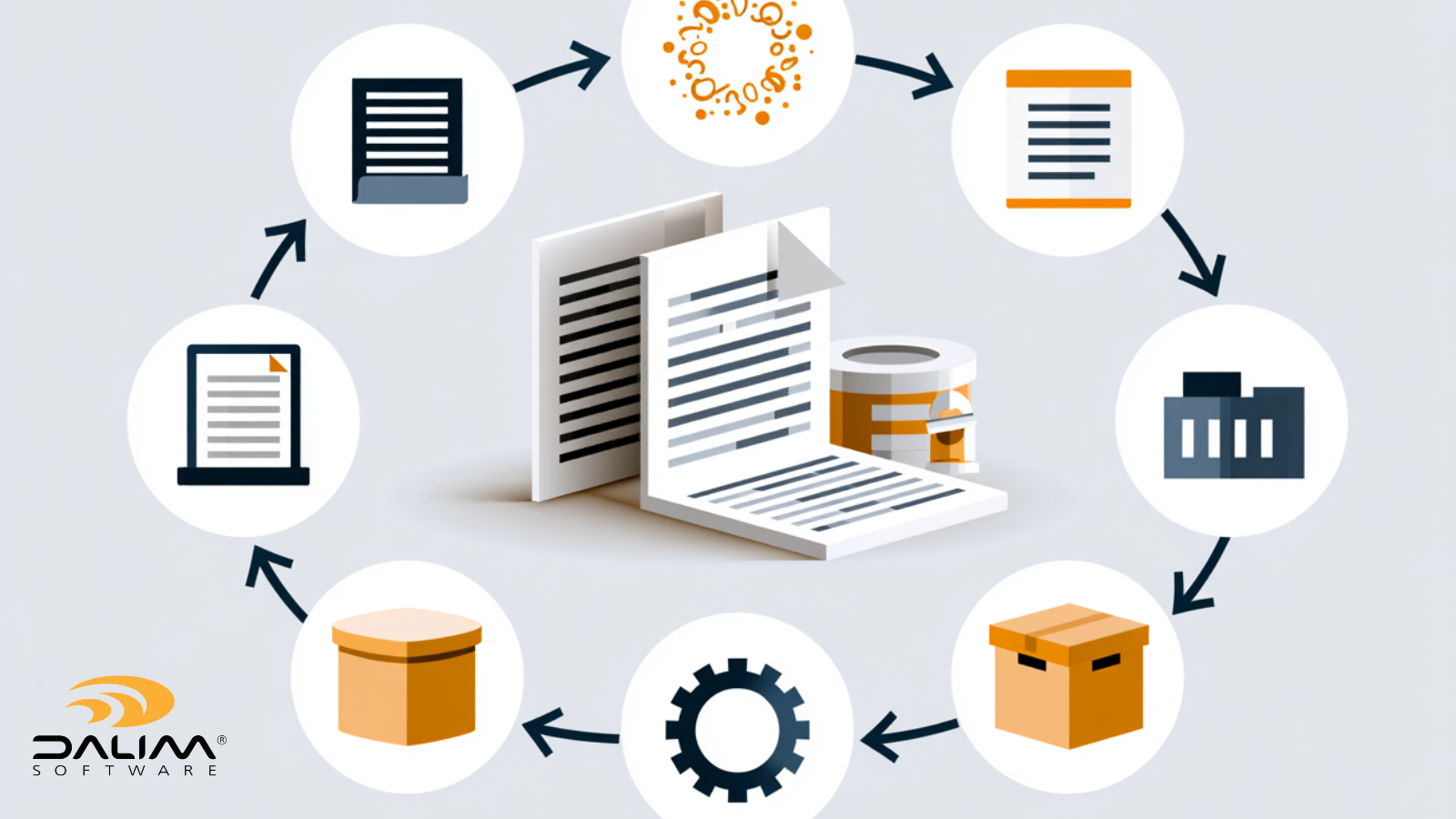
Most content, regardless of industry, moves through the same core stages. The names vary between organizations, but the sequence is consistent.
Every asset starts with a brief: what's being created, who it's for, what channels it will run on, and what constraints (brand, regulatory, technical) apply. Weak briefs are one of the most common sources of downstream rework. A brief that doesn't specify required approvals, target formats, or compliance requirements up front tends to surface those gaps late, usually right before a deadline.
This is where the asset is actually produced, whether that's a photograph, a packaging design, a video, or a product data sheet. Creation typically happens in creative tools outside the lifecycle management system itself (Adobe Creative Cloud, for instance), which makes the handoff into the governed workflow a critical integration point.
The asset moves through one or more rounds of review and approval. Depending on the industry, this might mean a single marketing sign-off or a multi-stage process involving legal, regulatory, brand, and regional stakeholders in sequence or in parallel. This stage is where the most common breakdowns happen: fragmented feedback across email and chat, unclear ownership of the next action, and no single source of truth for what was actually approved.
Approved content is prepared for its final output, whether that's imposition and preflight for print, format conversion for digital channels, or rendition generation for multi-channel publishing. In regulated industries, this stage often needs to preserve a clear link back to the exact approved version, since even a minor unauthorized change after sign-off can create compliance exposure.
Finished content is delivered to its destination: a print facility, a web platform, an e-commerce listing, or a distributor. This stage depends heavily on integration between the content platform and the systems that consume the content, such as a PIM, CMS, or ERP.
Once live, content doesn't stop needing management. It needs to remain findable, with clear rights and expiration data, so it can be reused rather than recreated. This is where structured metadata does the heavy lifting: without it, a perfectly good asset becomes invisible the moment the person who created it moves on.
Eventually, content is retired, either archived for compliance and historical reference or deleted according to a retention policy. Skipping this stage is how DAM libraries turn into digital landfills, cluttered with outdated assets that make search slower for everyone.
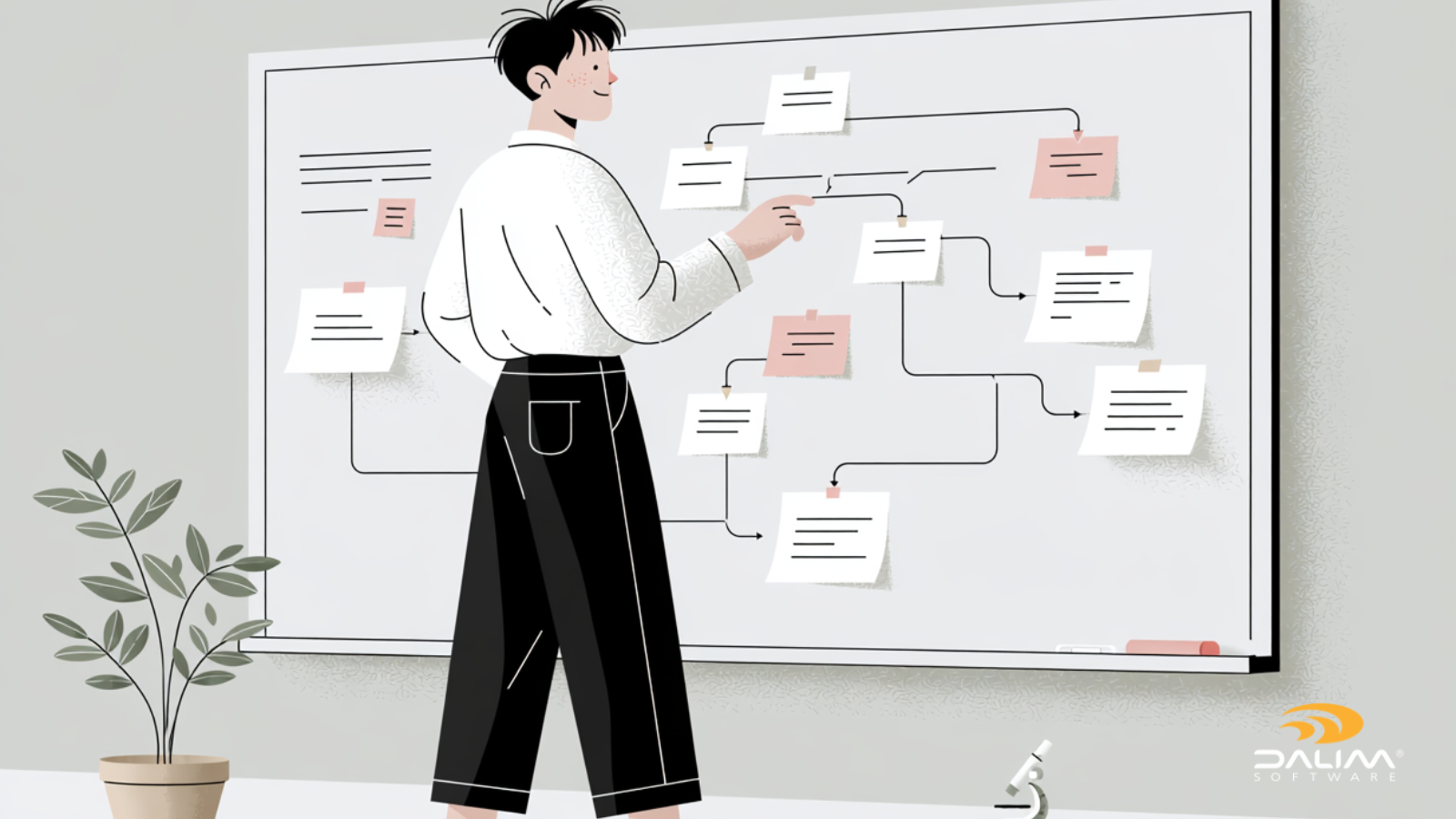
Before adopting any tool, it's worth mapping your actual process. Here's a framework that works for most production and marketing teams.
| Traditional Approach | Modern Content Lifecycle Management | |
|---|---|---|
| Version control | Manual file naming, shared drives | Automatic versioning tied to status |
| Review process | Email threads, PDF markups | Centralized annotation with audit trail |
| Metadata | Inconsistent or missing | Structured, automated, searchable |
| System handoffs | Manual export and re-upload | Automated workflow triggers |
| Compliance evidence | Reconstructed after the fact | Captured in real time |
| Reuse | Recreated from scratch | Retrieved and adapted |
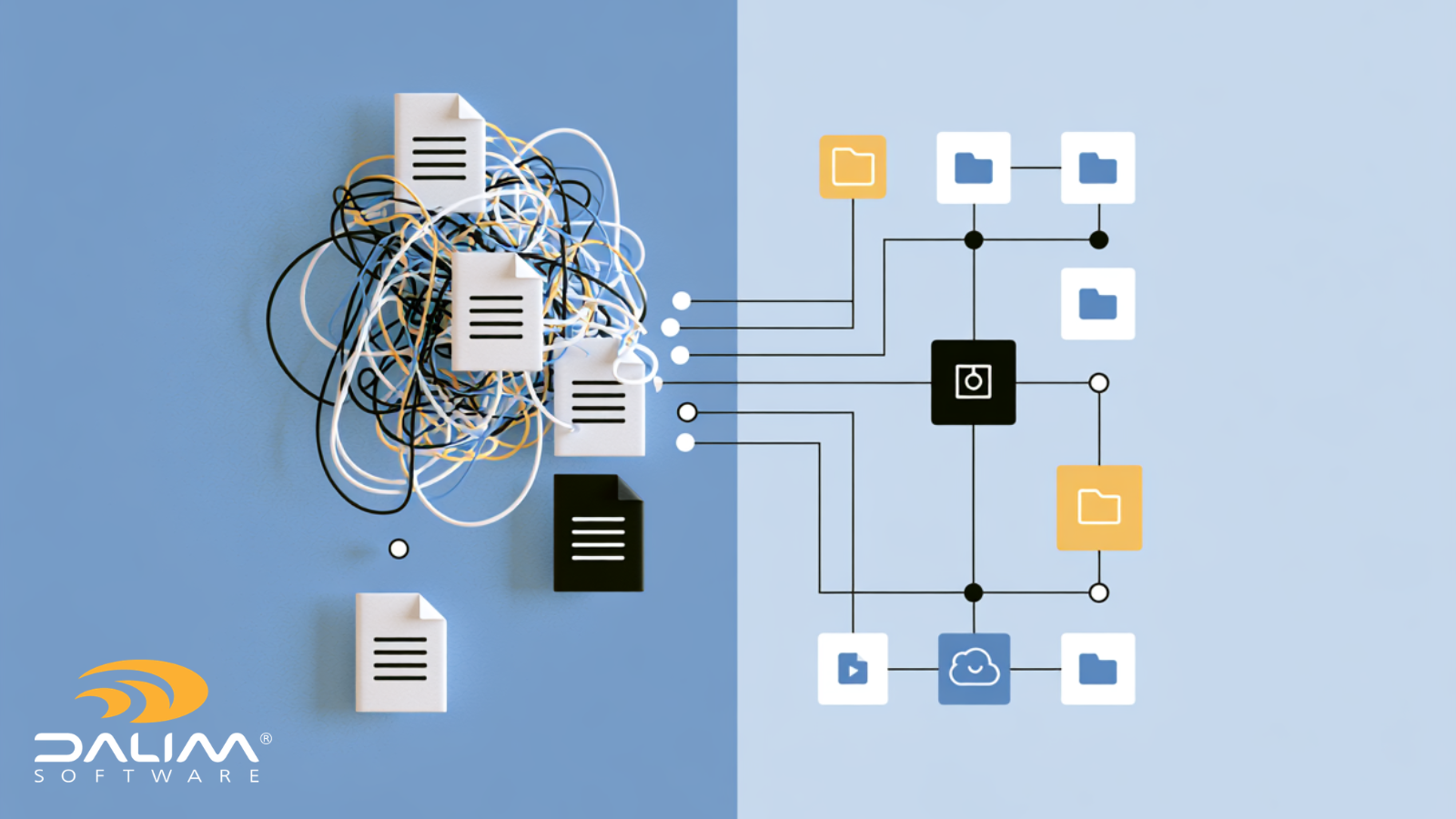
Treating the DAM as a passive archive rather than an active production layer. A digital asset management library that only holds finished, approved assets misses the entire portion of the lifecycle where most of the risk and rework actually happens: while content is still in progress.
Under-investing in metadata. Teams often rush to organize folders and skip structured metadata, then wonder why search is unreliable and automation isn't possible. Metadata is what makes an asset findable, reusable, and auditable; without it, the lifecycle stalls at the reuse stage every time.
Leaving review and approval outside the governed system. If sign-off happens in email or chat, there's no reliable audit trail, and no way to enforce that production only proceeds on an approved version.
Designing the lifecycle around the tool instead of the process. A platform with impressive features doesn't help if it doesn't match how your specific stakeholders, industries, or regulatory requirements actually work.
Ignoring the archive and retirement stage. Content libraries that never retire anything eventually become slower and less trustworthy for everyone using them.
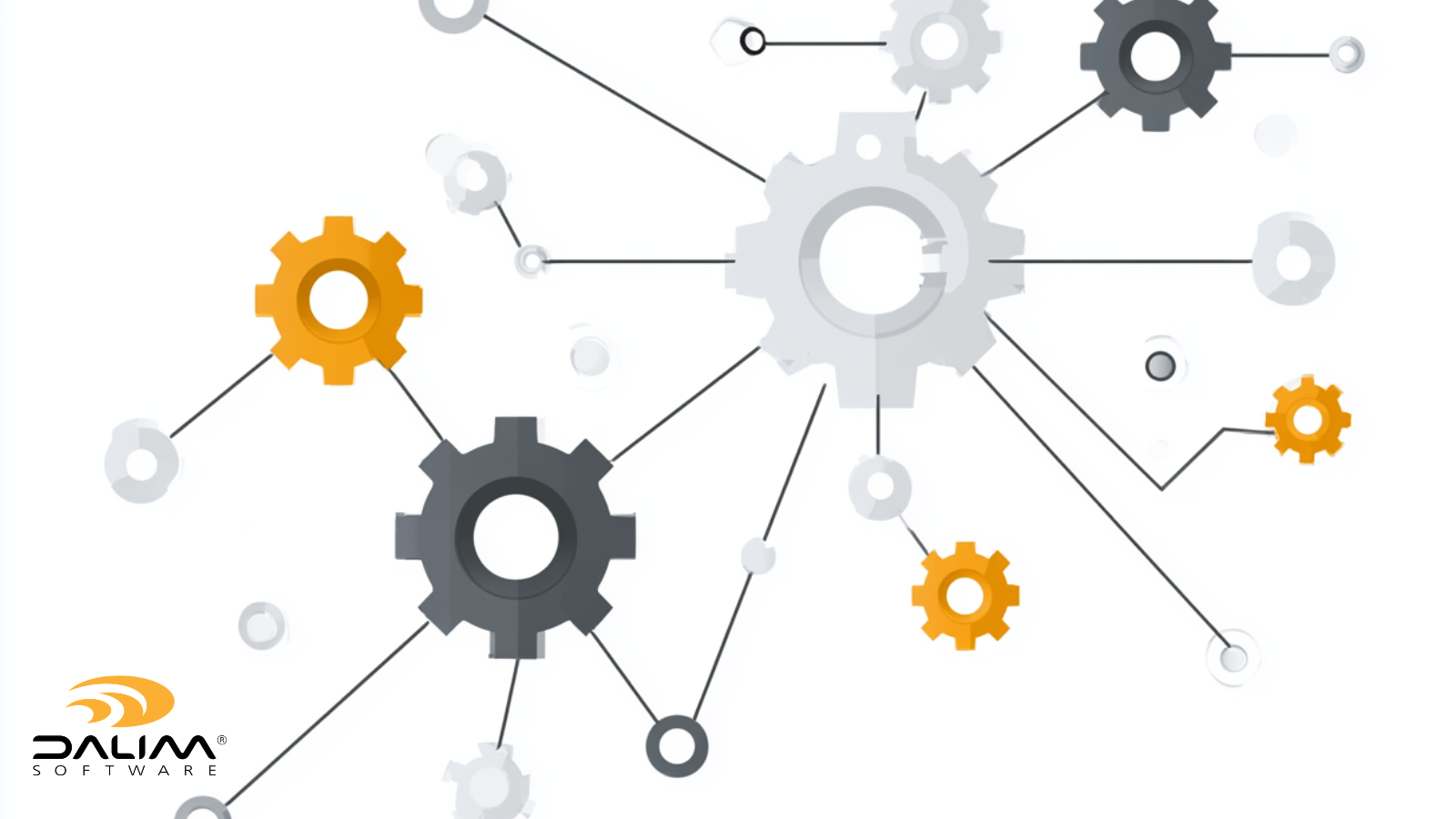
A connected content lifecycle depends on the underlying systems talking to each other, rather than requiring manual handoffs at every stage. Workflow automation is what allows an approval to trigger the next production step automatically, rather than waiting for someone to notice a status change and act on it manually. Metadata-driven rules can route an asset to the right reviewer based on region, product category, or content type, and escalate automatically if a deadline is missed.
Platforms built for this, such as DALIM FUSION, combine digital asset management, review and approval, workflow automation, project management, and file transformation into a single environment rather than a set of separate tools that require manual exports and re-uploads between stages. That matters most at the handoff points identified in the mapping exercise above, since those are where lifecycle governance typically breaks down. Centralizing WIP files, versions, and metadata across the entire content lifecycle keeps assets traceable and audit-ready from the initial brief through to final distribution, and connects to PIM, ERP, and CMS systems so approved content can move directly into activation without a manual handoff. That kind of structured metadata matters because, as NISO defines it, metadata is the structured information that makes a resource easier to retrieve, use, or manage, and AIIM frames that same structure as central to classification, retention, and information governance across a content's full lifecycle.
For regulated environments specifically, an audit trail that captures every action, comment, and sign-off with timestamps and user attribution isn't a nice-to-have. It's the evidence base that makes the difference during a regulatory review or a compliance audit.
If any of this sounds familiar, it's worth mapping your actual process before your next platform review, rather than after.
What is the difference between content lifecycle management and digital asset management? Digital asset management focuses primarily on storing, organizing, and retrieving finished assets. Content lifecycle management is broader: it governs the entire journey of an asset, including the stages before it's finished, such as briefing, creation, and review, as well as what happens after distribution, such as archival and retirement.
How many stages are typically in a content lifecycle? Most frameworks describe between five and seven stages: brief and planning, creation, review and approval, production and transformation, distribution and activation, storage and reuse, and archive or retirement. The exact naming varies by industry and organization.
Why is metadata so important to content lifecycle management? Metadata is what allows content to remain findable, traceable, and reusable once it's no longer in front of the person who created it. Without structured metadata covering descriptive, structural, and administrative information, assets become effectively invisible even when they still have value.
What causes most content lifecycle failures? The majority of breakdowns happen at handoffs between disconnected systems, particularly during review and approval, where feedback gets scattered across email and chat and there's no single source of truth for what was actually approved.
How does content lifecycle management support regulatory compliance? It creates a real-time, auditable record of who approved what, when, and under which version, rather than requiring teams to reconstruct that evidence after the fact. For pharma, packaging, and other regulated industries, this audit trail is often a requirement rather than a convenience.
Can content lifecycle management be implemented without replacing existing tools? Often, yes. Many platforms integrate with existing creative tools, PIM, ERP, and CMS systems via APIs and connectors, allowing the lifecycle to be governed centrally without forcing teams to abandon the tools they already use for creation itself.
What's the first step in improving content lifecycle management? Map your actual current process for a real asset, start to finish, including the workarounds people use when the official process doesn't work. This reveals where the real gaps are before you invest in new technology.
How often should a content archive be reviewed? Most production teams benefit from a review at least twice a year, with quarterly reviews for high-volume operations. Regular reviews prevent the archive from becoming cluttered with outdated or duplicate assets that slow down search for everyone.
 Rebecca Freeman : Aug 2, 2026, 8:30:12 PM
Running separate DAM, proofing, and preflight tools? See what a unified content production platform replaces, and how to evaluate the move.
 Rebecca Freeman : Sep 14, 2026, 11:46:06 AM
See how DAM access control and permissions decide who can edit, approve, or publish assets, plus a practical framework for setting up roles.
 Rebecca Freeman : Apr 28, 2026, 3:12:05 PM
Choosing online proofing software? Avoid the common mistakes and find the right fit for your team with our practical, no-nonsense guide.