
7 min read

Content Production Platform vs. Point Solutions

Content Production Platform vs. Point Solutions

Most marketing and creative operations teams did not choose their tech stack on purpose. It grew. A DAM got purchased three years ago to solve asset storage. A proofing tool got added after a packaging client complained about slow approvals. A separate preflight step got bolted on because prepress kept catching errors after files had already gone to print. None of these decisions were wrong at the time. Added together, though, they leave a team unable to say with confidence where a file actually is right now, or who is supposed to approve it next.

This is not a niche problem. The 2025 Gartner Marketing Technology Survey found that only 49 percent of licensed martech capability is actively used, and just 15 percent of organizations qualify as high performers against their strategic goals and ROI. A lot of that gap traces back to fragmentation: tools bought one at a time to solve one problem each, then left to sit next to each other with no real connection.

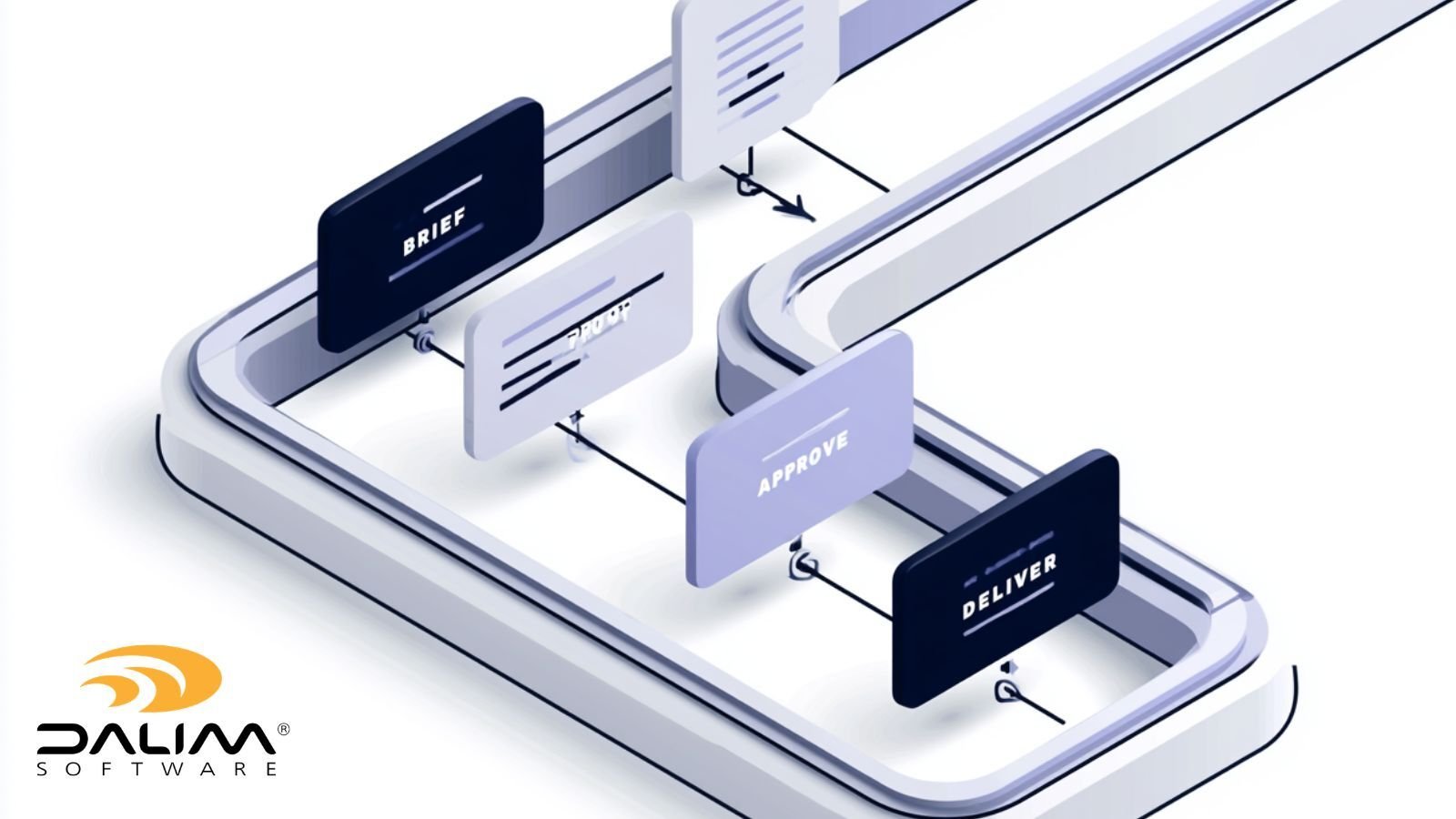
Brands running high volumes of packaging, print, retail, or regulated content feel this more acutely than most, because their production process has more handoffs to begin with: brief, asset intake, proofing, preflight, imposition, approval, delivery. Every extra tool in that chain is another place a file can stall, another login to manage, and another system that needs its own admin and its own support ticket queue.

Our article breaks down the real difference between a content production platform and a stack of point solutions, what fragmentation actually costs, and how to evaluate whether consolidation makes sense for your team.

What Is a Content Production Platform?

A content production platform is software that manages the full lifecycle of content as it moves from brief to approved, production-ready output, combining digital asset management, proofing and approval, workflow automation, and file preparation in one connected system. A point solution handles a single part of that process and relies on manual handoffs or custom integration work to connect to everything else.

The distinction matters because most production problems do not actually live inside any one tool. They live in the gaps between tools, in the moment a file, a comment, or a status update has to travel from one system into another.

How Brands End Up With a Fragmented Stack

Fragmentation is rarely a single bad decision. It is usually the result of several good ones, made at different times, by different people, without a shared view of the whole process.

A few patterns show up again and again:

  • Department-level buying. Marketing selects a DAM. Creative operations selects a proofing tool. Prepress keeps its own preflight software. Each choice made sense in isolation.
  • Best-of-breed thinking. Teams assume that the strongest standalone tool in each category will always beat a combined platform, even when nobody owns the connections between those tools.
  • Reactive purchasing. A tool gets added to fix one urgent problem, such as a missed print deadline or a compliance near-miss, without asking whether the underlying issue is really a tooling gap or a process gap.
  • Legacy inertia. Older systems stay in place because migrating feels riskier than living with the friction, even as the friction quietly gets more expensive.

None of this is a failure of judgment. It is what happens when a production process is built one tool at a time instead of one system at a time.

3

The Real Cost of Running Separate Tools

The direct cost of point solutions is easy to see: multiple license fees, multiple vendor contracts, multiple support relationships. The larger cost is harder to see because it shows up as friction rather than as a line item.

Fragmented visibility. When assets live in one system, proofs live in another, and file checks happen in a third, nobody has a single view of where a job actually stands. Status updates have to be manually reconciled or chased down.

Manual handoffs. Every export from one tool and import into the next is a manual step, and every manual step is a place where a file gets the wrong version, the wrong metadata, or simply gets missed.

Broken audit trails. In regulated or high-stakes production, such as pharma packaging or retail promotions, being able to show who approved what, and when, matters. A fragmented stack means reconstructing that trail across several systems that were never designed to talk to each other.

Errors caught too late. When preflight is disconnected from the proofing and workflow layer, file problems often surface only after a job has already moved downstream, at the point where fixing them is most expensive.

Integration debt. Point-to-point integrations between separate tools need ongoing maintenance. Every vendor update to one tool risks breaking a connection to another, and that maintenance work rarely shows up in anyone's budget until something breaks.

What a Consolidated Platform Actually Replaces

A platform such as DALIM FUSION brings digital asset management, workflow automation, file checking and preflight, and imposition together in one system, so a file's status, metadata, and history stay consistent as it moves through review, correction, and approval. Proofing is not a separate stop the file has to be exported to. It happens inside the same environment the asset already lives in.

The practical effect shows up in how work-in-progress content moves. A packaging producer managing thousands of SKUs across dielines, varnish zones, and barcode standards can route incoming artwork through automated checks, correction, and approval in a single flow rather than pushing files between a DAM, a proofing tool, and a separate preflight application. A global manufacturer consolidating asset management with SAP and SharePoint data can trigger workflows automatically as metadata changes or a version updates, without a team member manually kicking off the next step by hand.

That is the operational argument for consolidation. Fewer handoffs mean fewer places for a file to stall or a status to get lost.

Consolidation Does Not Have to Mean Losing Flexibility

The most common objection to platform consolidation is a fair one: nobody wants to trade a messy stack of specialized tools for a rigid, all-or-nothing suite that is harder to change than what it replaced.

That trade-off is real with some platforms, but it is not inherent to consolidation itself. An API-first, microservices architecture lets a team run a platform as a full end-to-end system or activate only the capabilities it needs right now, connecting existing DAM, PIM, ERP, or MIS systems through open APIs rather than being locked into a single closed environment. That is a meaningfully different model from a monolithic suite that forces every team onto the same rigid workflow.

The question worth asking during evaluation is not simply "single platform or multiple tools." It is whether the platform can flex with the business, expose its functionality through APIs, and avoid forcing every team into an identical process regardless of what they actually need.

A Practical Framework for Evaluating Consolidation

Consolidation is a significant operational change, and it is worth approaching deliberately rather than as a single big-bang decision. A structured evaluation tends to follow six steps.

  1. Map the current stack. List every tool involved in getting content from brief to approved output, and mark every point where a file or status has to move between systems.
  2. Quantify where time and money are actually lost. Look at rework rates, missed deadlines, and the hours spent reconciling status across tools. This is usually where the case for consolidation gets made or broken.
  3. Separate genuine specialization from habit. Some point solutions earn their place because they do something a platform genuinely cannot. Others stay in the stack out of familiarity rather than necessity.
  4. Pilot on one high-volume workflow. Choose a single production line, such as one packaging category or one retail promotion cycle, and run it through a consolidated platform before committing more broadly.
  5. Plan a phased migration. Moving everything at once raises risk unnecessarily. Migrating workflow by workflow keeps production running while the team builds confidence in the new system.
  6. Set governance requirements up front. Decide what audit trail, access control, and compliance documentation the new system needs to produce before migration starts, not after an audit raises the question.

Governance, Compliance, and Traceability

For brands producing packaging or regulated content, consolidation is not only an efficiency question. It is also a compliance one. Barcode and dieline validation, in line with standards such as those published by GS1, needs to happen consistently and be documented, not handled inconsistently across whichever tool happens to touch the file at that stage.

A connected platform can apply the same validation rules and keep the same audit trail across every job, which matters in industries such as packaging and retail brands, where a barcode, ingredient claim, or pricing error reaching a shelf is a far bigger problem than a production delay ever was. When file checks, approvals, and version history all live in the same system, reconstructing what happened on a given job takes minutes rather than a cross-referencing exercise across several disconnected tools.

2

Traditional Stack vs. Unified Platform


Dimension Point Solutions Unified Content Production Platform
Asset visibility Scattered across separate systems Centralized, single source of truth
Handoffs Manual export and import between tools Automated, status-driven routing
Audit trail Fragmented, reconstructed after the fact Continuous and built into the workflow
Integration Custom point-to-point connections per tool API-first, fewer integration points to maintain
Vendor management Multiple contracts, logins, and support channels One primary platform relationship
Error detection Often caught late, after a handoff Caught earlier, inside a connected workflow
Scaling Each tool scales, or fails to, on its own Capabilities scale together as volume grows


Key Takeaways

  • Fragmented tech stacks are usually the result of several reasonable decisions made over time, not one bad purchase.
  • Only 49 percent of licensed martech capability is actively used industry-wide, largely due to disconnected, under-adopted tools.
  • The real cost of point solutions shows up as manual handoffs, broken audit trails, and errors caught too late, not just license fees.
  • A content production platform connects DAM, proofing, workflow automation, and file preparation into one system, removing the handoffs where files typically stall.
  • Consolidation does not require losing flexibility if the platform is API-first and lets teams activate only the capabilities they need.
  • Evaluate consolidation with a structured framework: map the stack, quantify the cost of fragmentation, pilot on one workflow, and migrate in phases.
  • For regulated or high-volume production, a unified audit trail is often as valuable as the efficiency gains.

Frequently Asked Questions

What is the difference between a content production platform and a DAM? A DAM stores and organizes approved assets. A content production platform manages the active lifecycle of content before it is approved, including proofing, workflow automation, and file preparation. Some platforms, including DALIM FUSION, combine both so work-in-progress and approved assets live in the same system.

Is consolidating a tech stack the same as buying an all-in-one suite? Not necessarily. A rigid, closed suite forces every team onto the same process. A well-built platform with an API-first architecture lets teams consolidate the functions they need while still connecting to existing systems such as a PIM, ERP, or MIS.

How long does it take to move from point solutions to a unified platform? It depends on the size of the stack being replaced, but a phased migration, starting with one high-volume workflow before expanding, is generally safer and faster to get value from than migrating everything at once.

Will consolidation slow down teams that prefer their specialized tools? A short adjustment period is normal with any new system. In practice, teams typically see less friction once handoffs between tools are removed, since less time goes into manually moving files and reconciling status between systems.

Does consolidation help with compliance and audit requirements? Yes, in most cases. A single connected platform can apply the same validation rules and maintain one continuous audit trail across a job, which is harder to guarantee when a file passes through several disconnected tools.

Is a content production platform only relevant for large enterprises? No. Fragmentation costs scale with production volume and complexity, not company size. Smaller teams running high-volume packaging or retail production can feel the cost of disconnected tools just as much as larger ones.

What is the first step if we suspect our stack is too fragmented? Start by mapping every tool involved in getting content from brief to approved output, and marking every handoff point. That map usually makes the case for or against consolidation on its own.

Where This Leaves Your Team

None of this means every point solution is a problem or that consolidation is automatically the right call for every team. Some specialized tools genuinely earn their place. The goal is not to consolidate for its own sake. It is to remove the handoffs that create risk, slow teams down, and make it hard to answer a simple question: where is this file right now, and who needs to act on it next.

If that question is getting harder to answer as your production volume grows, it is worth mapping your current stack and seeing where the gaps actually sit. Talk to DALIM if you would like a second set of eyes on that map, or read more about what a content production platform covers as a starting point.

DAM Buyer's Guide for Production Teams | DALIM

1 min read

DAM Buyer's Guide for Production Teams | DALIM

Most digital asset management buyer's guides are written for brand and marketing teams. They walk through folder structures, logo libraries, and how...

Read More
Content Lifecycle Management: Brief to Archive Guide

1 min read

Content Lifecycle Management: Brief to Archive Guide

If you manage content at any real volume, you already know the problem isn't creating assets. It's everything that happens to them afterward. A...

Read More
Print Workflow Software: From Manual to Automated

1 min read

Print Workflow Software: From Manual to Automated

Ask any production manager how a job actually moves through their shop, from the moment a file lands to the moment it hits press or ships to a...

Read More