

 Rebecca Freeman
Soft Proofing vs Hard Proofing: When Each Still Matters
 Rebecca Freeman : Jul 19, 2026, 4:30:53 PM
Soft proofing speeds approvals, but hard proofing still earns its place. Here's how to decide which one your job actually needs.
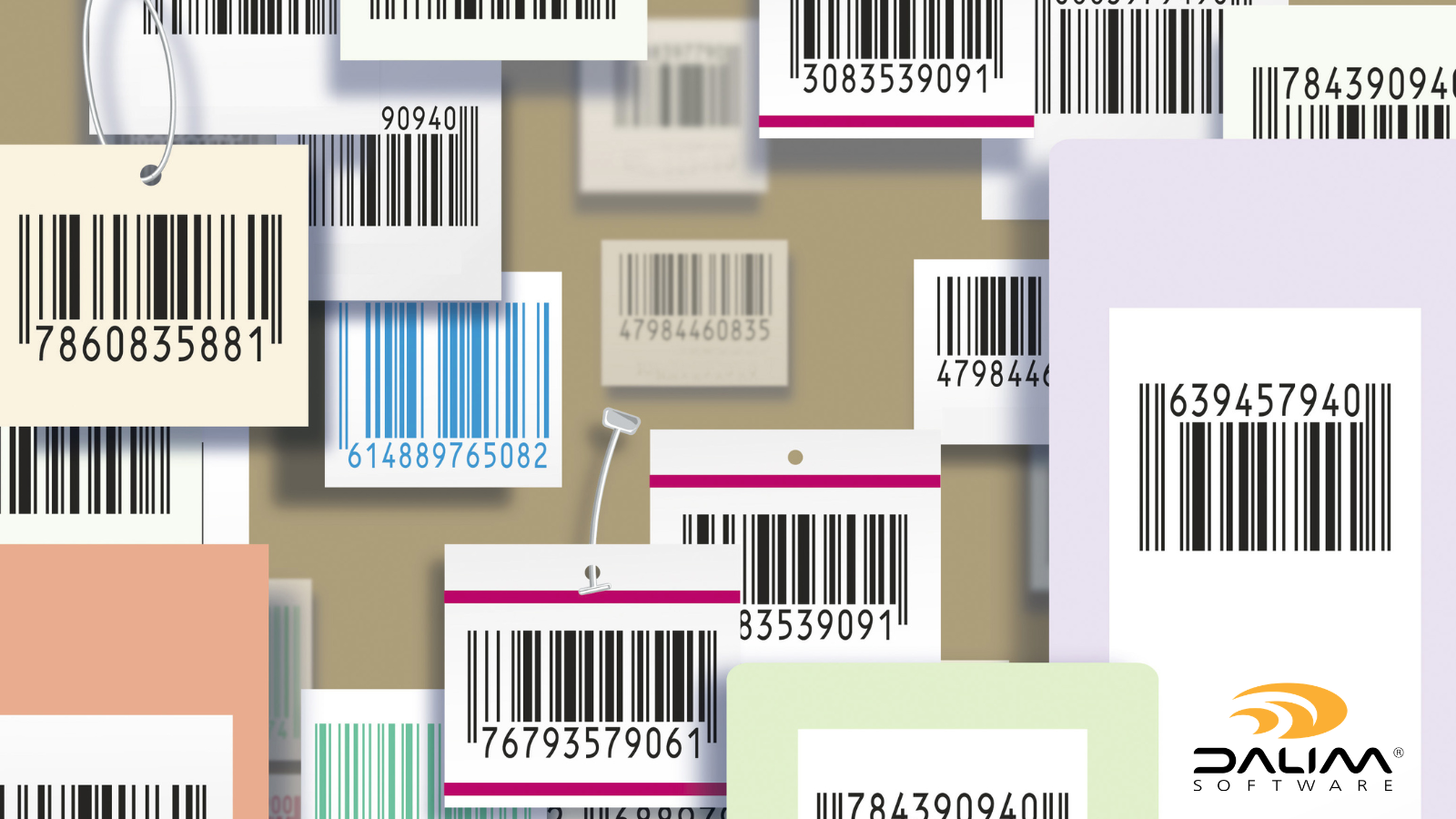
A folding carton doesn't get one review. It gets five, maybe eight, before it's anywhere near a press. Structural design has to sign off on the dieline. Regulatory has to check the nutrition panel and warning text against the latest rules in every market the product ships to. Brand has to protect the logo and color. Someone, usually under time pressure, has to confirm the barcode will actually scan at the till.
Miss any one of those checks and the cost isn't small. A dieline that's a millimeter off can mean a carton that won't fold correctly on the line. A barcode with the wrong bar width or quiet zone can mean pallets rejected at a retailer's dock. Regulatory text that's out of date in one market can mean a recall, not just a reprint.
This is why packaging proofing looks nothing like proofing a brochure or a social ad. The stakes are higher, the technical detail is denser, and the number of people who need to see and approve the file before it goes to print is larger. Our article walks through what online proofing needs to cover for packaging specifically: dielines, barcodes, and regulatory text, along with the workflow and governance issues that tend to trip teams up.
Most creative proofing is about how something looks. Packaging proofing has to cover that, plus a layer of technical and structural accuracy that has nothing to do with aesthetics.
A single piece of packaging artwork typically has to be checked against:
Each of these sits on a different layer of the file, and a reviewer working from a flattened PDF or a printed proof often can't see them all at once. That's part of why manual, email-based proofing breaks down so quickly in packaging. It's not that people aren't careful. It's that the format doesn't give them a fair chance to catch what's actually wrong.

The dieline defines where a carton or label gets cut, folded and glued. If it's wrong, no amount of beautiful design saves the piece, because the physical object won't assemble the way it's supposed to.
Common dieline problems in proofing include:
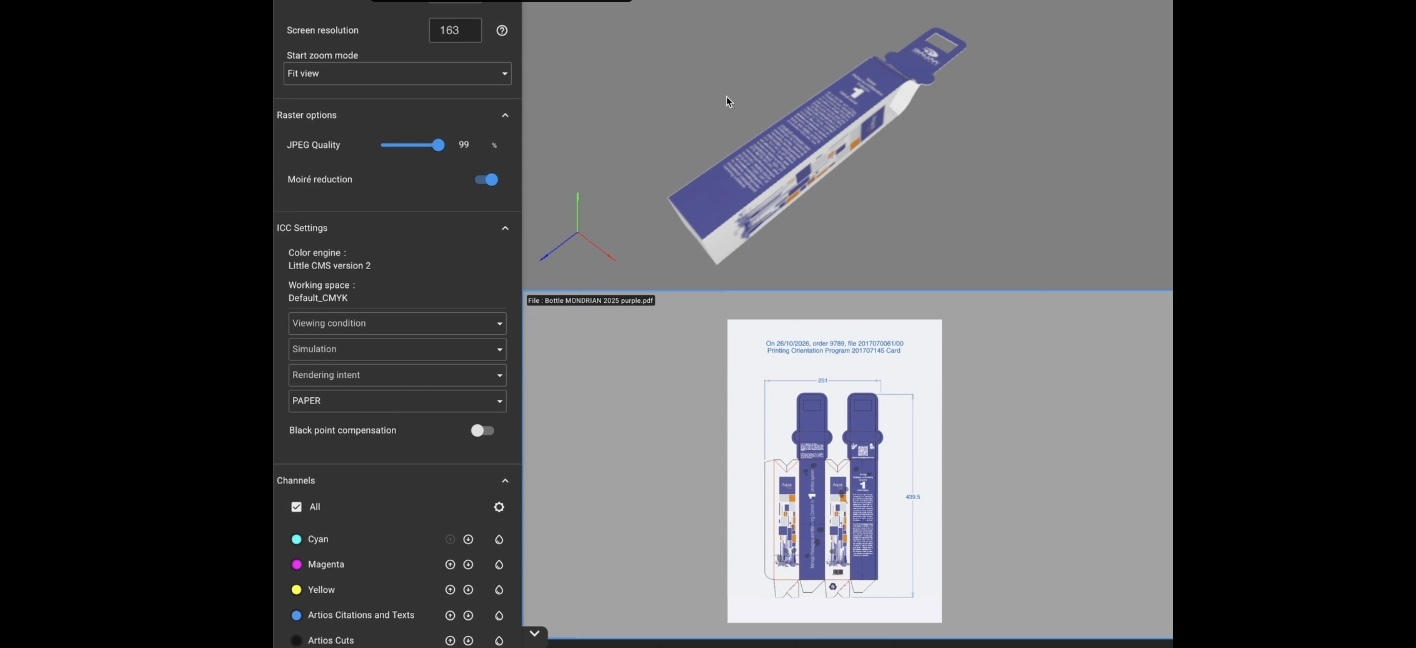
Contextual online proofing helps here because it lets reviewers see the technical and printable layers of the same file together, toggle crops and bleeds, and view the artwork wrapped onto a rotating 3D or dimensional render as it will actually appear on shelf. That matters more than it sounds. A flat 2D proof can look correct and still fail once it's folded around a real structure, particularly where panels meet or where a design element crosses a fold line. Reviewing the piece as it rotates catches problems that a flat view simply can't show.
Barcodes are easy to overlook in a creative review because they're small and unglamorous. They're also one of the most common causes of retailer rejections and supply chain delays.
A barcode can fail for reasons that have nothing to do with the design itself:
Getting this right starts with the underlying specification. The GS1 barcode standards define the size, quiet zone and encoding rules that retail scanners rely on, and they're the reference point most packaging teams check against. Automated barcode validation, built into the proofing step rather than left to a separate prepress check, reads and verifies the code directly against that standard within the review environment. That means an error surfaces while the file is still in front of the people who can fix it, not after it's already gone to plate. For teams running thousands of SKUs across regional variants, this single check can prevent a disproportionate share of costly reprints.
Regulatory text is the part of packaging proofing that behaves least like a normal creative revision. Nutrition panels, warning statements, recycling symbols and country-of-origin text don't just change when a brand decides to redesign. They change when a regulator does, and often with a compliance deadline attached.
The EU's Packaging and Packaging Waste Regulation (PPWR) is a good example of this. It introduces new labeling and recyclability requirements that apply across a large volume of existing packaging, on a timeline that has nothing to do with any individual brand's creative calendar. Teams need a way to identify which assets are affected, push text updates through a controlled workflow, and republish compliant artwork across every market it touches, with a full audit trail showing what changed, when, and who approved it. Guidance from bodies such as the European Chemicals Agency on labeling requirements for regulated substances can be a useful starting point when mapping which SKUs are in scope.
This is also where multilingual proofing becomes a compliance issue rather than just a translation one. Regulatory copy has to stay synchronized across every language variant of a pack, and a proofing process that treats each market as a separate, disconnected file invites exactly the kind of version drift that leads to an outdated warning statement slipping through in one region while it's correctly updated everywhere else.

For teams building or tightening a packaging proofing process, this sequence covers the ground that tends to get missed:
| Manual / Email-Based Proofing | Automated, Contextual Proofing | |
|---|---|---|
| Dieline checks | Reviewed visually, often on a flat file | Validated against structural rules, viewed on 3D/rotational renders |
| Barcode accuracy | Checked late, often in prepress only | Validated and read automatically during review |
| Regulatory text | Updated on the creative cycle, easy to miss deadlines | Tracked separately, pushed through controlled updates with audit trail |
| Version control | Multiple file copies via email, high risk of drift | Single governed source, explicit version comparison |
| Compliance record | Scattered across email threads | Immutable, timestamped audit trail |
| Multi-market consistency | Manual cross-checking between regions | Language and regional variants managed within one workflow |
Packaging teams working across thousands of SKUs, regional variants and tight launch windows generally can't solve this with more careful manual checking alone. It's a volume problem as much as an accuracy problem, and the same pressure shows up for retail brands managing high-volume campaign and packaging content side by side.
DALIM FUSION brings dieline-aware validation, barcode reading, and varnish and foil zone checks together with contextual 2D and 3D proofing, so packaging teams can review structural and print layers of the same file side by side. Regulatory text changes can be identified, routed through controlled workflows, and republished across affected markets with a full audit trail, which matters when a regulation like PPWR touches a large portion of an existing product range at once. Because approved assets move into a governed digital asset management system automatically, teams avoid the version confusion that comes from managing packaging masters and working files separately.
None of this replaces expert judgment. A trained eye still needs to look at color, finish and brand consistency. What automation and contextual proofing do is make sure the technical and regulatory checks happen consistently, every time, before a file reaches the people making that judgment call, rather than being caught, or missed, somewhere further down the line.
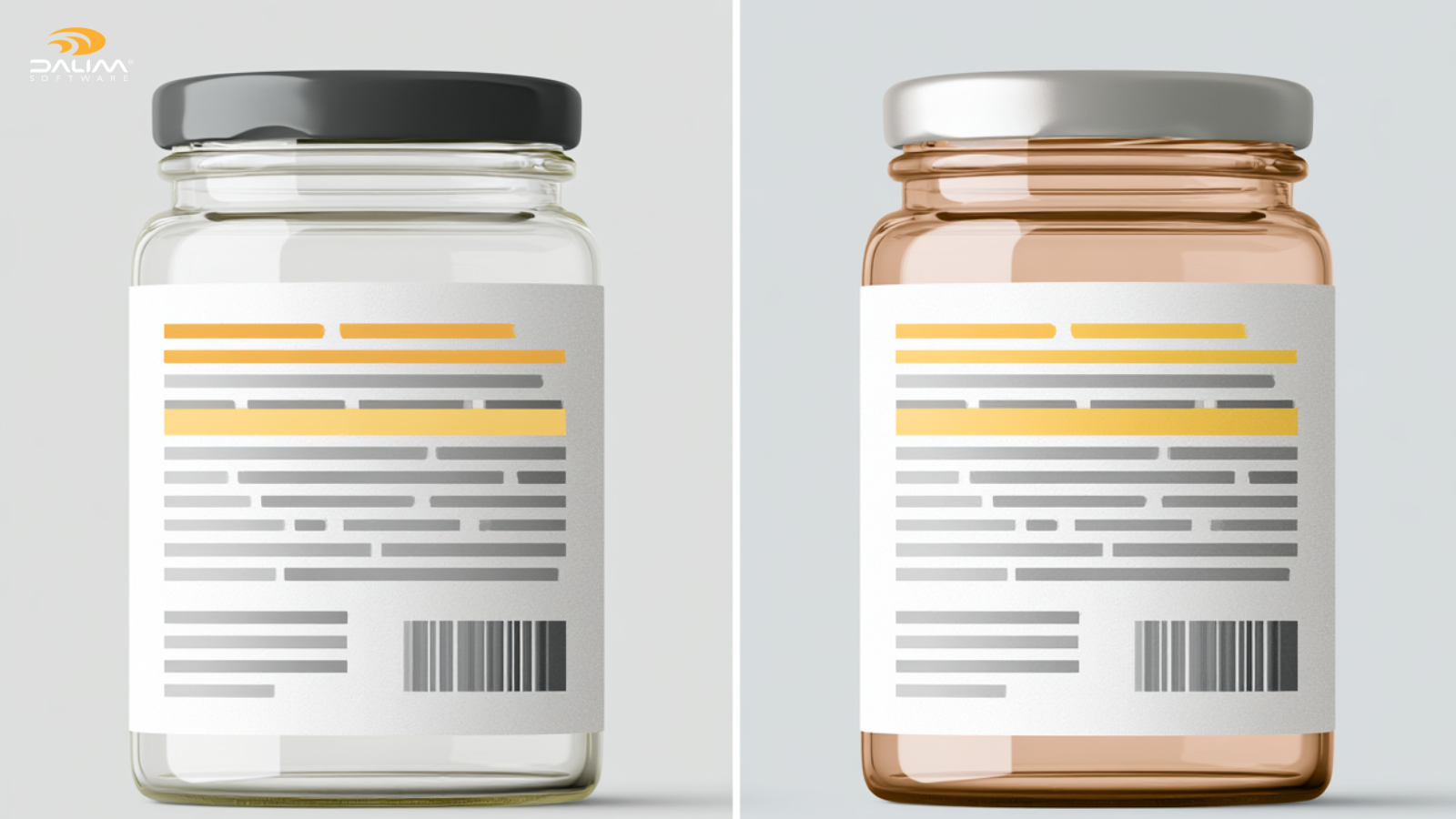
If there's one theme running through packaging proofing today, it's that the compliance layer has become as demanding as the creative layer, and it moves on its own clock. Brands that build a proofing process capable of handling dielines, barcodes and regulatory text as three distinct but connected checks are the ones that avoid the expensive surprises: the reprint, the rejected pallet, the recall notice. Getting there isn't about adding more manual review. It's about giving the right checks, automated where possible, a proper place in the workflow before a file ever reaches a press.
What is online proofing for packaging? Online proofing for packaging is the process of reviewing, annotating and approving packaging artwork through a web-based platform, covering structural elements like dielines alongside standard creative review, rather than relying on printed proofs or email.
Why do barcodes fail even when the design looks correct? Barcodes can fail due to incorrect scaling, poor contrast, encoding errors from file conversion, or placement over a fold or crease, all of which can be invisible to a reviewer simply looking at the design.
What is a dieline and why does it matter in proofing? A dieline defines where packaging is cut, folded and glued. If artwork doesn't align precisely with the dieline, the physical carton or label may not assemble correctly, regardless of how the design looks on screen.
How does the EU PPWR affect existing packaging? The Packaging and Packaging Waste Regulation introduces new labeling and recyclability requirements that apply to a wide range of existing packaging, requiring brands to identify affected SKUs and update compliance text on a regulatory timeline rather than a creative one.
Should regulatory text updates go through the same process as design changes? Not usually. Regulatory updates tend to move on a different schedule and carry compliance risk, so they benefit from a dedicated, fast-moving workflow rather than being folded into a broader creative revision.
What's the difference between manual and automated packaging proofing? Manual proofing relies on reviewers visually checking flat files and email threads for approval. Automated, contextual proofing validates dielines, barcodes and color profiles directly, and lets reviewers see artwork on 3D or rotational renders before approval.
Why is an audit trail important for packaging compliance? An audit trail creates a timestamped, defensible record of who approved what version of a file and when, which is essential if a regulator, retailer or auditor later asks questions about a compliance issue.
How do multi-market packaging teams keep regulatory text consistent across languages? By managing all language and regional variants within a single governed workflow, rather than treating each market as a separate file, so an update to one variant doesn't get missed in another.
 Rebecca Freeman : Jul 19, 2026, 4:30:53 PM
Soft proofing speeds approvals, but hard proofing still earns its place. Here's how to decide which one your job actually needs.
 Rebecca Freeman : Jul 15, 2026, 7:14:26 AM
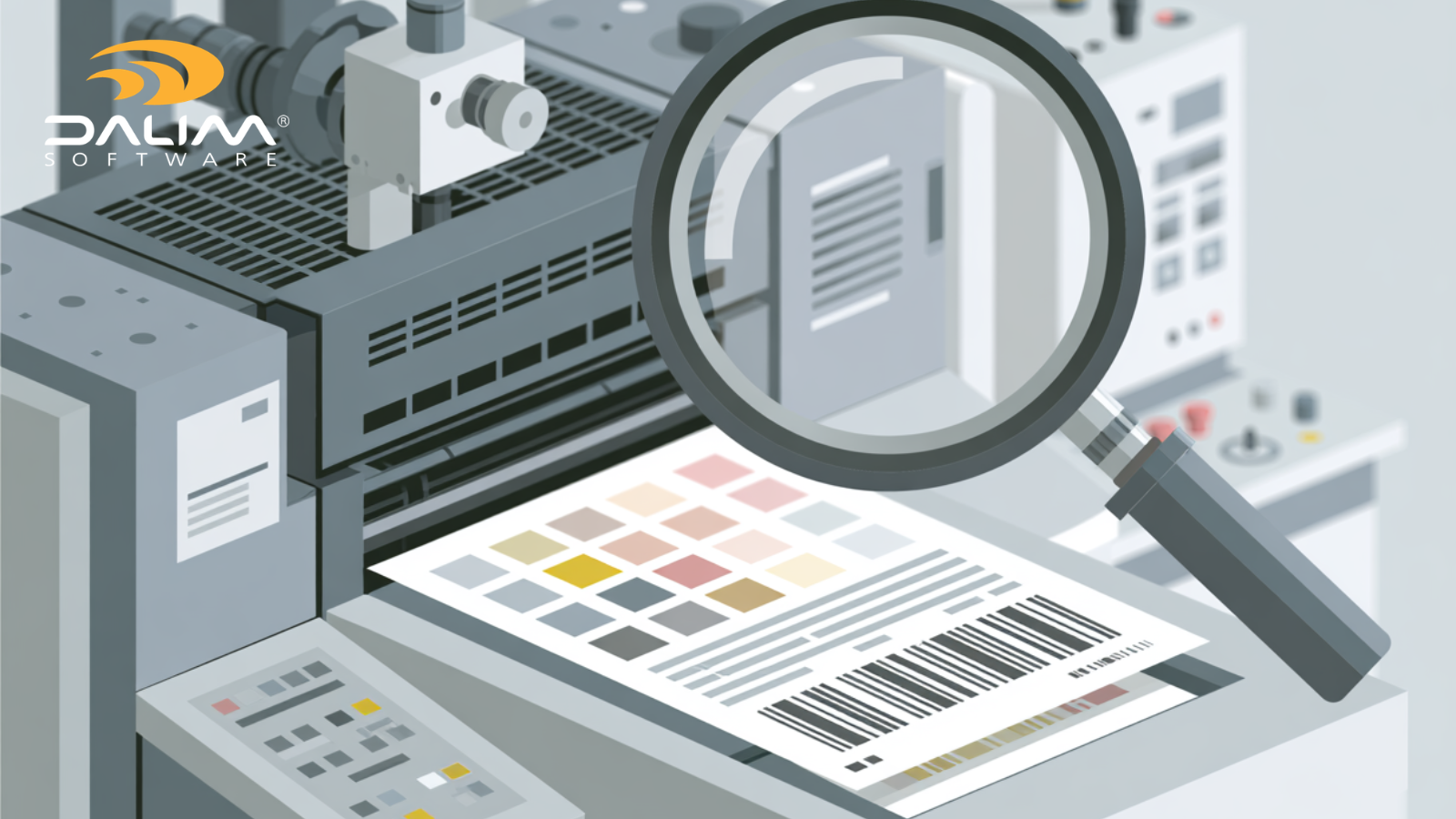
Catch compliance and color errors in artwork proofing before press. A practical framework for packaging, pharma, FMCG, and retail production teams.
 Rebecca Freeman : Jun 8, 2026, 11:31:22 AM
Standard markup tools were built for flat files. Discover why rotating 3D packaging assets demand a different approach to review and annotation.