
9 min read

Artwork Proofing: Catching Color and Compliance Errors

Artwork Proofing: Catching Color and Compliance Errors

A single missed decimal in a nutrition panel. A pantone that shifted half a shade on a different substrate. A barcode that scans fine on a monitor and fails at the register. None of these look like a big deal in a PDF on someone's screen. All of them can trigger a reprint, a retailer rejection, or in regulated categories, a product recall.

Artwork proofing is where these problems either get caught or get missed. It's the last real checkpoint before a file becomes a print job, and for packaging, pharma, FMCG, and retail teams, that checkpoint carries more weight than it used to. SKUs have multiplied. Markets require localized variants. Regulatory text changes more often than packaging redesigns do. And a mistake that used to cost a few hundred dollars in reprinted collateral can now mean a full pallet of packaging pulled from a production line.

Our article covers what artwork proofing actually needs to catch, why color and compliance errors slip through even well-intentioned review processes, and a practical framework for building a proofing workflow that holds up under real production pressure.

What Is Artwork Proofing?

Artwork proofing is the structured review and approval process used to verify that a piece of artwork, whether packaging, print, or digital, is accurate, compliant, and production-ready before it moves to press. It typically checks color, structural fit, regulatory text, and technical file integrity, with every decision and sign-off documented for accountability.

That definition covers the mechanics. The harder part is what "accurate" actually means once you're dealing with regulated content, multiple substrates, and a review chain that spans internal teams, agencies, and regional markets.

2

Why Artwork Errors Still Reach Production

Most teams already have some form of proofing in place. Files get reviewed. Someone signs off. And yet errors still make it to press often enough that "we caught it just in time" is a familiar phrase in packaging and marketing operations. A few reasons show up again and again.

Proofing happens too late in the process. When artwork review is the final gate before press, rather than something built into the workflow from the first draft, there's no time left to fix what gets found. Reviewers under deadline pressure approve with reservations, or issues get flagged but not actually resolved before the file ships.

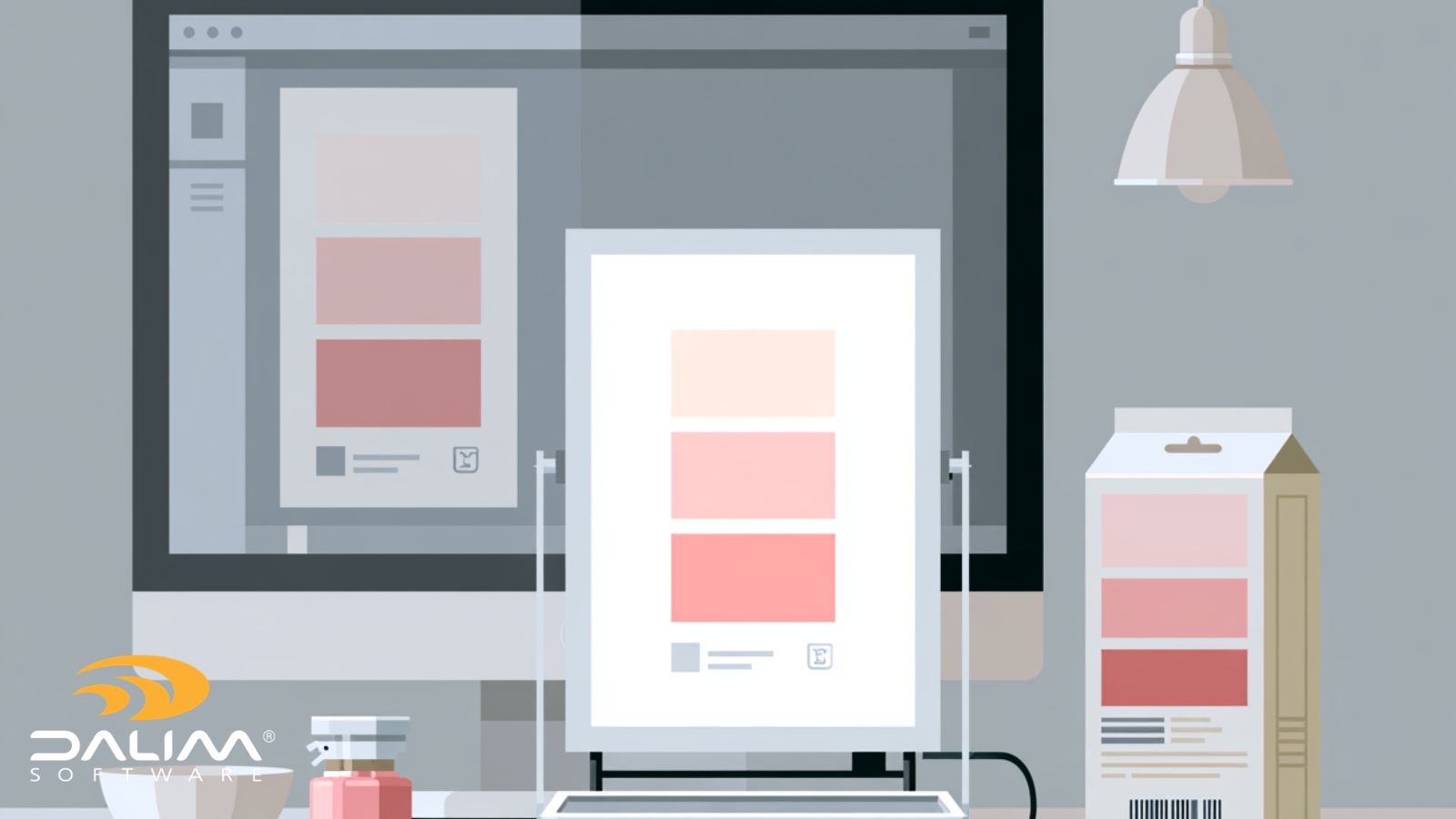
Soft proofs don't reflect production reality. A color that looks correct on an uncalibrated monitor can be noticeably off once it hits a coated stock, an uncoated carton, or a flexible pouch. Without color-managed, substrate-aware previews, reviewers are essentially approving a guess.

Compliance checks depend on someone remembering the rules. Regulatory text requirements, allergen statements, country-specific labeling rules, and retailer specifications change often and vary by market. When these checks rely on a reviewer's memory rather than a defined validation step, inconsistency is inevitable, especially across large SKU counts.

Version control breaks down across stakeholders. Packaging artwork often moves between brand teams, legal, regulatory, structural design, agencies, and printers. Without a single source of truth, it's easy for an approved version to get confused with an earlier draft, or for a last-minute change to bypass the review chain entirely.

Barcodes are checked visually instead of technically. A barcode can look perfectly fine to the eye and still fail to scan. Size, contrast, quiet zone, and placement all affect scannability, and none of those are things a human reviewer can reliably judge just by looking at a proof.

3

Color Errors: Where They Come From and How to Catch Them

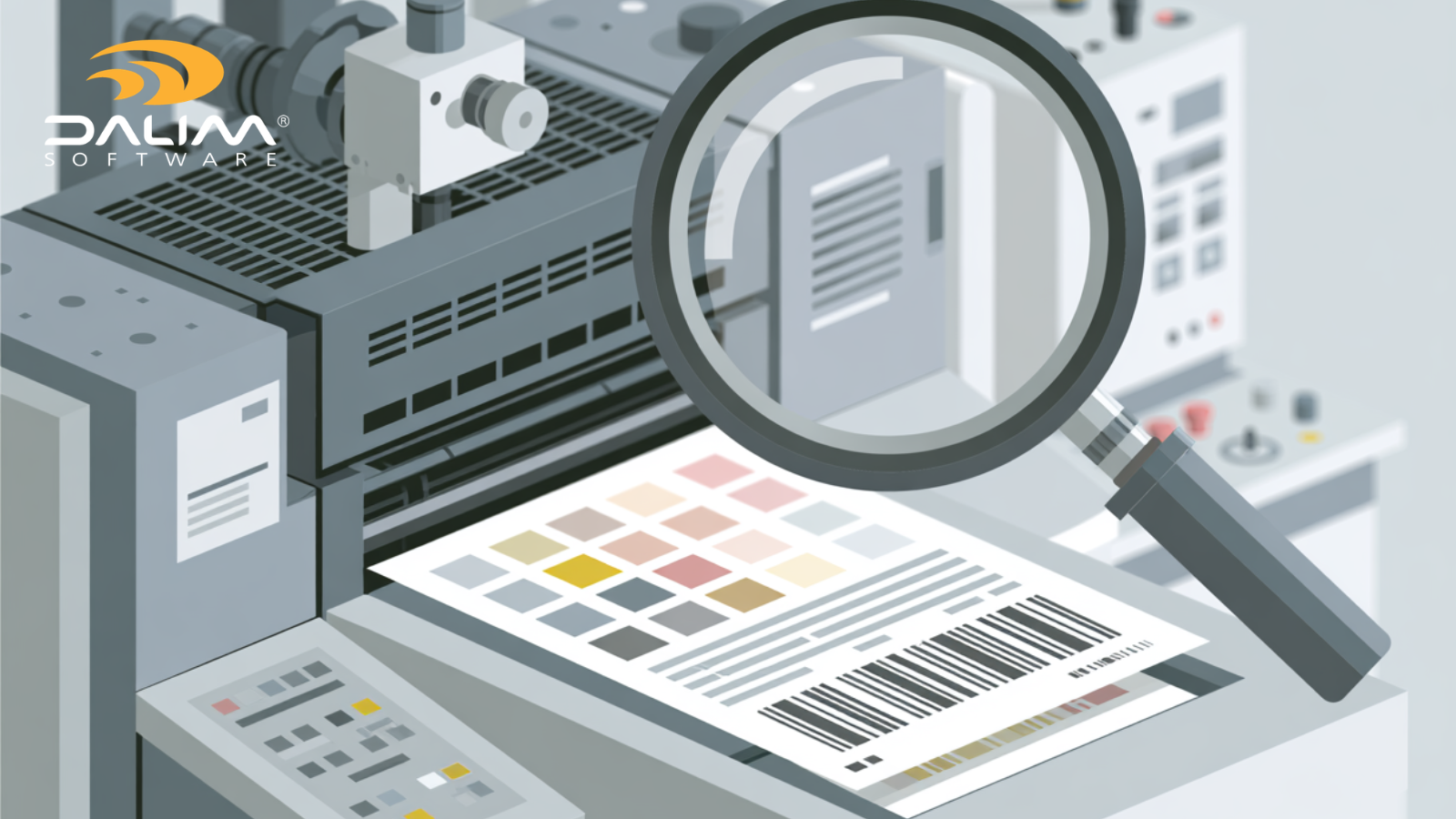
Color problems in artwork proofing usually trace back to one of three sources: the file itself, the viewing environment, or the gap between proof and production substrate.

File-level issues include incorrect color spaces, missing or mismatched color profiles, and spot colors that were built as process color approximations instead of true separations. These are technical problems, and they're the kind that automated preflight checks catch far more reliably than a human eye scanning a PDF.

Viewing environment issues come down to whether the reviewer is actually seeing an accurate representation of the file. A color-managed, calibrated viewing environment matters more than most teams assume, particularly when reviewers are spread across offices, agencies, and home setups with different monitors and lighting.

Proof-to-production gaps are the hardest to solve and the most damaging when missed. A color that's correct on a digital proof can shift once it's printed on a different substrate, with different ink sets, or through a different printing process entirely. This is exactly the kind of variability that formal color standards exist to manage. Standards like ISO 12647-2 specify the process parameters that should be applied when preparing color separations and producing proofs, covering solid ink colors, tone value, and substrate characteristics for offset processes, giving teams a shared, measurable reference point instead of a subjective judgment call. Teams working across multiple print methods, substrates, or global suppliers benefit from anchoring their proofing process to a recognized standard like this rather than relying on "it looked right on screen."

Compliance Errors: The Ones That Cost the Most

Compliance errors are less visible than color errors, and that's exactly what makes them dangerous. A color shift is usually noticeable. A missing allergen statement, an outdated regulatory claim, or a barcode that doesn't match retailer specifications often isn't caught until the product is already on a shelf or in a distribution center.

In regulated categories like pharma and food, labeling errors carry real consequences. Incorrect dosage information, missing warnings, or non-compliant claims can lead to product recalls, regulatory action, and in the worst cases, patient safety incidents. These aren't hypothetical risks; they're the reason regulatory bodies require detailed, auditable approval trails for labeling changes.

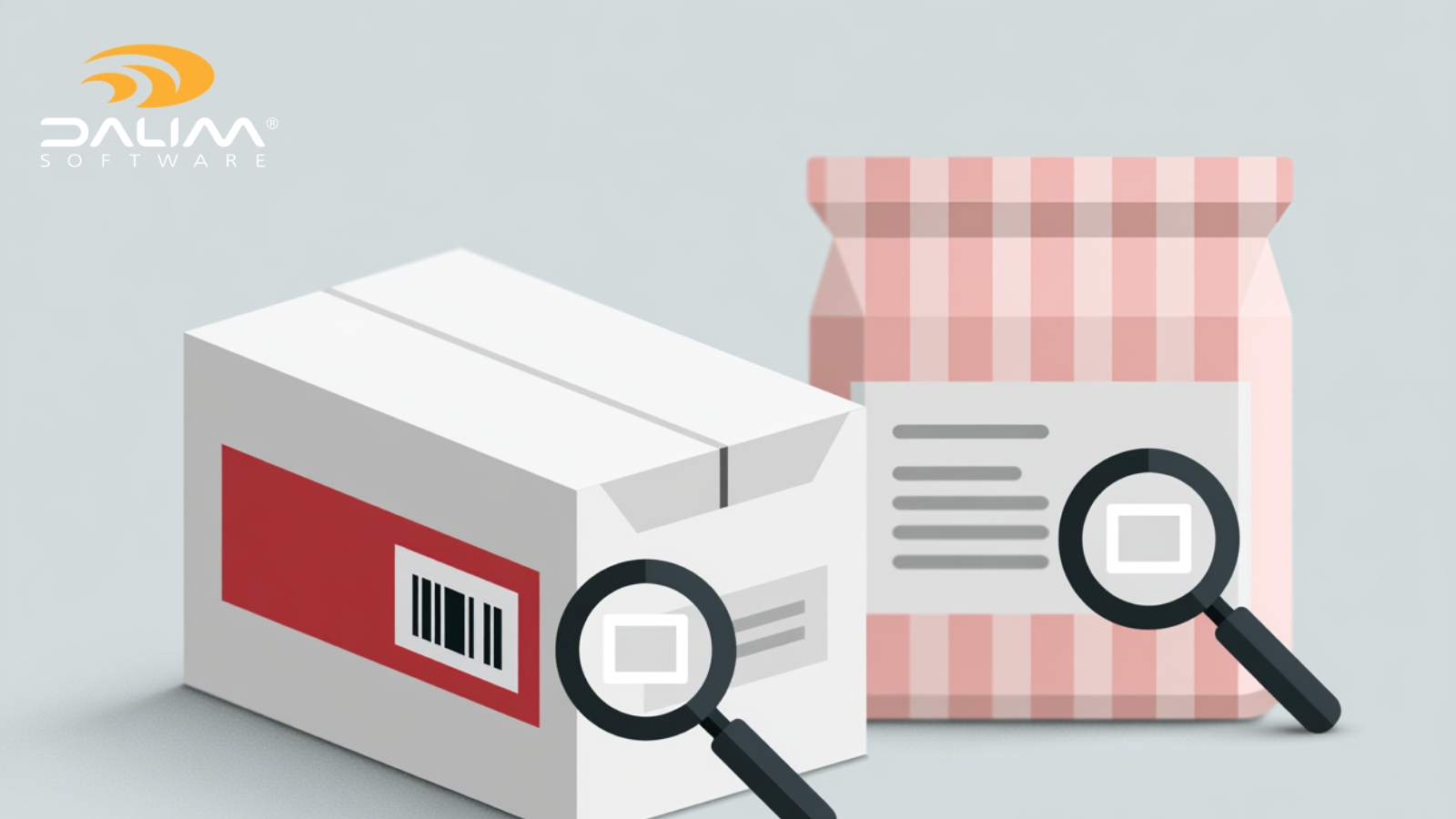
Barcode compliance is its own category of risk, and it's frequently underestimated. A barcode isn't just an image to check visually. GS1's General Specifications define the technical requirements for how barcodes and identification keys should be structured and used, covering everything from symbol sizing to quiet zones to placement rules that determine whether a code will actually scan at retail point of sale. A packaging file can pass every visual check and still fail a retailer's scanning audit, which triggers chargebacks, delivery refusals, or removal from shelf.

4

A Practical Framework for Compliance-Ready Artwork Proofing

Building a proofing process that reliably catches both color and compliance errors doesn't require throwing out your current workflow. It requires structuring it around a few non-negotiable steps.

  1. Normalize and preflight before anything reaches a human reviewer. Run every incoming file through automated checks for color space, resolution, fonts, bleed, and PDF integrity before it enters the review cycle. Catching technical errors here means reviewers spend their time on judgment calls, not file hygiene.
  2. Validate against structural and regulatory specifications, not just visual appearance. For packaging, this means checking artwork against dielines, varnish and foil zones, and barcode standards. For regulated categories, it means confirming that mandatory text, warnings, and claims match the current approved regulatory version, not last quarter's.
  3. Use color-managed, substrate-aware proofing environments. Reviewers should be looking at previews that account for the actual substrate and printing method, not a generic on-screen rendering. Where color-critical decisions are being made, verify separations and spot colors rather than assuming they'll translate correctly to press.
  4. Route review through a defined, role-based approval chain. Every stakeholder, brand, legal, regulatory, agency, printer, should have a clear role and a clear point at which their sign-off is required. Automated routing and escalation prevent files from stalling with a single reviewer who's out of office.
  5. Capture every decision in an immutable audit trail. Who approved what, when, and against which version needs to be documented in a way that can't be edited after the fact. This matters for internal accountability, but it's often a hard regulatory requirement in pharma and other controlled categories.
  6. Build in a final technical validation before file release. Even after visual and regulatory approval, run a last technical check, barcode scan validation, color profile confirmation, and file integrity, before the artwork is released to production. This is the step that catches anything that slipped through despite everyone's best intentions.

Traditional Review vs. a Structured Proofing Workflow


  Traditional Review Structured Proofing Workflow
Color verification Visual check on an uncalibrated screen Color-managed, substrate-aware previews with separation checks
Compliance checks Relies on reviewer memory and manual cross-referencing Validated against current regulatory and structural specifications
Version control Email attachments and shared drives Centralized, single source of truth with locked revisions
Barcode validation Visual inspection Technical scan validation against GS1 specifications
Audit trail Email threads and informal sign-offs Immutable, timestamped log of every action and approval
Timing Proofing as a final gate before press Checks built in from first draft through final release


The pattern across every row is the same: structured workflows replace judgment calls with verification. That doesn't remove the need for human expertise, brand and regulatory reviewers still make the calls only they can make, but it removes the technical and procedural gaps where errors have historically slipped through.

5

Where Automation and Workflow Technology Fit

None of this requires manual heroics to implement well. Modern workflow automation handles the repetitive, error-prone parts of artwork proofing so reviewers can focus on the judgment calls that actually need human expertise.

Automated preflight can catch missing fonts, incorrect color profiles, and resolution issues before a file ever reaches a reviewer's inbox. Rules-based validation can check dielines, barcodes, and color profiles against defined specifications, flagging exceptions instead of requiring someone to check every file by hand. Centralizing assets and review in one platform, rather than spreading them across email, shared drives, and disconnected tools, removes the version confusion that causes so many downstream errors.

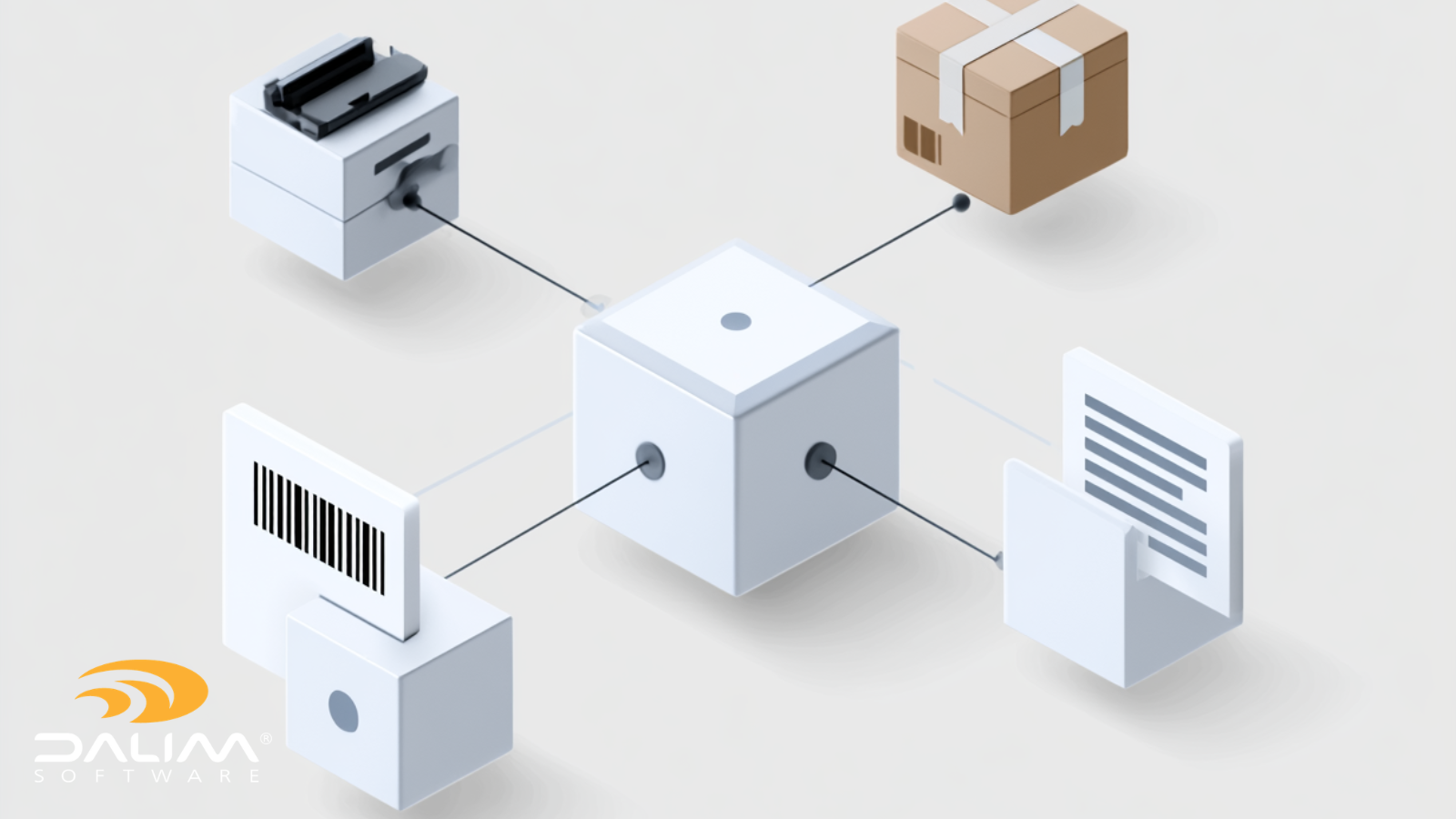
This is the kind of workflow DALIM FUSION is built around: online proofing with color-accurate, browser-based previews and deep zoom for detailed inspection, connected to automated preflight and file validation that checks color profiles, fonts, and PDF integrity before files reach a reviewer. For packaging teams specifically, artwork can be validated against dielines, varnish and foil zones, and barcode standards automatically, with true exceptions routed for guided remediation rather than left for someone to catch by eye. Every action carries a full audit trail, which matters as much for day-to-day accountability as it does for regulatory defensibility.

For teams in retail and FMCG managing high SKU volumes, the same principles apply at scale: pricing, compliance, and color gates built into the workflow itself, rather than left to a final manual check before a promotion or a product launch goes to press.

Common Mistakes Worth Avoiding

A few patterns show up repeatedly in teams that get burned by artwork errors:

  • Treating proofing as a single step instead of a process. One review cycle rarely catches everything. Build in checkpoints throughout, not just at the end.
  • Approving based on a PDF viewer, not a production-accurate proof. What looks right in Acrobat isn't necessarily what will print correctly on the actual substrate.
  • Letting "urgent" bypass the process. Rush jobs are exactly when shortcuts get taken and exactly when the cost of an error is highest.
  • Not revalidating after last-minute changes. A small text edit made after final approval still needs to go back through compliance and technical checks.
  • Assuming a visual barcode check is sufficient. It isn't. Barcodes need technical scan validation, not a glance.

Key Takeaways

  • Artwork proofing is the checkpoint where color and compliance errors either get caught or reach production, and the cost of a miss has gone up as SKU counts and regulatory complexity have increased.
  • Color errors typically come from file-level issues, uncalibrated viewing environments, or gaps between the proof and the actual production substrate.
  • Compliance errors, especially in regulatory text and barcodes, are often invisible until it's too late, which makes technical validation more important than a visual check.
  • A structured proofing workflow validates artwork against defined specifications (color standards, dielines, barcode requirements, regulatory text) rather than relying on reviewer judgment alone.
  • Automated preflight, centralized version control, and immutable audit trails remove the most common points of failure in manual review processes.
  • Building checks in from the first draft, rather than treating proofing as a final gate, gives teams time to actually fix what gets found.

Frequently Asked Questions

What is the difference between artwork proofing and preflight? Preflight is a technical check that validates a file's structure, such as fonts, resolution, color profiles, and bleed, before it's considered production-ready. Artwork proofing is the broader review and approval process that includes preflight but also covers visual accuracy, regulatory compliance, and stakeholder sign-off.

Why does packaging artwork need more rigorous proofing than standard print? Packaging artwork has to account for structural elements like dielines, varnish and foil registration, and barcode placement, alongside regulatory text that varies by market. A print error is usually a reprint. A packaging error can mean a retailer rejection, a recall, or a compliance violation.

Can color proofing catch every color error before press? Color-managed, substrate-aware proofing catches the vast majority of issues, particularly file-level and profile errors. Some variability between proof and final print run is expected even with correct process, which is why standards like ISO 12647-2 exist to define acceptable tolerances rather than promising a perfect match every time.

How do you validate a barcode before it goes to press? Barcode validation checks the technical specifications, symbol size, contrast, quiet zone, and encoded data, against the relevant GS1 standard for the intended scanning environment, rather than relying on how the barcode looks visually on a proof.

What causes the most artwork errors to reach production? Late-stage proofing, uncalibrated viewing environments, and manual compliance checks that depend on reviewer memory are the most common causes. Version control failures across multiple stakeholders are a close second.

Is automated proofing suitable for regulated industries like pharma? Yes, and in many cases it's preferable. Automated workflows can enforce role-based approval gates and produce immutable audit trails, which regulated industries typically require for defensible compliance documentation.

How often should regulatory text be re-checked during the proofing process? Any time artwork changes after initial approval, no matter how minor the edit appears. A single word change in a regulatory statement can affect compliance, so re-validation should be automatic rather than optional.

What's the biggest mistake brands make with multi-market packaging artwork? Assuming a master file's approved status carries over to localized variants automatically. Each market version needs its own compliance check, since regulatory requirements and language accuracy differ by region even when the base design doesn't change.

Getting Proofing Right Before It Costs You

Artwork proofing isn't just a review step to check off before a job ships. It's the point in the process where the cost of a missed error is lowest and the value of catching it is highest. Teams that build compliance and color verification into the workflow, rather than treating them as a final glance before press, spend far less time managing recalls, reprints, and retailer rejections after the fact.

If your team is finding that proofing keeps happening too late, or that color and compliance checks depend more on institutional memory than defined process, it might be worth a conversation about what a more structured approach could look like for your production environment. Talk to Dalim if you'd like to walk through it.

How Packaging Teams Eliminate the Costly Errors That Slip Through Artwork Approval

8 min read

How Packaging Teams Eliminate the Costly Errors That Slip Through Artwork Approval

Picture this: a product hits the shelves. Sales begin. Then someone notices the allergen declaration is missing from the back panel. Or the wrong...

Read More
Online Proofing for Packaging: Dielines, Barcodes & Text

1 min read

Online Proofing for Packaging: Dielines, Barcodes & Text

A folding carton doesn't get one review. It gets five, maybe eight, before it's anywhere near a press. Structural design has to sign off on the...

Read More
How Retail Brands Manage Online Proofing Across High-Volume Campaigns

1 min read

How Retail Brands Manage Online Proofing Across High-Volume Campaigns

Retail marketing moves fast. A seasonal campaign might involve dozens of creative assets, hundreds of regional variants, multiple rounds of...

Read More