

 Rebecca Freeman
Preflight Software: Stop Press Errors Before They Print
 Rebecca Freeman : Jul 6, 2026, 12:16:48 PM
See how preflight software and automated file checking catch print-ready errors before press, cutting reprints, delays, and wasted materials.
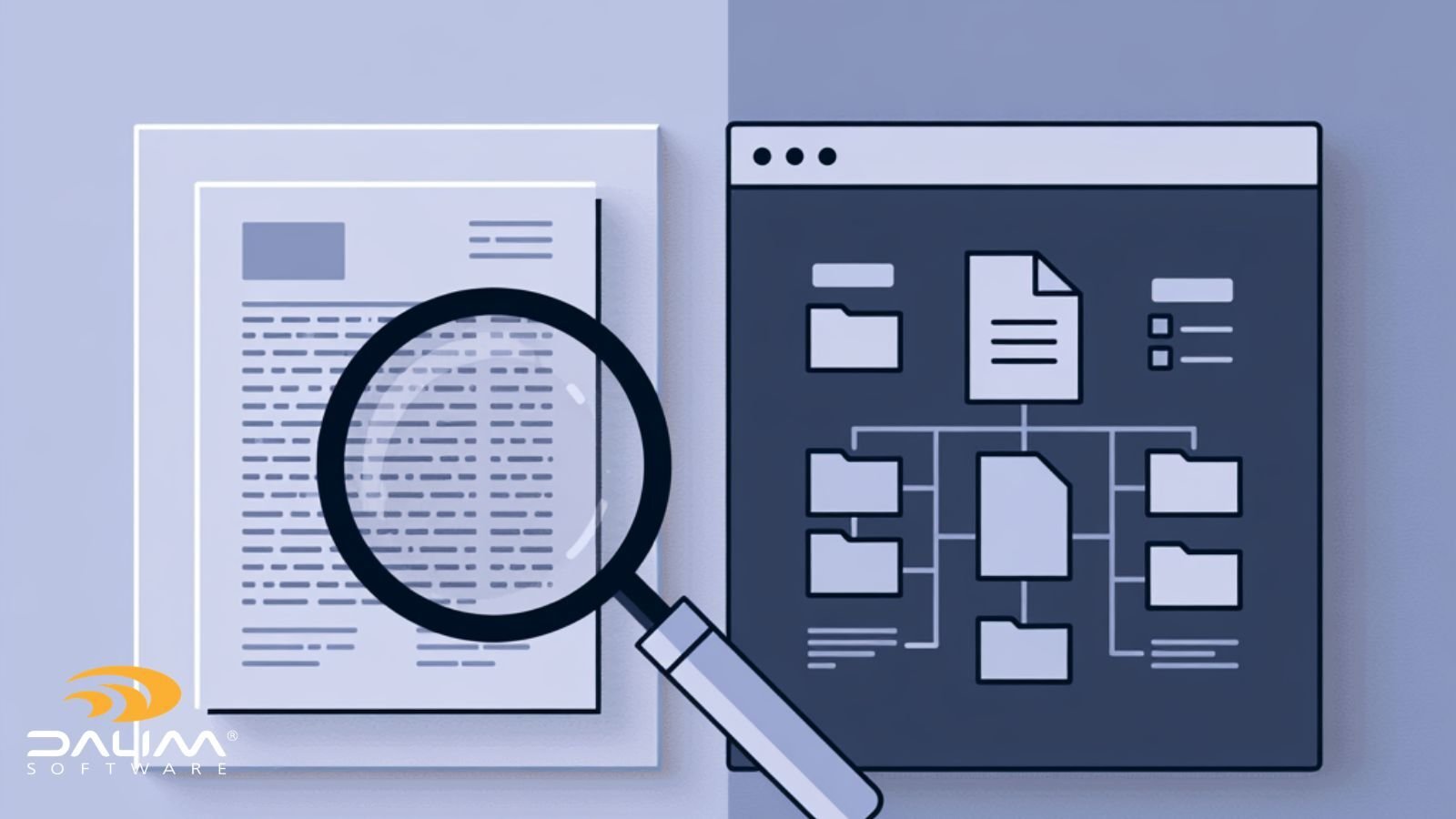
Ask any prepress operator how a job got to press with the wrong overprint settings or a missing bleed, and you'll usually get the same answer: "someone checked it, it looked fine." That's the uncomfortable truth about manual preflight. It's not that reviewers are careless. It's that the human eye was never built to catch the kind of errors that live inside a PDF's structure rather than on its surface.
As production volumes climb and files arrive from more sources, agencies, freelancers, brand teams, automated design tools, the gap between what a person can reasonably check and what actually needs checking keeps widening. This matters more now than it did five years ago, because the cost of a missed error has changed too. A color shift that once meant a reprint can now mean a packaging recall, a compliance flag, or a retailer rejection.
Our article explores exactly what automated preflight catches that manual review tends to miss, why that happens, and how to build a review process that uses human judgment where it actually adds value.
Automated preflight is the process of using software to check a file's technical structure, fonts, color, resolution, overprints, trim and safety margins, transparency, and PDF integrity, against a defined set of production rules before it moves further down the workflow. Unlike manual review, it applies the same checks consistently to every file, regardless of volume or who's reviewing it.
A skilled prepress operator can spot plenty just by looking at a proof: a logo that's off-brand, text that's misaligned, an image that looks low quality. What's much harder to catch visually is anything that lives inside the file's construction rather than its appearance.
Overprint and knockout settings. A white object set to overprint against a dark background won't look wrong in a soft proof. It'll look wrong on press, when the white disappears into the substrate underneath it.
Color space mismatches. An RGB image embedded in what should be a CMYK-only file can pass a visual check on screen and still produce unpredictable color once it hits a specific device or substrate.
Transparency flattening. Complex transparency effects can render correctly in one viewer and incorrectly in another, or during RIP processing. What looks fine in Acrobat isn't a guarantee of what happens at output.
Font embedding and substitution. A missing or non-embedded font might display using a system substitute that looks close enough to pass a glance, then reflow or fail entirely on another machine.
PDF integrity issues. Corrupted objects, broken cross-reference tables, or non-compliant PDF/X structure often don't show up visually at all until the file fails to process further down the line.
None of these are failures of attention. They're failures of visibility. A reviewer can't catch what isn't visible in a standard proof, no matter how experienced they are.

Even where an error is technically visible, human review runs into a second, quieter problem: consistency at scale.
A reviewer checking twenty files a day, carefully, is a different reviewer than one checking two hundred. Fatigue, shift changes, and the sheer repetitiveness of the task all erode accuracy over time, even for the most conscientious operator. And every reviewer applies slightly different judgment. What one operator flags as a bleed issue, another might let through because the specific job's tolerance wasn't top of mind that day.
This is really a consistency problem more than a skill problem. The individual check might be simple. Applying it identically to every file, every time, regardless of who's on shift or how busy the queue is, is what's actually hard to do manually.
| Area | Manual Review | Automated Preflight |
|---|---|---|
| Visual and brand judgment | Strong. Human reviewers catch off-brand elements and creative issues well. | Limited. Not designed to judge subjective creative intent. |
| Structural file errors (fonts, color spaces, transparency) | Weak. Errors often invisible in a standard proof. | Strong. Checks the file's actual construction, not just its appearance. |
| Consistency across high volume | Degrades with fatigue and shift changes. | Applies identical rules to every file, regardless of volume. |
| Speed at scale | Slows down as volume increases. | Scales with production demand. |
| Auditability | Depends on notes or memory. | Produces a traceable, reportable record of what was checked and what passed or failed. |
| Best suited to | Final creative sign-off, brand intent, exception review | Technical, structural, and compliance-related checks |
The takeaway isn't that one replaces the other. It's that each is suited to a different kind of check, and the workflows that hold up under real production pressure use both, deliberately.
For most print categories, a missed preflight error means a reprint: costly, frustrating, but recoverable. For packaging, pharma, and other regulated categories, the stakes are different. A labeling error that slips through isn't just a production problem, it can become a compliance or safety problem, and the FDA's guidance on recalls, market withdrawals, and safety alerts makes clear how much process sits behind correcting a product once it's already in the field.
That's exactly why an automated, auditable check carries more weight in these categories than a note in someone's memory that "it was checked." When the same rule set is applied to every file, every time, and the outcome is logged, you have something you can actually point to if a question comes up later.
This is a big part of why file checking is such a central capability in DALIM's work with packaging and retail brand production. Automated file checking, color checks, and imposition can all trigger dynamically as part of a connected workflow automation sequence, rather than sitting as an isolated manual step waiting for someone to get to it.
Mistake: Treating preflight as a one-time gate at the start of the job. Best practice: Trigger checks dynamically wherever files enter or change in the workflow, not just at intake.
Mistake: Relying on whichever operator is on shift to remember every rule. Best practice: Capture the rule set once in software, so expertise applies consistently regardless of who's working the file.
Mistake: Using manual review to catch structural errors it was never designed to catch. Best practice: Let automated checks handle structure and let human reviewers handle judgment and brand intent.
Mistake: No record of what was checked or when. Best practice: Build an auditable trail, particularly for regulated or compliance-sensitive categories.
What is the difference between preflight and normalization? Preflight checks a file against a defined rule set and reports what passes or fails. Normalization goes a step further and actively corrects or standardizes the file to meet those requirements, adjusting color profiles, fixing thin lines, or adding missing bleed, for example.
Can automated preflight fully replace a human reviewer? No. Automated preflight is strong on structural and technical checks but isn't designed to judge subjective creative or brand intent. Most reliable workflows use both, with automation handling the technical layer and human reviewers focused on judgment calls.
What file issues does automated preflight catch most often? The most common categories are font embedding problems, incorrect color spaces, missing bleed or safety margins, transparency flattening issues, and PDF structural integrity problems.
Why do color errors sometimes pass a soft proof but fail on press? A soft proof on screen doesn't always reflect how overprint settings, transparency, or color profiles will behave on a specific device or substrate. That's why technical checks against the actual file structure matter, not just a visual look.
How does automated preflight help with regulatory compliance? It applies the same defined rule set to every file and produces a traceable record of what was checked and when. That auditability matters for regulated categories like packaging and pharma, where a labeling error can trigger far more than a reprint.
Is automated preflight only useful for high-volume production? It helps at any volume, but the consistency benefit becomes more pronounced as volume grows and as more files come from a wider range of sources, agencies, freelancers, and automated design tools among them.
What should be automated versus left to a human reviewer? Structural and technical checks, fonts, color, resolution, overprints, bleed, PDF integrity, are well suited to automation. Brand judgment, creative intent, and handling flagged exceptions are better left to a skilled reviewer.
Manual review has real strengths. It's just not suited to catching errors that live inside a file's technical structure rather than on its surface. The workflows that hold up under production pressure don't ask people to do what software does better, or the reverse. They automate the structural checks so nothing slips through simply because someone was busy, and they save human attention for the judgment calls that actually need it.
If you're reviewing how your own production workflow splits that work between automation and human judgment, it's worth mapping out where each check in your current process actually belongs. You can explore how DALIM FUSION approaches file checking and transformation if it's helpful to see how that split works in practice.
 Rebecca Freeman : Jul 6, 2026, 12:16:48 PM
See how preflight software and automated file checking catch print-ready errors before press, cutting reprints, delays, and wasted materials.
 Rebecca Freeman : Jul 12, 2026, 6:17:21 PM
New to print production? Learn what preflight means, why it matters, and how to avoid the mistakes that delay your first print job.
 Rebecca Freeman : Sep 21, 2026, 11:03:08 AM
Learn what packaging prepress involves, why it matters for brand and packaging teams, and how automated workflows cut errors and delays.