
1 min read
The Must-Have Features to Look For When Choosing Prepress Automation Software
If you work in print or packaging production, you already know the feeling. Jobs are coming in faster, file quality is inconsistent, approval...
A packaging file looks perfect on screen. The colors are right, the copy is approved, the layout is signed off. Then it comes back from the printer with a barcode that won't scan, a spot color that shifted on the substrate, or text that runs straight into the fold line because nobody checked it against the dieline. Now there's a reprint, a delayed shipment, and an uncomfortable call with the brand team.
This is the gap that packaging prepress exists to close. It sits between "the design is approved" and "the job is on press," and it's where most of the costly, avoidable mistakes in packaging production either get caught or get missed.
Packaging prepress matters more now than it used to. Brands are running more SKUs with shorter lead times, packaging carries more regulatory content than ever, and the number of experienced prepress technicians in the industry keeps shrinking. A process that used to depend on one or two specialists who "just knew" a press's quirks now has to be documented, repeatable, and fast enough to keep up with demand.
This article covers what packaging prepress actually involves, how it differs from general print prepress, the most common mistakes teams run into, a practical step-by-step framework, and where automation genuinely changes the outcome.
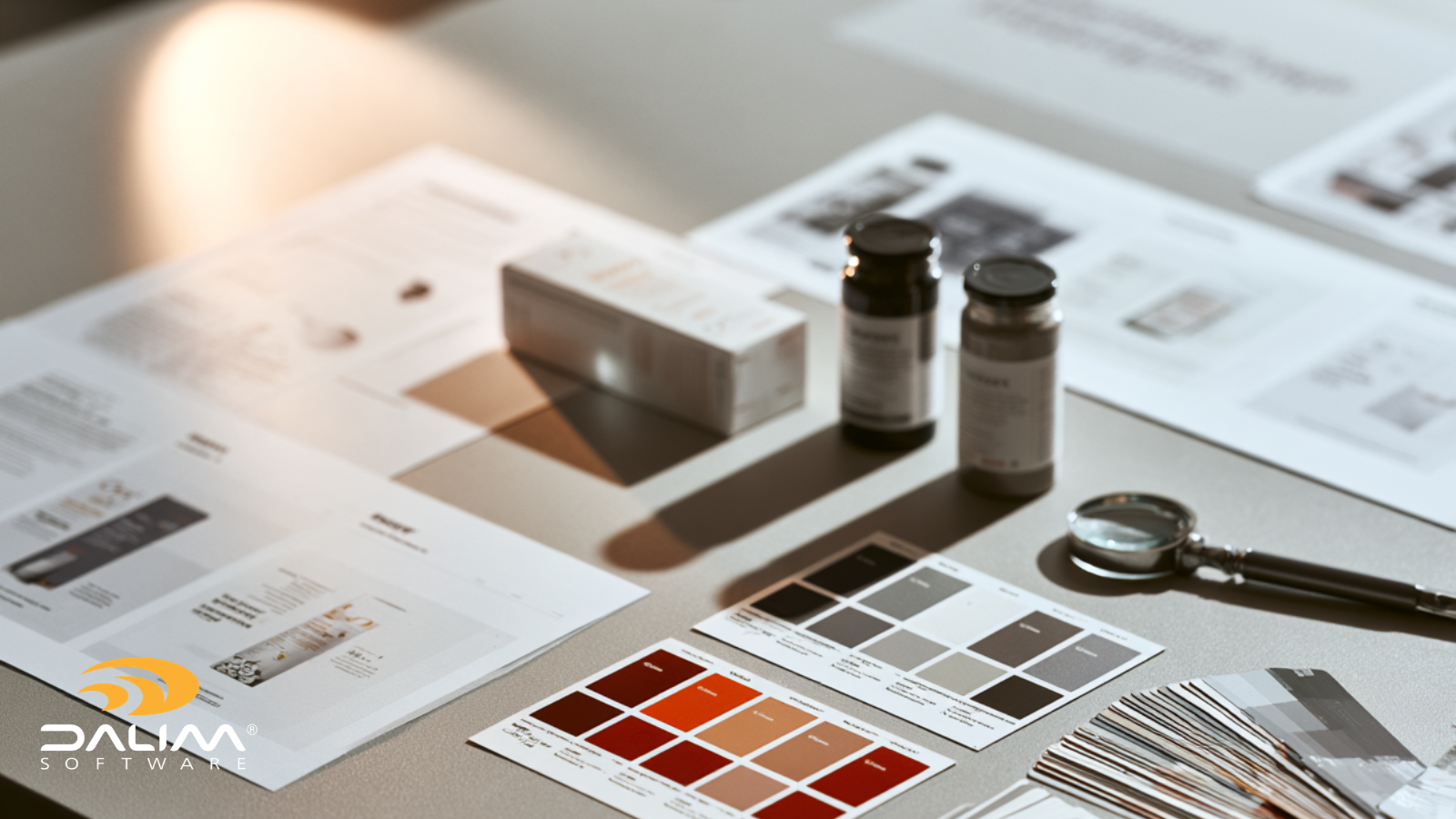
Packaging prepress is the set of technical steps that turns an approved design file into a verified, print-ready file matched to a specific press, substrate, and finishing process. It covers file checking, color management, structural verification against the dieline, proofing and approval, and final output preparation before a job goes to plate or press.

General print prepress checks a file for resolution, color mode, fonts, and bleed. Packaging prepress does all of that, and then adds a set of concerns that don't exist in a typical print job:
Structural accuracy. Packaging has a dieline, the cut, fold, and glue path that turns a flat sheet into a box, pouch, or label. Artwork has to align precisely with that structure, or text and graphics end up wrapping around a fold or getting trimmed off entirely.
Substrate variability. The same design might print on coated cardstock, flexible film, glass, or metal, and each substrate behaves differently under ink. Color management has to account for that from the start, not after a proof comes back wrong.
Press and finishing complexity. Packaging often runs on flexo, gravure, or narrow-web digital presses with multi-lane setups for labels, plus finishing effects like foil stamping, embossing, and spot UV that each need their own file preparation.
Regulatory and compliance content. Ingredient lists, allergen statements, net weight declarations, and barcodes all have to be technically correct and legible at production scale. A barcode that fails to scan at retail, or a food label missing a required allergen statement, is a different order of problem than a misaligned column in a brochure.
Versioning at volume. A single packaging design might need dozens of market or language variants, each of which has to go through the same technical checks without drifting from the approved master.
Three trends are putting more pressure on packaging prepress teams at once.
SKU counts keep growing. Personalization, private label expansion, and shorter product cycles mean more distinct packaging jobs, each with its own file checks, rather than fewer, larger runs.
Prepress expertise is harder to find. The technicians who built up years of press-specific and substrate-specific knowledge are retiring faster than that knowledge is being replaced, which is part of why more of that judgment is being built into software instead of relying solely on one person's experience.
Compliance scrutiny is higher. Food, cosmetics, and pharmaceutical packaging all carry regulatory content that has to be accurate, and the FDA's Food Labeling Guide gives a sense of just how detailed those requirements can get in a single category. Getting this wrong doesn't just mean a reprint. It can mean a recall.
| Mistake | Why it happens | Better approach |
|---|---|---|
| Skipping or rushing preflight | Deadline pressure, assuming the file is "already approved" | Run automated preflight on every file, every time, regardless of who submitted it |
| Inconsistent color management across substrates | Using one color profile for jobs that run on different materials | Manage color per substrate and press condition, following process standards like ISO 12647 for measurement and control |
| Missing or misapplied dielines | Treating packaging like flat print, without structural verification | Check every file against the current dieline before proofing, not after |
| Barcode and scan failures caught late | Barcode accuracy is treated as a final check rather than a preflight item | Verify barcode size, placement, and scan grade as part of preflight |
| Version drift across markets | Manually managing dozens of localized variants | Centralize approved artwork and dielines in one system so every variant traces back to the same source |
| Traditional (manual) | Automated workflow | |
|---|---|---|
| Consistency | Depends on the individual technician's experience | Every file checked against the same standard, regardless of who submits it or when |
| Speed at peak volume | Bottlenecks when job volume spikes | Scales to handle volume spikes without adding headcount |
| Error detection | Often caught late, sometimes after printing | Caught at intake, before a job reaches press |
| Knowledge dependency | Concentrated in a small number of experienced staff | Built into repeatable workflow rules |
| Audit trail | Manual, inconsistent record-keeping | Version history and approval records captured automatically |
Neither approach eliminates the need for human judgment entirely. Complex or ambiguous issues still need a person to make the final call. The difference is how much of the routine, repeatable checking gets done consistently before that person's time is needed at all.

This is exactly the kind of work modern packaging workflow platforms are built to absorb. DALIM FUSION's file checking and transformation capabilities apply preflight rules automatically across high file volumes, correcting common issues like missing color profiles on the spot rather than waiting for someone to catch them manually. Its imposition tools adapt to multi-lane label and packaging press configurations in real time, which matters for the kind of short-run, high-SKU work that's become the norm.
Centralizing approved artwork, dielines, and brand assets in a digital asset management system also reduces version drift, since every market variant traces back to the same approved source rather than a folder of slightly different files. Pairing that with online proofing means brand, agency, and printer stakeholders can review and approve against the same print-accurate proof instead of passing PDFs back and forth by email.
A few real examples from packaging producers using this approach: Fleury Michon centralized its packaging validation workflow to manage food packaging compliance and sustainability requirements in one place. Adeo, which produces or updates close to 10,000 packaging items a year across brands including Leroy Merlin and Bricoman, uses the same kind of centralized validation to keep that volume manageable. And ISDIN, working in pharmaceutical-grade packaging, achieved 25% faster approvals while maintaining full traceability across teams and regions, which matters when regulatory documentation has to hold up to scrutiny.
It's worth being precise about what this kind of platform does and doesn't do on the compliance side. DALIM FUSION's workflow automation supports a team's own compliance obligations, things like audit trails, version control, and e-signatures on approvals, but it doesn't certify regulatory compliance on its own. The team still owns the accuracy of what goes on the package. The platform's job is to make sure that once something is checked and approved, it stays that way through every version and every market.
If your team is running into the same version drift, color inconsistency, or approval delays across a growing SKU count, it might be worth talking to DALIM about how a centralized workflow could fit into your existing process.
What is the difference between prepress and packaging prepress?
General prepress checks a file for print readiness (resolution, color mode, fonts, bleed). Packaging prepress adds structural verification against a dieline, substrate-specific color management, and regulatory content checks like barcodes and ingredient labeling.
What does a packaging preflight check look for?
A packaging preflight check typically covers file integrity, color mode and profile, image resolution, font embedding, bleed and trim, dieline alignment, and barcode scan grade.
How long does packaging prepress typically take?
It varies by job complexity and file quality on intake. A clean file with a simple structure can move through prepress in hours. A file with structural issues, missing compliance content, or unclear color specifications can take days to resolve, which is part of why catching issues early matters.
Who is responsible for packaging prepress: the brand, the agency, or the printer?
It depends on the supply chain setup. Some brands handle prepress in-house, others rely on their design agency or a dedicated prepress or premedia provider, and many printers offer prepress as part of production. What matters most is that everyone works from the same approved files and dielines, regardless of who runs the technical checks.
What file format is best for packaging prepress?
A print-ready PDF is the standard format for most packaging prepress workflows, since it can carry color profiles, embedded fonts, and structural information consistently across different production systems.
How does packaging prepress handle multiple SKUs or market versions?
The most reliable approach centralizes the approved master artwork and dieline in one system, so every localized or market-specific variant is checked against the same source rather than being manually recreated for each version.
Can packaging prepress be fully automated?
Most of the routine, repeatable checking, preflight, color profile application, barcode verification, can be automated. Complex or ambiguous issues, like a structural change that affects brand design intent, still benefit from human review.
What happens if a packaging error is caught after printing?
It typically means a reprint, which costs time, materials, and press capacity, and can delay a product's launch or retail placement. This is why most of the value in packaging prepress comes from catching issues before a file ever reaches press.
1 min read
If you work in print or packaging production, you already know the feeling. Jobs are coming in faster, file quality is inconsistent, approval...
1 min read
1 min read
On November 27, 2025, we were delighted to welcome Julie FEGER KATZ, a lawyer at FIDAL, to our offices for a breakfast conference dedicated to new...