

 Rebecca Freeman
What Is Prepress Workflow Automation? (2026 Guide)
 Rebecca Freeman : Jun 10, 2026, 2:13:18 PM
Learn what prepress workflow automation is, how it works, and why it matters in 2026 - from preflight and imposition to approvals and production...
A job goes to press. Twenty minutes in, someone notices the spot color didn't separate correctly, or the bleed is missing on half the pages, or an image that looked fine on screen is printing as a pixelated mess. The press stops. Materials are wasted. The schedule for every job behind it slips. Someone has to call the client and explain why the delivery date just moved.
None of this is rare. It's one of the most common and most expensive failure points in print production, and it almost always traces back to the same root cause: a file that wasn't actually ready for press, even though everyone assumed it was.
Preflight software exists to catch exactly this kind of problem, and to catch it early enough that it costs minutes instead of hours, or dollars instead of an entire reprint run. As print volumes grow, file sources multiply, and production teams run leaner, manual file checking simply can't keep pace. Automated preflight has moved from a nice-to-have to a baseline requirement for any print business that wants to protect margin and meet deadlines consistently.
We take a look at what preflight software actually does, why press errors keep happening despite decades of standardization, and how automated file checking fits into a modern production workflow.
Preflight software is a tool that automatically inspects a print file, such as a PDF, against a defined set of technical requirements before it enters production. It checks things like color mode, image resolution, font embedding, bleed and trim, and overprint settings, flagging anything that doesn't meet spec so it can be fixed before the file reaches press.
The term comes from aviation. Pilots run through a checklist before takeoff to confirm the aircraft is genuinely ready to fly, not just assumed to be. Print production borrowed the concept for the same reason: once a job is on press, correcting a mistake is far more expensive than catching it beforehand.
Print production has had standardized file formats for print-ready output for over two decades, so it's reasonable to ask why file errors are still one of the leading causes of production delays. A few reasons keep coming up across print businesses of every size.
Files arrive from too many places. A single production floor might receive files from in-house designers, external agencies, freelancers, brand marketing teams, and automated web-to-print systems, all in the same week. Each source has its own habits, software versions, and understanding of what "print-ready" actually means.
Color and export settings vary by machine. A file built on one workstation, with one color profile, in one version of a design application, can behave completely differently once it reaches a different RIP or press. What looks correct on a designer's monitor isn't a reliable indicator of how it will separate and print.
Deadlines encourage shortcuts. When a client needs a file turned around same-day, someone somewhere is tempted to skip a manual check "just this once." That's usually the file that causes the problem.
Manual preflight doesn't scale. A skilled operator can catch most issues by eye on a handful of files a day. Nobody can do that reliably across hundreds or thousands of files without missing something, especially across multiple shifts and locations where the checking process depends on whoever happens to be at the desk.
It's worth being specific about what a file error actually costs, because the number is usually higher than people expect.
The core insight the print industry has learned the hard way: the later a file problem is caught, the more it costs to fix. Catching a missing bleed setting at upload takes seconds. Catching it after a 5,000-unit print run is finished does not.
Modern preflight tools are built to check the specific things that cause the most common press problems. A few of the highest-impact checks include:
Many of these checks map directly to the PDF/X family of standards, maintained by the PDF Association, which define the structural requirements most professional print workflows check files against. Industry groups like the Ghent Workgroup have built on those standards to publish detailed preflight specifications used across commercial print, packaging, and publishing.

For teams building or refining a preflight process, a straightforward framework helps keep things consistent:
| Manual File Checking | Automated Preflight | |
|---|---|---|
| Consistency | Depends on the individual operator and shift | Applies identical rules across every file, every shift |
| Speed at scale | Breaks down beyond a handful of files per day | Handles high volumes in parallel without added headcount |
| Error correction | Requires someone to identify and manually fix each issue | Common issues can be corrected automatically as part of the check |
| Knowledge dependency | Relies on specialist expertise that's hard to find and retain | Captures expert rules once, applies them permanently |
| Audit trail | Inconsistent or missing | Built into the workflow, with a record of what was checked |
| Best suited for | Highly unusual, one-off, or highly specialized jobs | Routine, high-volume, or time-sensitive production |
Most production environments need both. Automated preflight handles the volume and the routine checks. Skilled operators stay focused on the genuinely unusual jobs that need a trained eye, rather than burning their attention on the hundredth font-embedding check of the day.
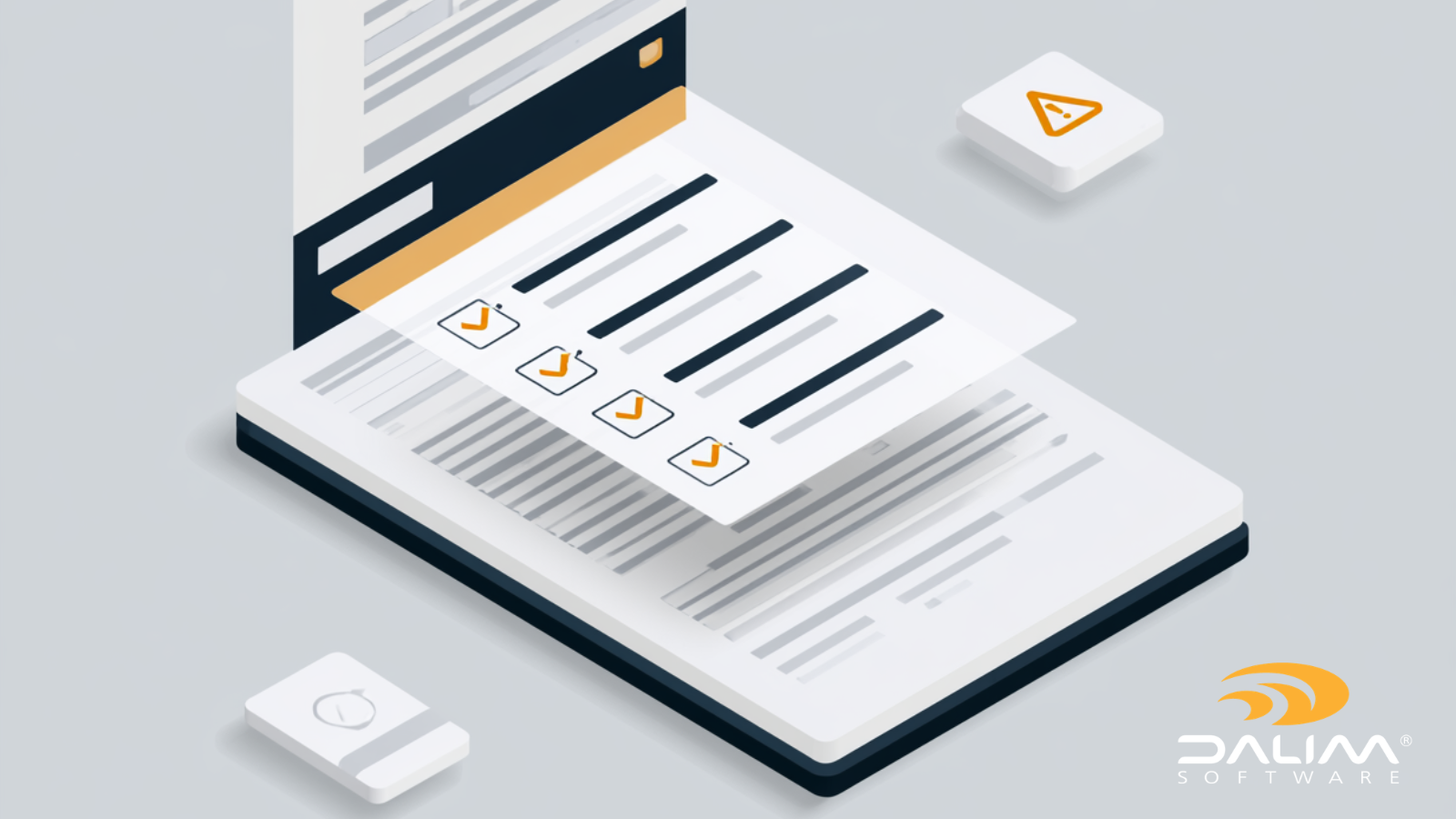
Preflight rarely works well as an isolated step. It's most effective as part of a connected workflow, where a file check triggers the next action automatically rather than sitting in a queue waiting for someone to notice it. DALIM FUSION's file checking and transformation capabilities are built around this idea: preflight, color checks, imposition, and file conversion can all trigger dynamically based on what a file needs, rather than running as separate manual stages.
That same logic extends into broader workflow automation, where a flagged file can automatically route to the right person, trigger a notification, or move straight into correction and reprocessing without anyone needing to manually track its status. For packaging producers in particular, where a single error can mean a regulatory compliance problem rather than just a reprint, this kind of automated, auditable check matters even more. It's a big part of why file checking is such a central capability across DALIM's packaging and retail brand production work.
The broader point is that automated file checking becomes genuinely valuable when the expertise behind it is captured once and applied consistently, rather than depending on whichever operator happens to be on shift that day. That consistency is what actually prevents press errors at scale, not just the individual check itself.
Preflight software isn't about replacing skilled prepress operators. It's about making sure their expertise gets applied to every single file, every time, regardless of volume, shift, or how many different sources those files came from. The businesses that get the most value from automated file checking are the ones that treat it as connected to the rest of their production workflow, not as an isolated checkbox before a job goes to press.
If file errors are still costing your team time, materials, or client trust, it's worth starting with a simple audit: where in your current process do errors actually get caught, and how early is that compared to where they could be caught instead? If you'd like to talk through what that might look like for your production environment, DALIM's team is happy to help.
What is preflight in print production? Preflight is the process of checking a digital file before it goes to print to confirm it meets the technical requirements for production, including fonts, color spaces, resolution, bleed, and structural integrity. The goal is to catch errors before press, when they're still cheap to fix.
What causes most press errors? Most press errors trace back to file problems: incorrect color modes, low-resolution images, missing or incorrect bleed, unembedded fonts, or unflattened transparency. These issues often look fine on screen but cause visible or structural problems once a file is actually printed.
Can preflight checking be fully automated? Most routine preflight checks, including font embedding, color space, resolution, and bleed, can be automated reliably. Unusual, highly specialized, or one-off jobs may still benefit from manual review alongside the automated check.
What's the difference between preflight and proofing? Preflight checks the technical integrity of a file, confirming it meets print-ready specifications. Proofing is the review and approval process where stakeholders confirm the design, content, and branding are correct. They serve different purposes and typically happen at different stages of production.
Why does preflight matter more for packaging than commercial print? Packaging files often carry regulatory and compliance requirements alongside production specifications. An error that would simply mean a reprint in commercial print can mean a compliance issue or a product recall in packaging, which makes consistent, auditable file checking especially important.
What file format is best for preflight checks? PDF is the standard format for preflight in most print workflows, since it can carry the fonts, color information, and structural data preflight checks rely on. Many production environments check files against the PDF/X family of standards as a baseline for print-ready output.
How early should preflight happen in a workflow? As early as possible, ideally at the point a file is submitted or uploaded rather than after it's already queued for production. The earlier an error is caught, the cheaper and faster it is to fix.
Does automated preflight replace the need for skilled prepress staff? No. It removes the burden of manually checking every routine file, freeing skilled operators to focus on unusual jobs, edge cases, and the judgment calls that automation genuinely can't make.
/3.png) Rebecca Freeman : Jun 10, 2026, 2:13:18 PM
Rebecca Freeman : Jun 10, 2026, 2:13:18 PM
Learn what prepress workflow automation is, how it works, and why it matters in 2026 - from preflight and imposition to approvals and production...
 Rebecca Freeman : Jun 22, 2026, 12:32:59 PM
Retail brands face mounting prepress complexity. Here's how leading teams are streamlining digital prepress workflows to cut errors, speed approvals,...
 Rebecca Freeman : Jun 17, 2026, 10:34:56 AM
Learn what preflight means in print production, why it matters, and how automated preflight checks prevent costly errors before they hit press.