

 Rebecca Freeman
Content Production Platform vs. Point Solutions
 Rebecca Freeman : Aug 2, 2026, 8:30:12 PM
Running separate DAM, proofing, and preflight tools? See what a unified content production platform replaces, and how to evaluate the move.

Somewhere in most organizations, there's a folder full of "final_v2" files that three different people can open, edit, and re-save without anyone else knowing it happened. A freelancer who finished a project eight months ago can still download master artwork. A regional office publishes a product image the legal team never actually signed off on. None of this usually happens because someone was careless. It happens because the system never made clear who was allowed to do what.
As content volume grows and more people, teams, agencies, and AI tools touch the same assets, that ambiguity gets expensive. A digital asset management (DAM) system is only as trustworthy as the permissions built into it. Storage and search solve the problem of finding a file. Access control solves the much harder problem of knowing that the file someone finds is the right one, that it hasn't been altered by someone who shouldn't have had that ability, and that whoever approved it for use actually had the authority to do so.
On the Dalim blog today we break down what DAM access control really means, the roles and mistakes that shape most permission structures, a practical framework for setting one up, and where modern platforms fit into the picture.
DAM access control is the set of rules that determine who can view, edit, approve, download, or publish assets stored in a digital asset management system. Rather than treating every user the same way, it assigns permissions based on role, project, asset status, or organizational need, so that editing rights, approval authority, and publishing access are each governed separately. This mirrors the broader concept of role-based access control that NIST has documented as a recognized security model, applied specifically to how content moves through a production and approval lifecycle.
Standard IT access control usually asks a binary question: can this person log in to this system or not. DAM access control operates at a finer grain. The same person might be able to view an asset, unable to edit it, and unable to move it from "In Review" to "Approved" unless they hold a specific role on that project. Permissions shift as an asset moves through its lifecycle, not just based on who the user is.
Most teams don't think hard about DAM permissions until something has already gone wrong. A few patterns show up again and again as content operations grow.
The cost isn't always a dramatic public mistake. More often, it's the slow accumulation of rework, duplicated files, missed deadlines while someone tracks down the "real" approver, and the quiet erosion of trust in the DAM itself. Once teams stop trusting that the system reflects reality, they start keeping their own local copies "just in case," which recreates the exact chaos the DAM was meant to solve.
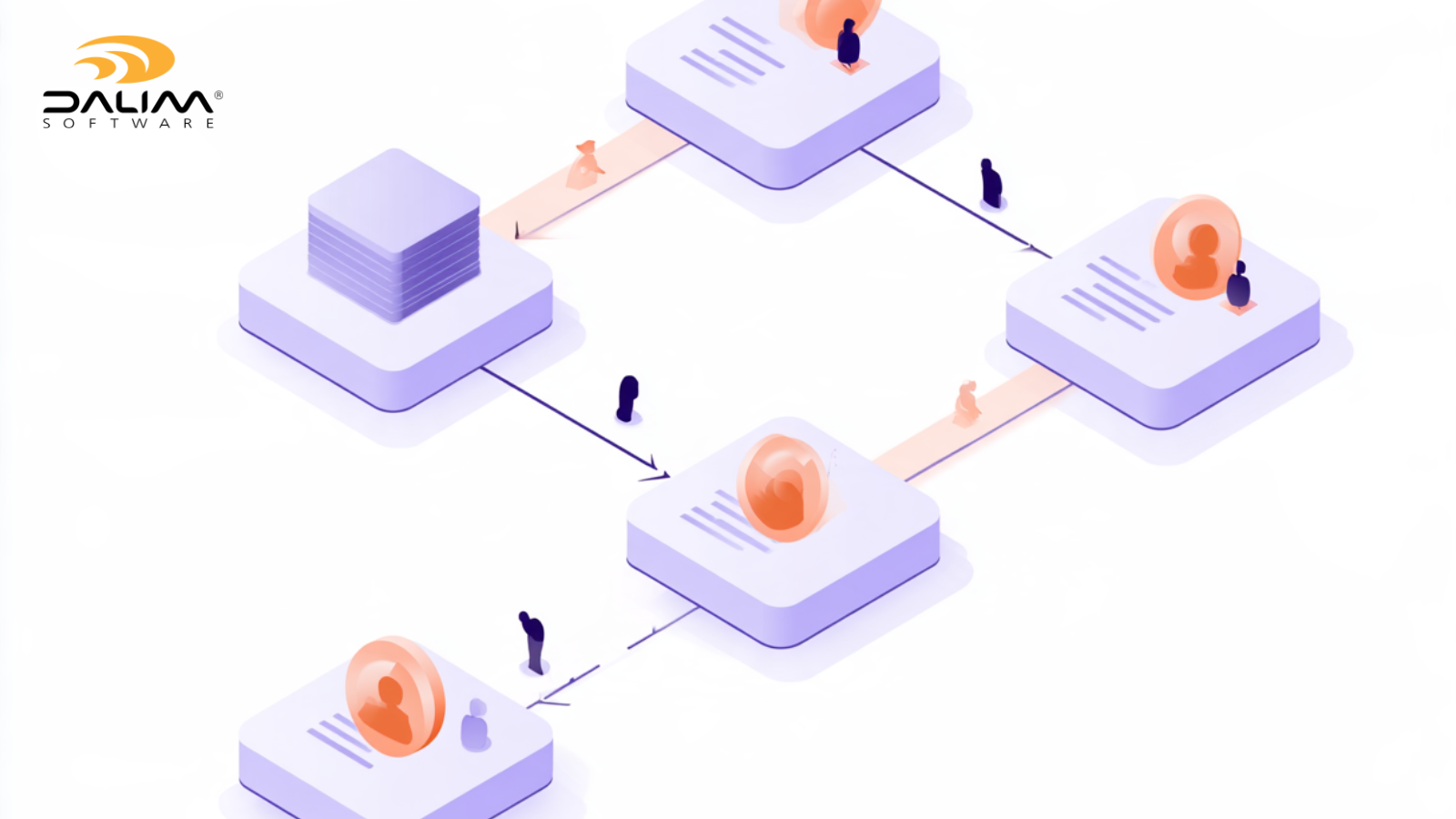
Most organizations, regardless of industry, end up needing some version of the same role structure inside their DAM:
A packaging producer might route artwork through a regulatory approver before a brand approver ever sees it. A retail brand might need country-specific publishers who can only release assets for their own market. A healthcare marketing agency might need an extra compliance reviewer step that a corporate brand team doesn't require at all. The roles are consistent; how they're combined depends on the business.
Setting up access control doesn't need to be complicated, but it does need to be deliberate. Here's a framework that works across most content operations:
| Traditional approach | Modern DAM governance | |
|---|---|---|
| Where files live | Shared drives, email attachments, local folders | Centralized DAM with lifecycle status |
| Who can edit | Often anyone with the file | Defined by role and asset stage |
| Approval record | Email threads, verbal sign-off | Logged approvals with timestamp and identity |
| External access | Full folder access or ad hoc file sharing | Controlled links, view or comment only, no system access |
| Accountability | Reconstructed after the fact, if possible | Built in from the start via the audit trail |
A few patterns separate DAM governance that actually holds up from governance that quietly fails:
Best practice flips each of these: scope access tightly, review it regularly, make approval a system-enforced gate rather than an honor system, and let the platform carry the burden of consistency instead of individual memory.

Modern workflow platforms have made this kind of governance far more practical than it used to be. Rather than managing permissions in one system and tracking approvals in another, a production-grade DAM can handle both together.
DALIM FUSION's digital asset management capabilities build access control directly into the asset lifecycle rather than treating it as a bolt-on setting. Rights management, usage restrictions, and expiration controls sit alongside check-in and check-out, so teams working on shared files don't overwrite each other's changes. Distribution to external partners can be handled through granular permissions rather than blanket folder access, and every action carries an audit log behind it.
That governance carries through into the approval process itself. Because review and approval is native to the platform rather than a separate proofing tool, assets can move from Draft through In Review to Approved and Published without leaving the system, with each transition tied to a specific role rather than an open invitation. External reviewers, printers, or agency partners can be invited to comment or approve through controlled links without being granted broader system access, which matters when a project involves dozens of outside collaborators who only need to touch one asset. For organizations working under frameworks like 21 CFR Part 11, this kind of structure, with immutable audit logs and e-signature capability, supports the recordkeeping those regulations expect, though it's worth being clear that any platform provides the tools for compliance rather than certifying compliance on an organization's behalf.
Automation adds another layer. Workflow automation can route an asset to a legal, regulatory, or brand team automatically once it hits a particular status, rather than relying on someone to remember to forward it. This is especially useful in packaging and other regulated production environments, where a missed review step has real downstream consequences. ISDIN, a pharmaceutical company producing packaging at global scale, uses this kind of structured governance across its production process and reports approvals moving roughly 25% faster as a result, without loosening the regulatory rigor the work demands.
None of this replaces the thinking that goes into deciding who should hold which role. It just means that once those decisions are made, the platform enforces them consistently instead of leaving compliance to memory and good intentions.
Getting this right isn't about locking content down for its own sake. It's about making sure the right people can move fast while the wrong changes never make it out the door. If you're weighing up how a production-grade platform handles this in practice, the DALIM FUSION team is a reasonable place to start the conversation.

What is DAM access control? DAM access control is the set of permissions that determine who can view, edit, approve, download, or publish assets in a digital asset management system. It's typically tied to both a person's role and the asset's current stage in its lifecycle.
What's the difference between role-based and user-based permissions in a DAM? User-based permissions are assigned to specific named individuals, which becomes hard to maintain as people join, leave, or change teams. Role-based permissions are assigned to a function, such as reviewer or approver, so access updates automatically when someone's role changes rather than requiring a manual rebuild.
Who should have publishing rights in a DAM? Publishing rights should go to the smallest group of people who genuinely need to move approved assets into distribution, whether that's a website, a retail portal, or a print production queue. In most organizations this is a distinct, smaller group than the people who can edit or approve content.
How does DAM access control support regulatory compliance? It creates a defensible record of who did what and when, which is exactly what regulators expect to see in industries like pharmaceuticals, packaging, and financial services. Features like immutable audit logs and e-signature support help organizations meet frameworks such as 21 CFR Part 11, though the organization itself remains responsible for its own compliance program.
Can external partners access a DAM without full system access? Yes, and this is one of the more important distinctions in a well-designed permission structure. Agencies, freelancers, and printers can typically be given controlled, link-based access to review, comment, or approve a specific asset without being granted a full system login or the ability to browse the wider asset library.
What happens to permissions when someone leaves a project or company? If permissions are assigned by role, removing someone is a matter of unassigning that role rather than untangling a web of individual file-level grants. This is one of the strongest arguments for role-based over user-based access from the outset.
Does tighter access control slow down creative teams? Not when it's designed well. The goal isn't to add friction everywhere, it's to add friction only at the points that matter, like approval and publishing, while keeping day-to-day contribution and review as fast as possible. Poorly scoped access control slows teams down; well-scoped access control usually speeds them up by removing version confusion and rework.
 Rebecca Freeman : Aug 2, 2026, 8:30:12 PM
Running separate DAM, proofing, and preflight tools? See what a unified content production platform replaces, and how to evaluate the move.
 Rebecca Freeman : Jul 12, 2026, 6:17:21 PM
New to print production? Learn what preflight means, why it matters, and how to avoid the mistakes that delay your first print job.
 Rebecca Freeman : Sep 7, 2026, 12:31:27 PM
A practical guide to unifying creative approvals, files, and deadlines in one system, with a step-by-step framework for tighter production.