

 Rebecca Freeman
Imposition Software: Automate Layout, Cut Waste
 Rebecca Freeman : Jul 22, 2026, 11:44:38 AM
Learn how automated imposition software cuts paper waste, speeds prepress, and replaces manual layout templates for print and packaging production.
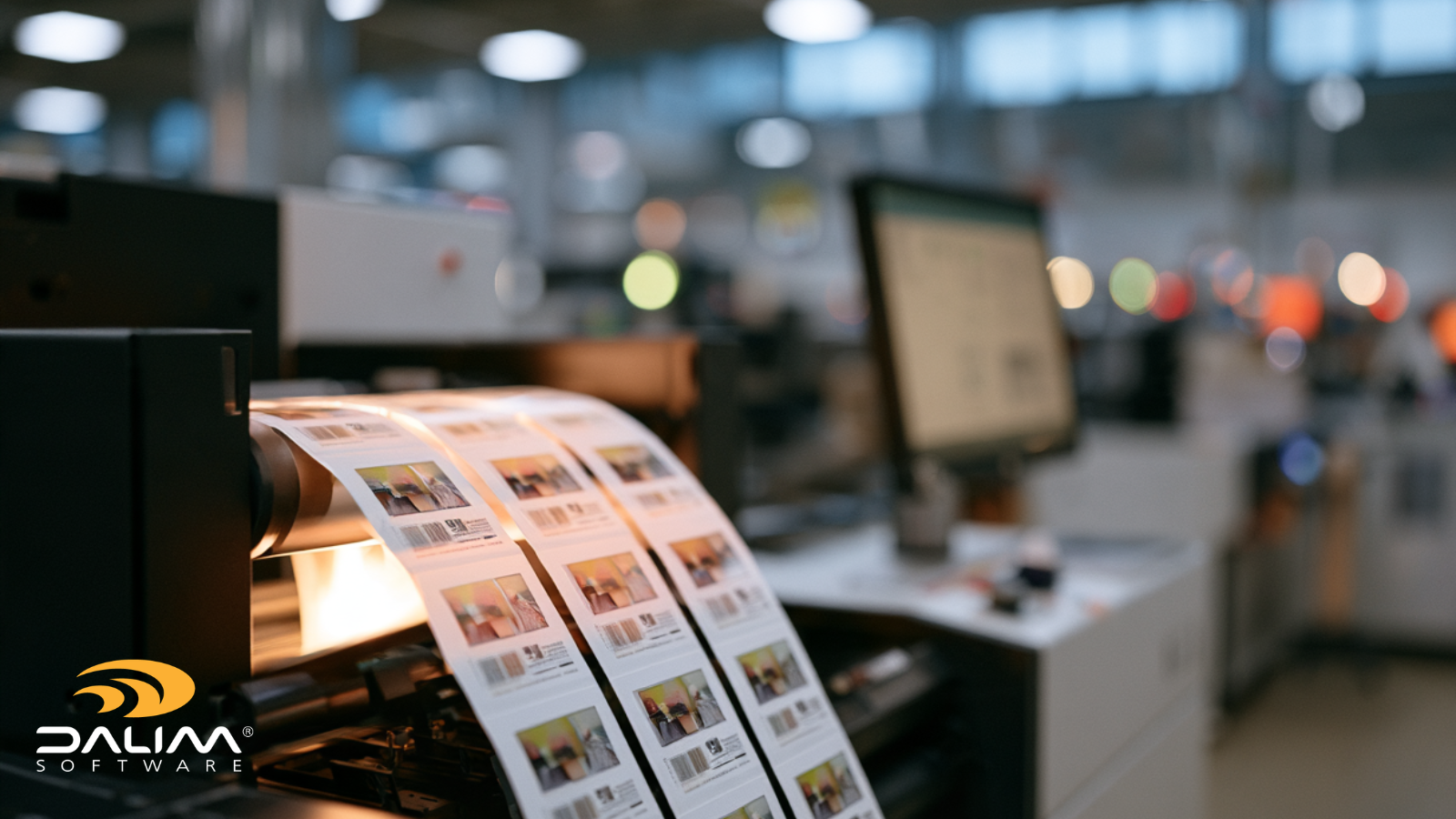
It's mid-afternoon and a customer has just added six SKUs to an order that's already in the queue. The press schedule is tight. The web is only so wide. And someone in prepress is about to rebuild a lane layout by hand, again.
Label and narrow-web converters are running more variants, shorter runs and tighter deadlines than they were a few years ago. Every one of those jobs has to be arranged across the web so the press keeps running, the substrate works hard and the finishing team stays out of trouble. That's the job of multi-lane imposition. Lane optimization is what separates a layout that merely works from one that makes money.
Our guide explains how lane optimization works in practice. We'll cover the factors that shape a good layout, a worked example, a step-by-step planning framework, the mistakes that quietly cost converters money, and where automation fits.
Multi-lane imposition is the process of arranging labels or packaging artwork in parallel lanes across the width of a web, then repeating them along its length. Lane optimization decides how many lanes to use, how wide they are and which jobs go where, so the press, substrate and finishing line are used as efficiently as possible.
In plain terms: the press prints the whole web at once, and imposition decides what gets printed where.
Not long ago, a typical label job meant one design, one die and a long run. You fit as many identical lanes across the web as it would hold and let the press roll. The layout was simple, so a template handled it.
Brand owners now keep adding variants: languages, flavors, sizes, regional compliance versions. Each SKU needs fewer labels, but every one still has to be printed, slit and shipped on time. (For the wider market picture, FINAT covers the European label industry and TLMI serves label and package printers in North America.)
That variety creates three recurring problems:
A layout decision made in prepress always shows up again at the finishing line.
Lane optimization is a balancing act. A planner, or software, looks at what the jobs need and what the press and finishing line can handle, then searches for the layout that wastes the least while staying producible.

This is the heart of it. If every SKU gets its own lane, the press runs until the biggest quantity is finished. The smaller SKUs keep printing labels nobody ordered. An optimized layout spreads quantities across lanes so they all finish at roughly the same point.
Here's an illustrative example. Four SKUs need 50,000 labels in total: A and B need 20,000 each, C and D need 5,000 each. The press has four lanes.
|
Approach |
Lane layout |
Rows printed |
Labels produced |
Excess labels |
|---|---|---|---|---|
|
One SKU per lane |
A, B, C and D each get one lane |
20,000 |
80,000 |
30,000 |
|
Balanced lanes |
Lane 1: 12,500 of A. Lane 2: 7,500 of A + 5,000 of C. Lane 3: 12,500 of B. Lane 4: 7,500 of B + 5,000 of D |
12,500 |
50,000 |
0 |
The balanced layout shortens the run by 37.5% and removes the overrun. The example assumes all four labels share the same size and substrate.
There's a catch. Lanes 2 and 4 now carry two SKUs, and A and B are split across lanes. Finishing has to separate and rejoin them correctly. That's why lane optimization can never look at print alone.
Lanes don't always have to be equal. Some digital presses and workflows can run lanes of different widths in one pass, while many finishing lines expect uniform lanes. Check what your whole line can handle before you plan around it.
Height matters too. Labels with different heights have different repeat lengths, and on frame-based presses that can leave white space inside a frame. Grouping labels with compatible heights in the same lane, or accepting a small amount of white space, is often the practical answer.
A layout is more than labels. Eye marks, registration marks, barcodes and finishing guides have to land in consistent positions, or the finishing line slows down. Agree standard positions for each press and finishing line, and treat them as rules rather than one-off decisions.
|
Template-based or manual |
Rule-driven or dynamic |
|
|---|---|---|
|
New job setup |
Find or build a template, then adjust by hand |
Layout generated from job data |
|
Change in SKU mix |
Rework the layout |
Layout recalculated |
|
Template library |
Grows with every variation |
Rules replace most templates |
|
Late changes |
Restart the layout work |
Regenerate from updated data |
|
Risk of error |
Rises with each manual step |
Checks apply every time |
|
Dependence on individuals |
High |
Lower, because rules capture the know-how |
|
Common mistake |
Best practice |
|---|---|
|
Sizing lanes around the largest job |
Balance run lengths so lanes finish together |
|
Ganging jobs with different substrates or finishes |
Group by material and finish first |
|
Planning for print only |
Involve finishing before the layout is final |
|
Rebuilding every layout from scratch |
Capture lane rules once and reuse them |
|
Checking the layout after output |
Preview and approve before it reaches the press |
|
Placing marks by habit |
Set standard positions per press and finishing line |

Lane planning follows rules, which is why it suits automation. The jobs that gain most tend to be the high-variability ones: many SKUs, short runs, frequent changes. Useful automation opportunities include:
Collaboration matters as much as speed. Prepress, customer service, finishing and the customer each see a different part of the job. A layout the whole team can preview and approve through online proofing catches problems before they reach the press.
Governance counts too. Barcodes must stay scannable, approved artwork must be the artwork that prints, and you should be able to see what was ganged and why. Rules applied the same way every time help here, particularly when experienced operators are hard to find and hard to replace.
That's the thinking behind DALIM FUSION's dynamic imposition capability. Rather than maintaining a library of static templates, it builds layouts from live job data such as quantity, substrate, press configuration and multi-lane setup. For label and narrow-web work, it calculates lane configurations automatically and adjusts them as SKU mix or sheet utilization changes. Marks, barcodes, color bars and finishing guides are placed automatically. And because imposition can sit alongside preflight and workflow automation, the whole route from file intake to press-ready output can run as one connected process.
People still make the judgment calls: which jobs belong together, what finishing can handle, which exceptions to override. Good automation takes the repetition so those decisions get your full attention.
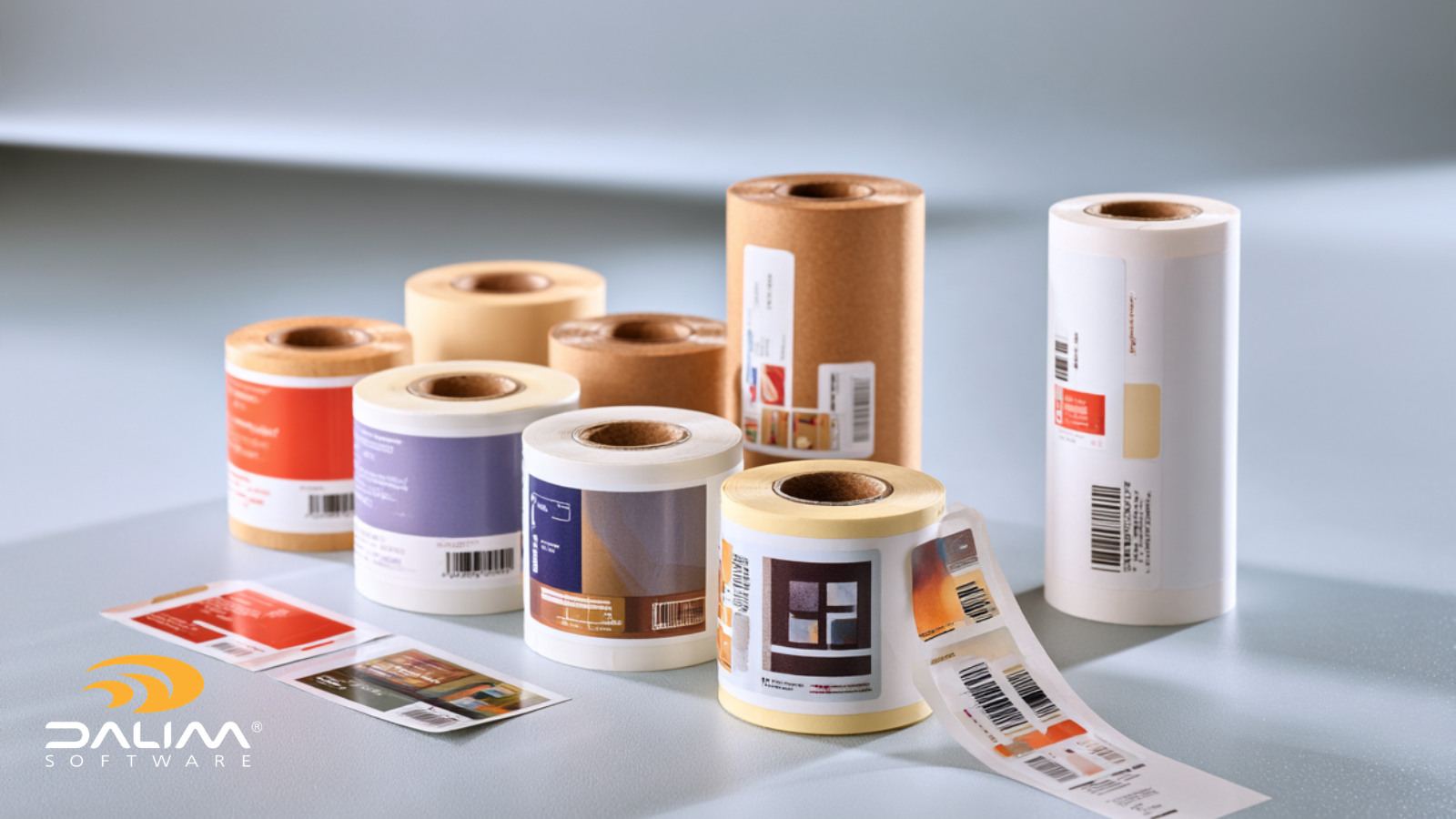
Multi-lane imposition is where prepress decisions turn into press time, material cost and finishing effort. Lane optimization keeps those three in balance by matching lane run lengths to quantities, respecting what the press and finishing line can do, and placing marks consistently.
The main points to take away:
If you'd like to see how this works on a real multi-lane job, we're happy to build a demo around your own workflow.
It's the arrangement of labels in parallel lanes across a web, repeated along its length. Instead of printing one label at a time, the press prints several lanes at once. The lanes can carry the same label or different SKUs, depending on the press and finishing setup.
Lane optimization is choosing the number, width and content of lanes to minimize waste and make the best use of press time. It balances web width, label size, quantities, repeat length and finishing limits, so lanes finish together and the web can be slit and finished cleanly.
Add one gap to the usable web width, divide by the label width plus one gap, and round down. For a 13-inch usable width, 2.5-inch labels and 0.125-inch gaps, that's (13 + 0.125) ÷ (2.5 + 0.125) = 5 lanes. Then check the result against press and finishing limits.
Ganging means combining several jobs on one web or sheet. Multi-lane imposition is the layout that makes it possible, placing those jobs in lanes. In label work the two terms overlap. Ganging is the goal, and lane layout is how you get there.
Sometimes. Some digital presses and workflows support lanes of different widths and label sizes in one pass, but finishing lines often expect uniform lanes. Different heights also create different repeat lengths, which can leave white space. Check your press, die and finishing limits first.
It matches lane run lengths to the quantities ordered, so SKUs don't overrun while others finish. It also fits lanes to the usable web width and groups compatible label heights. Less excess printing and less unused web means less material wasted.
In template-based systems, usually yes, and the library grows with every variation in lanes, sizes and quantities. Rule-driven imposition builds the layout from job data instead, which removes most of the template maintenance.
 Rebecca Freeman : Jul 22, 2026, 11:44:38 AM
Learn how automated imposition software cuts paper waste, speeds prepress, and replaces manual layout templates for print and packaging production.
 Rebecca Freeman : Aug 11, 2026, 3:21:14 PM
Learn what FDA labeling rules and GS1 barcode standards require in packaging artwork, plus a practical framework to build compliance into your...
 Rebecca Freeman : Jun 16, 2026, 1:12:23 PM
Learn how to manage packaging artwork approvals across multiple markets and languages, with a practical framework for reducing errors and delays.