
7 min read

QR Packaging Mistakes Retail Brands Make and How to Fix Them

QR Packaging Mistakes Retail Brands Make and How to Fix Them

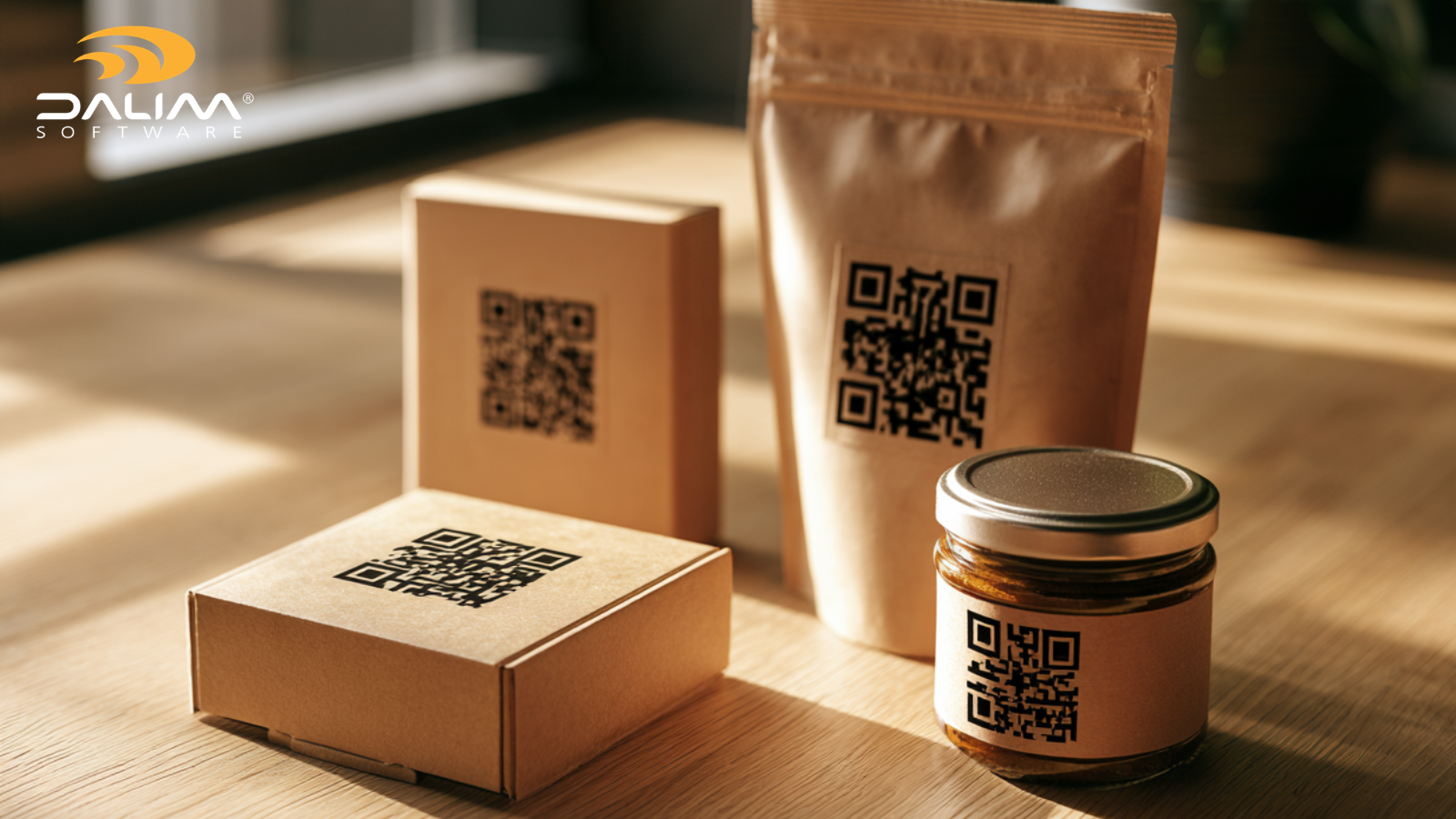
Your team signs off the artwork. The pack goes to print. Then a store manager sends a photo: the QR code won't scan at the till, or it scans and lands on a page about a promotion that ended in August.

That's the quiet problem with QR-linked packaging. The code itself is simple. Everything around it isn't. It touches artwork, print, regulatory content, web teams and retailer systems, and each of those usually has a different owner.

The timing matters too. Retailers and standards bodies have been moving toward 2D codes at the point of sale, with 2027 widely cited as the target, and Tesco and GS1 UK have already run two years of live pilots. Brands that treat the QR code as a last-minute marketing sticker will feel that shift first.

Our guide covers eight mistakes retail brands make with QR-linked packaging and smart labels, what each one costs and how to fix it. You'll also find a comparison of common and better practice, a seven-step checklist and answers to the questions teams ask most.

What are QR-linked packaging and smart labels?

QR-linked packaging uses a printed QR code to connect a physical product to digital content, such as product details, allergen information, recycling guidance or traceability data. Smart labels extend this idea with scannable or readable elements that carry identifiers and link to online information. The code is only the doorway. The experience behind it decides whether it works.

Eight mistakes retail brands make with QR-linked packaging

1. Treating the QR code as a marketing add-on

On many projects the QR code arrives late. Marketing adds it after the main artwork is approved, often as a placed graphic that nobody checks like the rest of the file.

That's how codes end up too small, too close to a fold or sitting on a glossy panel. It also means nobody has reviewed the code to the same standard as the barcode or the nutrition panel.

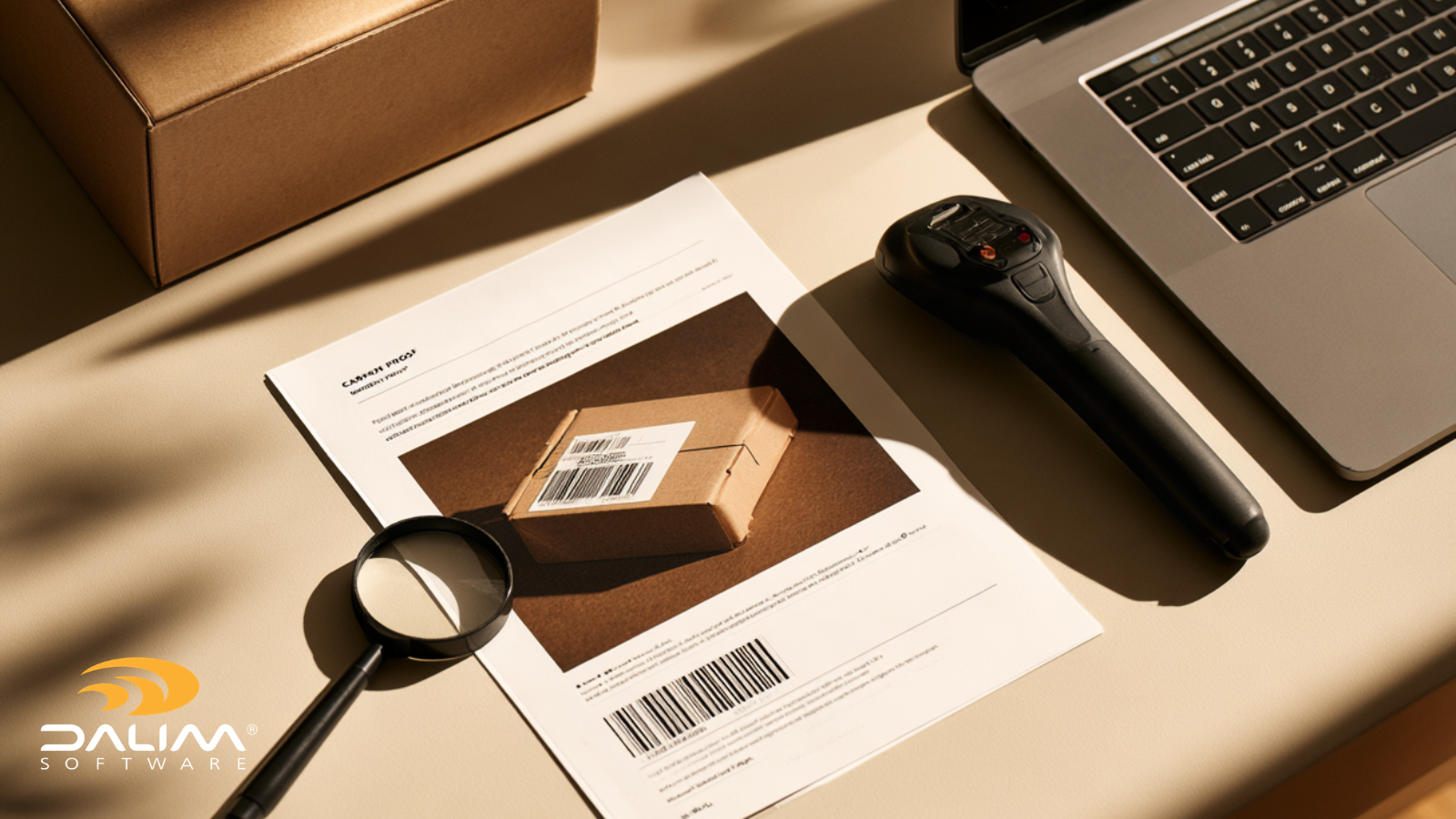
The fix: treat the QR code as a controlled artwork element from the first draft. Give it a place in the dieline, an owner and a required check in the approval workflow. With online proofing, reviewers can inspect the code at pixel level, compare versions and see exactly what changed between rounds.

2. Encoding a plain URL when the code should carry product identity

A short campaign link is fine for a one-off promotion. It's a weak foundation for a pack that has to work for shoppers, retailers and supply chain teams.

The GS1 Digital Link standard structures a web address so it can carry identifiers such as the GTIN. One code can then serve a phone camera and a retail system. Tesco and GS1 UK's pilot lessons point to a handful of data slips that are easy to make and easy to miss: GTINs that aren't padded to 14 digits, wrong application identifiers and expiry dates in the wrong format.

The fix: decide what the code must carry before design starts, then check the encoded data, not just the artwork. Keep the address short, because a longer address makes a denser code that's harder to print and scan.

3. Assuming that if it scans on a phone, it scans at the till

This is the most expensive assumption on the list. Phones are forgiving. Till scanners aren't.

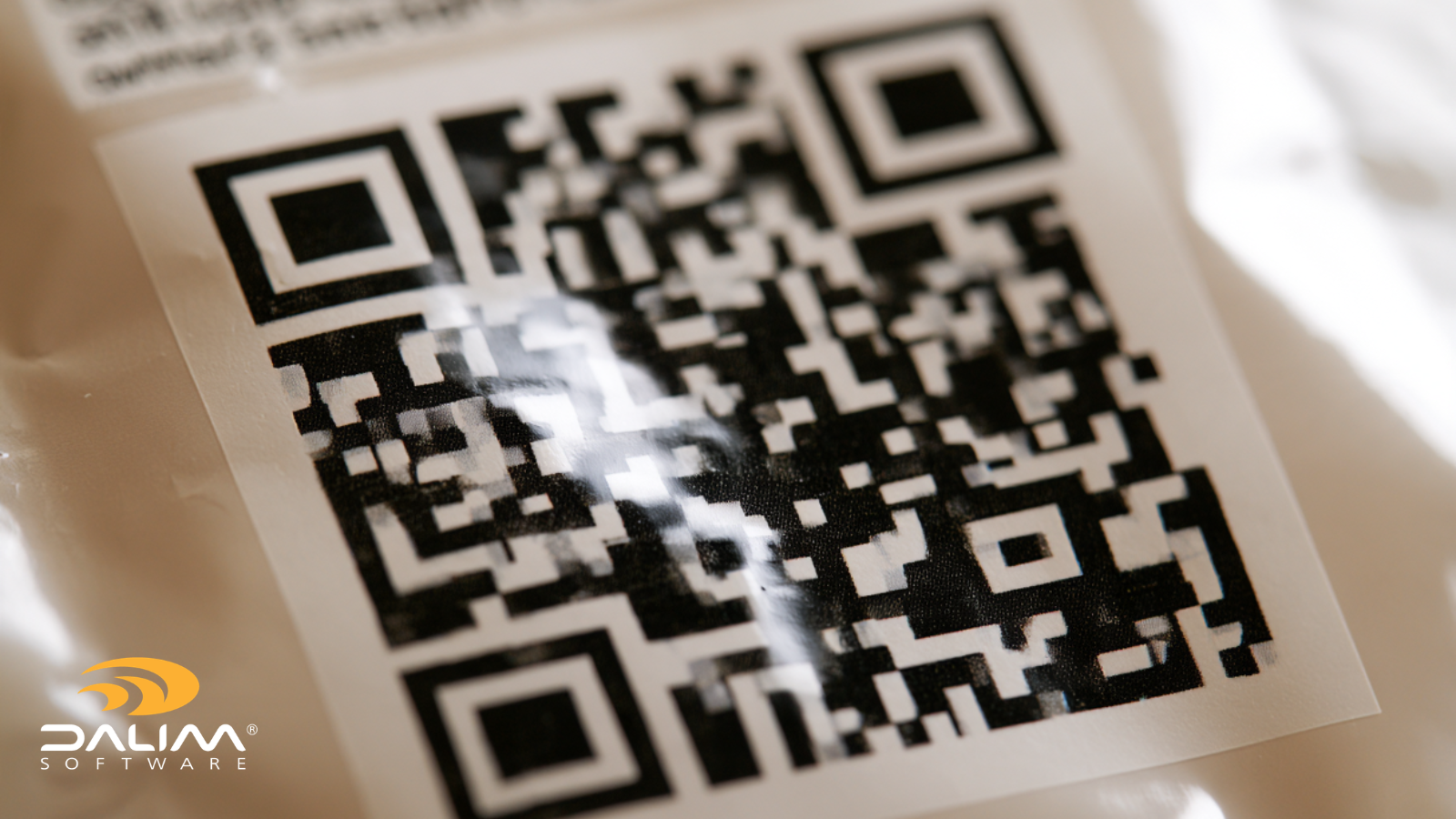
In the same pilots, print problems clustered around four areas: contrast and reflectance, quiet zones, ink bleeding into the light areas of the code, and curved or uneven surfaces. Small delays add up fast. As an illustration, the pilot team estimated that if a million fresh produce scans happen daily and a poor code adds half a second to each, that's roughly 50,000 extra hours of checkout time a year.

The fix: verify codes against the real print process, not a phone on a designer's desk. Grade samples offline to set a quality benchmark and, where your line allows it, add inline checks to catch drift between samples.

2-2

4. Ignoring the substrate and the production line

A QR code that's perfect in a PDF can behave very differently on shiny film.

In Tesco's cross-category trials, paper labels and glued labels performed best at the till, helped by low reflectance, good contrast and room for a clean quiet zone. Flow wrap and flexible bags performed worst, partly because of shine and partly because product visible through translucent film can distort the code. Cartons and sleeves landed in the middle.

There's a twist. The hardest substrate to scan is often the easiest to print on consistently, while small paper labels vary more in print and leave little room for size. Line speed, code size, resolution settings and heat all play a part.

The fix: involve converters and line engineers early, and test on the real material at real line speed. Where a tricky substrate is unavoidable, expect to make the code slightly larger, as Tesco has done in store. In the file itself, automated preflight can validate barcodes, color profiles and bleeds before artwork gets anywhere near a press.

5. Pointing codes at pages that go stale

Packs sit on shelves and in pantries for months. A promotion page, a campaign microsite or a launch video can disappear long before the last pack does.

A dead link or an expired offer doesn't just waste a scan. It tells the shopper the brand isn't paying attention.

The fix: route the code through an address you control, so the destination can change without a reprint. GS1 describes this as a core benefit of Digital Link: brand owners can keep content current without changing the code on pack. Then give every destination a review date, the same way you would for a regulatory claim.

6. Sending shoppers to a page that doesn't earn the scan

People scan for a reason: to check an ingredient, find recycling instructions, watch a setup video or confirm a product is genuine. If they land on a desktop homepage, a long form or a general brand story, they leave.

Picture a shopper in an aisle with one hand free. The page should load quickly on a phone, match the language and market of the pack and answer one clear question straight away. A short line beside the code that says why to scan helps just as much.

The fix: write a one-sentence promise for each code, such as "See full ingredient and allergen details", then build the page to deliver exactly that. Track whether people got what they came for, not only how many scanned.

7. Letting the content behind the code skip governance

Packaging artwork goes through legal, regulatory and brand review. The page behind the QR code often doesn't, even when it repeats the same claims, ingredients or sustainability statements.

That creates a gap. The pack was approved at version 12, while the web page was edited last Tuesday by someone on another team. If a claim changes in one place and not the other, you've created an inconsistency that's hard to trace later.

Requirements differ by market, so ask your regulatory team how digital content is treated where you sell. Whatever the answer, the safer habit is the same: give linked content an approver, a version history and a change record.

The fix: bring digital destinations into the same review and approval process as the pack. Workflow automation can route content to the right approvers, escalate missed deadlines and keep an audit trail of who approved what and when.

8. Running a code per SKU with no system behind it

One pack is manageable by hand. A range with dozens of SKUs across several markets isn't. Spreadsheets of URLs, files named "final_v3_QR_fixed" and regional teams swapping codes on their own are how the wrong code ends up on the wrong pack.

The fix: manage codes as data and as artwork assets. Keep masters in a controlled digital asset management system with metadata, versions and permissions, and sync product data through your PIM or ERP so the identifier on pack matches the one in your systems. Dalim's connectors and integrations are built around linking those systems.

How workflow technology helps, and where it doesn't

No tool can tell you whether your landing page is useful. But workflow technology can take a lot of risk out of the journey from artwork to shelf:

  • Barcode reading in proofing: Dalim's review tool includes a barcode reader, so reviewers can check codes in the proof alongside layers, measurements and ink coverage.
  • Automated preflight: rule-based checks for barcodes, color and bleeds mean reviewers only see technically sound files.
  • Version comparison: side-by-side, overlay and pixel-compare modes show what changed on a pack between rounds.
  • Audit trails: comments and sign-offs are logged with timestamps and user attribution, which supports your own compliance processes.
  • Regulatory change management: Dalim's packaging capabilities include detecting assets affected by new regulations such as PPWR and updating them through controlled workflows.

There are two honest limits. Checking a code on the artwork isn't the same as grading it on a finished pack, and it doesn't tell you where the link goes. Confirm which code types and checks your setup covers, and keep press-side verification in your plan.

For an example of controlled packaging collaboration, see how ISDIN approaches global packaging with full traceability. Retail and FMCG teams can also explore the retail brands page.

Common approach vs better practice

Area

Common approach

Better practice

Ownership

Marketing adds the code late

Artwork element with an owner and an approval step

Data

Plain campaign URL

Short, structured address that carries product identifiers

Testing

Phone scan at a desk

Graded print verification on the real substrate and line

Destination

Static page, no review date

Controlled address, dated reviews, redirects when needed

Content

Edited outside approvals

Same review, versioning and audit trail as the pack

Scale

Spreadsheet of links

Governed assets, with product data synced between systems


3-4


A seven-step checklist for QR-linked packaging

  1. Define the code's job. Write one sentence on who scans it and why.
  2. Decide what it carries. Agree identifiers, address format and length with your product data owners.
  3. Design for the substrate. Place and size the code with your converter, leave a clean quiet zone and avoid folds and curved areas.
  4. Preflight and proof the artwork. Gate files on automated checks, then review the code in the proof.
  5. Verify in print. Grade samples offline and add inline checks if your line supports them. Test on the real material at real speed.
  6. Approve the destination. Make it mobile-first and market-correct, with an approver and a review date.
  7. Monitor and maintain. Watch scan success, failed scans and dead links, and redirect before anything expires.

Key takeaways

  • A QR code is a controlled artwork element, not a sticker.
  • Scanning on a phone doesn't prove it will scan at the till.
  • Substrate, size and line speed matter as much as design.
  • Use structured data such as GS1 Digital Link where product identity matters.
  • The pages behind your codes need owners, review dates and approvals.
  • Governed workflows cut the risk of the wrong code reaching the wrong pack.

If you're working out where QR-linked packaging fits in your approval process, we're happy to compare notes. You can also browse our case studies to see how other teams manage packaging workflows.

FAQ

Do QR codes on packaging need testing before printing?

Yes. Check the encoded data and the artwork file first, then verify print quality on the real material at real line speed. A quick phone scan isn't enough, because till scanners are less forgiving.

What is GS1 Digital Link, and do I need it?

GS1 Digital Link is a standard for putting identifiers, such as a GTIN, into a web address, usually printed as a QR code. It helps when one code needs to serve shoppers and retail systems. Whether you need it depends on your retailers and markets, so ask them what they expect.

Can you change where a packaging QR code points after printing?

The printed code can't change, but its destination can if the code points to an address you control rather than a fixed page. That's why many brands use a redirect or resolver setup, so promotions and content can be updated without a reprint.

Why does a QR code scan on a phone but not at checkout?

Till scanners are stricter. Low contrast, shiny film, a missing quiet zone, ink bleed and curved surfaces can all cause problems that a phone camera copes with easily.

How big should a QR code on packaging be?

It depends on the code type, how much data it carries, the print process, the substrate and where it's scanned. Longer data means a denser code, which needs more space. Follow GS1 guidance, test on the real pack and expect to go slightly larger on difficult materials.

Who should approve QR content on packaging?

The people who approve the pack: brand, regulatory and legal, plus whoever owns the destination page. Put the linked content through the same workflow, with version history and a record of sign-off.

Seasonal Packaging Campaigns: How FMCG Teams Survive Q4

Seasonal Packaging Campaigns: How FMCG Teams Survive Q4

Q4 is the most demanding period in FMCG packaging. Here's why seasonal campaigns overwhelm teams - and how smarter workflows help you deliver on time.

Read More
GS1 Sunrise 2027: Why Your Barcode Is About to Get a Lot More Interesting

GS1 Sunrise 2027: Why Your Barcode Is About to Get a Lot More Interesting

GS1 Sunrise 2027 means retailers worldwide will be ready to scan 2D barcodes at checkout. Here is what that means for packaging and marketing teams,...

Read More
Managing Packaging Artwork Approvals Across Markets & Languages

Managing Packaging Artwork Approvals Across Markets & Languages

Learn how to manage packaging artwork approvals across multiple markets and languages, with a practical framework for reducing errors and delays.

Read More