

 Rebecca Freeman
Online Proofing for Packaging: Dielines, Barcodes & Text
 Rebecca Freeman : Jul 7, 2026, 12:22:14 PM
How online proofing catches dieline, barcode and regulatory text errors before print. A practical guide for packaging teams.

A packaging artwork gets approved on three different monitors, in three different offices, by three different reviewers. Everyone signs off. The job goes to press. Two weeks later, a pallet of cartons arrives with a Pantone that's noticeably off, and nobody can say exactly where the mismatch crept in.
This is the argument for hard proofing in a nutshell, and it's also the reason so many teams have moved away from it. Physical proofs are slow, expensive to ship, and hard to scale across global brands and multi-site production. Soft proofing solves those problems. But it doesn't solve every problem, and treating it as a universal replacement for a physical proof is how color mismatches like the one above happen in the first place.
The real question production and brand teams need to answer isn't "soft or hard." It's "which one, for which job, and why." Our article breaks down what each approach actually involves, where the industry's color standards draw the line, and how to build a proofing framework that uses soft proofing as the default while keeping hard proofing available for the situations that still call for it.
Soft proofing is the practice of reviewing and approving color-critical artwork on a calibrated digital display instead of a printed sheet. Hard proofing is the practice of generating a physical, contract-quality printed proof that predicts how a job will look once it runs on press. Both aim to catch errors before production, but they rely on different tools, standards, and levels of physical accuracy.
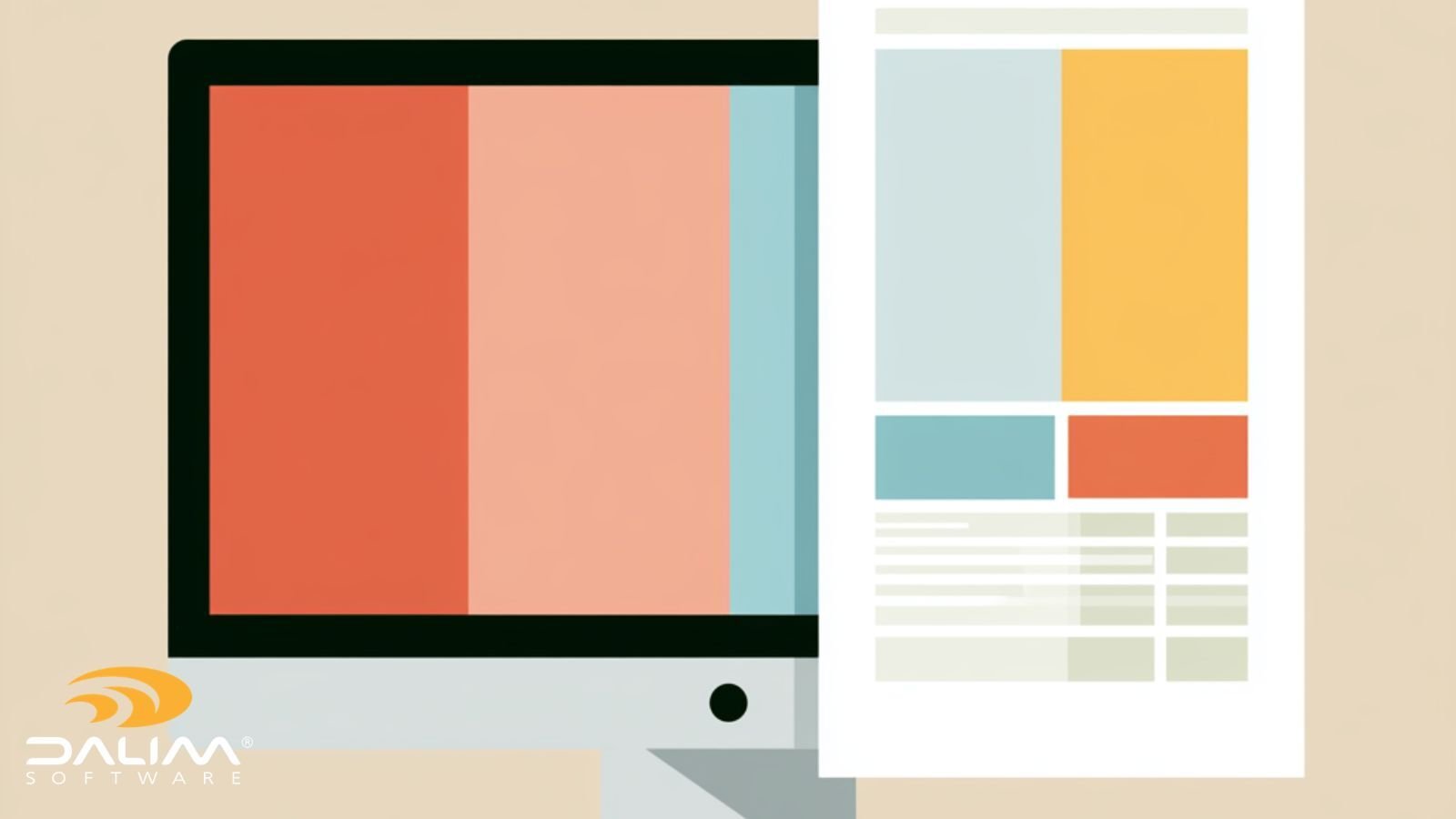
Most creative and production teams have already shifted the bulk of their review and approval work to digital, on-screen proofing. That shift makes sense. Reviews happen faster, stakeholders across regions can weigh in without shipping anything, and audit trails capture every comment and sign-off automatically. For the large majority of proofing decisions, including layout, copy, image placement, and general color direction, an online proofing environment with calibrated, color-accurate previews handles the job well.
But packaging, pharma, FMCG, and other production environments still carry cases where a screen, however well calibrated, can't tell you everything a printed sheet can. Spot color accuracy on unusual substrates, varnish and foil placement, dieline fit, and final press-check confidence are all areas where a physical proof still earns its cost. Teams that treat "soft proofing" and "hard proofing" as a strict either/or tend to either overspend on physical proofs they don't need, or under-verify jobs that genuinely required one.
Soft proofing isn't just opening a PDF and looking at it on whatever monitor happens to be nearby. Done properly, it depends on:
The ISO 12646 standard sets out the display characteristics required for a monitor to be considered suitable for soft proofing, covering uniformity, luminance, viewing angle, and calibration requirements. It's a useful benchmark for any team relying heavily on screen-based color decisions, because it draws a clear line between "the monitor looks fine to me" and "the monitor meets a defined, testable standard."
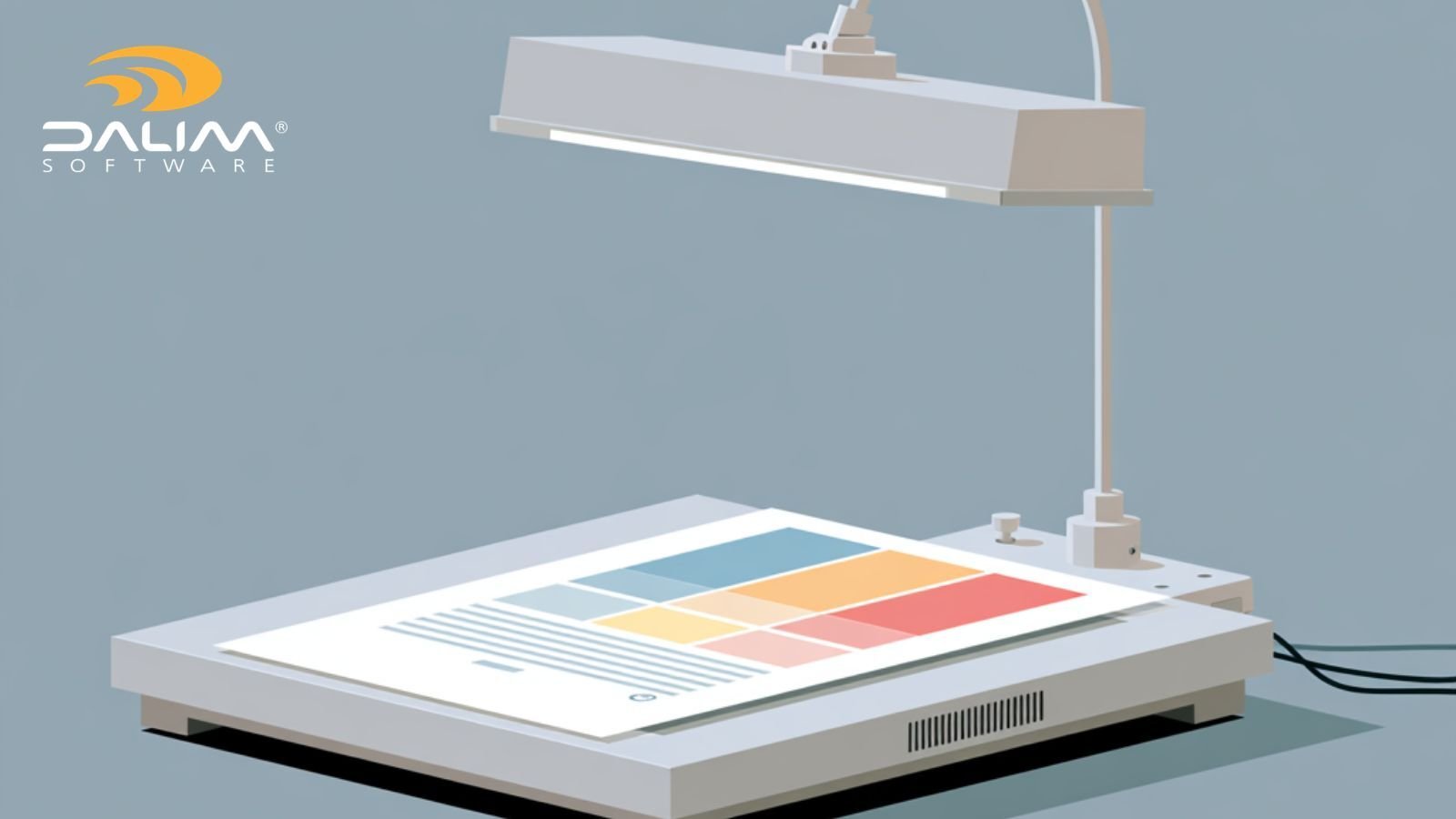
Hard proofing produces a physical output, on a proofing device or an actual press, that's meant to closely predict the final printed result. It typically involves:
The Idealliance G7 methodology is the industry's most widely adopted framework for aligning proof and press output through gray balance and tone value control. It's worth understanding even for teams that proof almost entirely on screen, because it defines the print-side half of the equation that any digital proofing workflow is ultimately trying to simulate.
| Factor | Soft Proofing | Hard Proofing |
|---|---|---|
| Speed | Near-instant, remote-friendly | Requires production and shipping time |
| Cost per review | Low, scales easily | Higher, per proof and per shipment |
| Color accuracy ceiling | High, dependent on calibration and viewer | Highest, when properly characterized |
| Substrate and finish accuracy | Limited to on-screen simulation | Can reflect actual paper, foil, varnish |
| Multi-stakeholder collaboration | Strong, supports simultaneous global review | Weaker, proofs must be physically routed |
| Audit trail | Automatic, timestamped, centralized | Manual unless paired with a digital system |
| Best suited for | Layout, copy, general color, high-volume review cycles | Contract color sign-off, unusual substrates, regulated final approval |
Neither column is "better" in the abstract. The right approach depends on what's actually at risk if the proof is wrong.
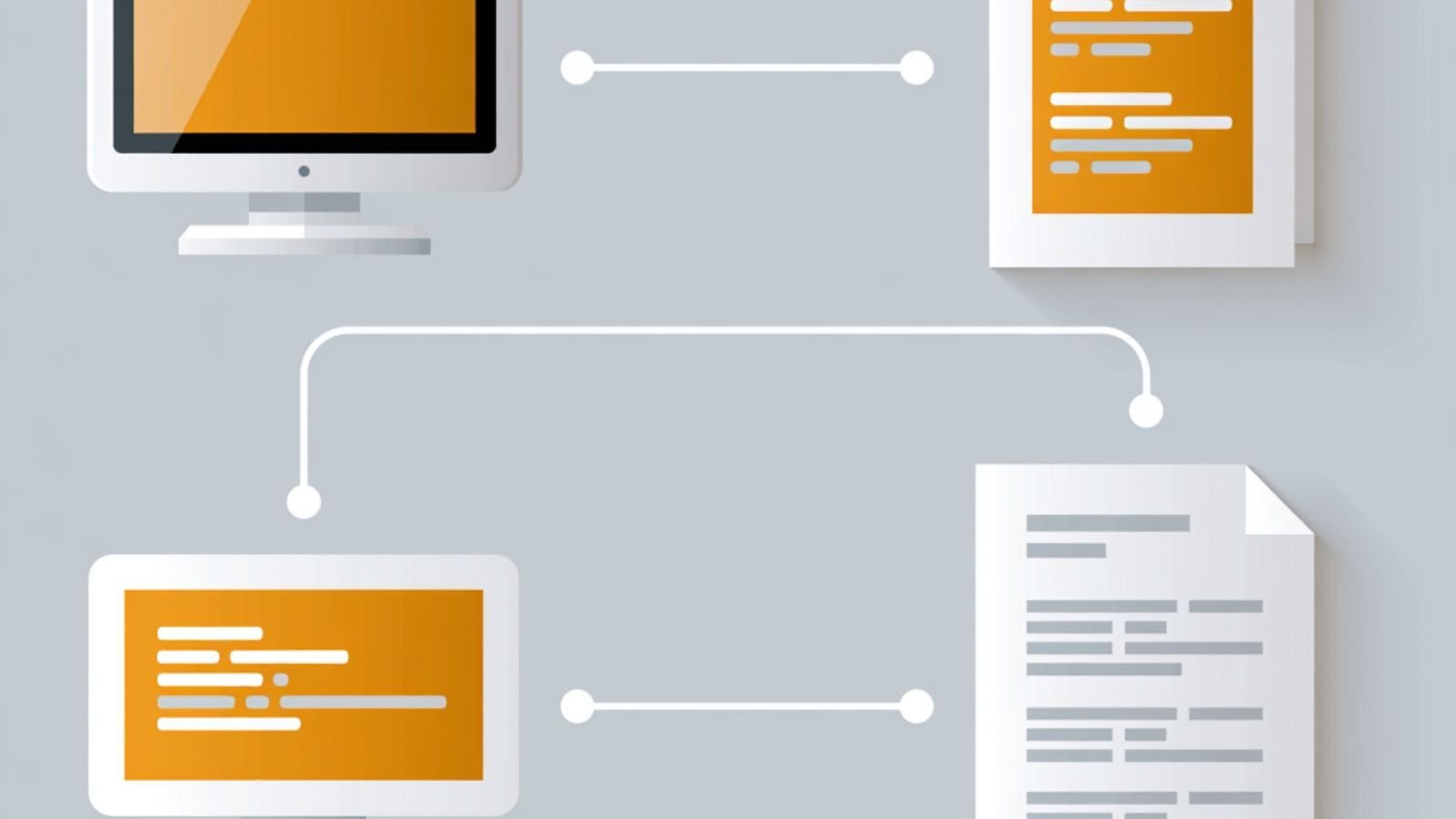
Soft proofing is the right default for the majority of review cycles, particularly when:
For most retail, FMCG, and marketing collateral, this covers the large majority of the review cycle. A workflow automation platform that routes files through review stages automatically, with color-accurate previews at each step, removes the need for a physical proof at every checkpoint.
Hard proofing still matters when the cost of being wrong is high enough that a screen, no matter how well calibrated, isn't a sufficient guarantee. Common cases include:
None of these are arguments against soft proofing generally. They're arguments for keeping a hard proofing step available at the right point in the workflow, rather than removing it entirely in the name of speed.
Treating an uncalibrated monitor as a soft proofing station. If the display hasn't been profiled and isn't checked periodically, color decisions made on it are directional at best, and that's a risk when the review is treated as final.
Skipping the physical proof for packaging elements that need one. Dielines, varnish, foil, and embossing decisions made purely on screen tend to surface as production issues, not review issues.
Assuming a printed proof is automatically more accurate. A hard proof produced on an uncharacterized device, or on the wrong substrate, can be less reliable than a well-managed soft proof. The proofing system matters more than the fact that it's physical.
Losing the audit trail when a hard proof is involved. Physical proofs are often approved informally, by phone or in person, with no record of who signed off or when. Pairing a hard proof with a digital record of the approval closes that gap.
Applying the same proofing standard to every job regardless of risk. Not every asset needs a physical proof, and not every asset should skip one. The decision should follow the risk profile of the specific job, not a blanket policy.
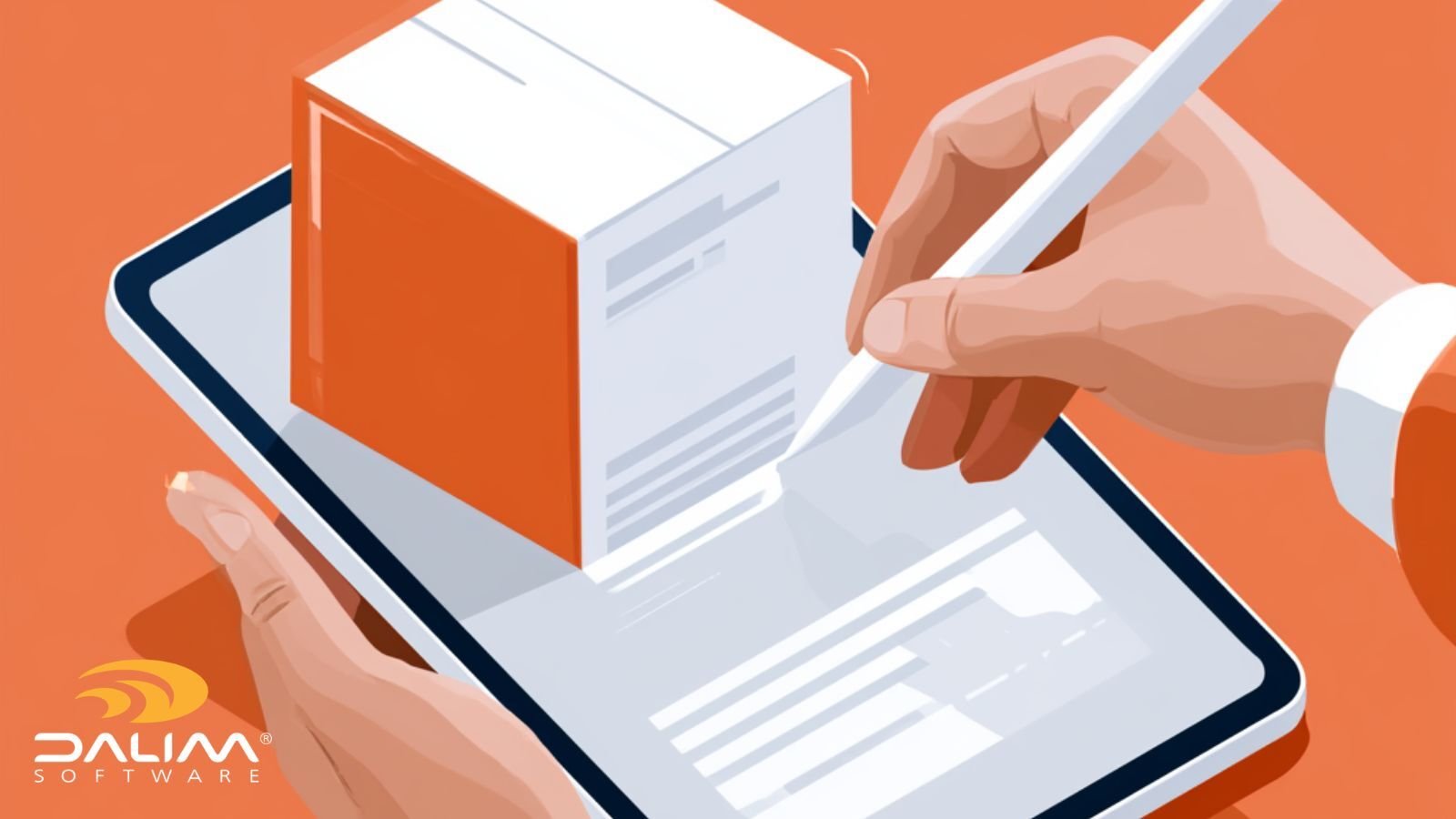
The reason more teams can default to soft proofing today than a decade ago comes down to what modern proofing platforms can now verify on screen. Server-side rendering that delivers calibrated, color-accurate previews reduces the guesswork that used to force teams back to a physical proof by default. Spot color and separation verification, along with side-by-side version comparison, catch a large share of the issues a hard proof used to be needed for.
For packaging specifically, the ability to review printable and non-printable layers, toggle crops and bleeds, and annotate directly on a rotating 3D render closes much of the gap between what a screen can show and what a physical mockup used to be required for. That doesn't eliminate the need for a hard proof on regulated or high-risk jobs, but it does shrink the number of jobs that need one, and it makes the decision of when to escalate a clearer, more deliberate choice rather than a default fallback.
Governance matters here as much as the viewer itself. A platform that logs every comment, version, and approval with a full audit trail gives teams defensible evidence of what was reviewed and signed off, which matters whether the final decision was made on screen or on a printed sheet.
Is soft proofing as accurate as hard proofing? Soft proofing can be highly accurate for color direction and general review when the display is properly calibrated and color-managed. For contract-level color accuracy on unusual substrates or finishes, a properly characterized hard proof still carries a slight edge, since it reflects the actual physical output rather than a simulation of it.
Do I need a calibrated monitor for soft proofing, or will any decent screen work? A general-purpose monitor is not sufficient for color-critical decisions. Soft proofing intended to stand in for a physical proof should use a display that meets a recognized standard, such as ISO 12646, and should be checked periodically to confirm it stays within tolerance.
Can soft proofing replace hard proofing entirely for packaging? Not entirely. Soft proofing handles layout, copy, general color, and most day-to-day review well, including rotational 3D views for structural context. But finishes like foil, varnish, and embossing, along with regulated compliance checks, still often warrant a physical proof before final sign-off.
What is a contract proof, and how is it different from a regular proof? A contract proof is a proof produced to defined color tolerances against a specific reference printing condition, intended to serve as the binding standard the final print job is measured against. A regular proof may be useful for general review without carrying that same formal accuracy commitment.
How does G7 relate to soft proofing? G7 is primarily a press and proof calibration methodology, used to align gray balance and tone value between a proofing device and the actual press. It's most directly relevant to hard proofing and press calibration, but understanding it also helps teams judge how closely their soft proofing environment is likely to match physical output.
What's the biggest risk of skipping hard proofing for regulated products? The biggest risk is a color or compliance mismatch on the physical package that wasn't visible or verifiable on screen, discovered only after production or, worse, after distribution. For pharma and other regulated categories, that risk extends beyond cost into compliance exposure.
How often should a soft proofing display be recalibrated? Recommended intervals vary by display type and usage, but many color-critical environments recalibrate monthly, with some checking weekly for high-volume production use. The display manufacturer's guidance and the relevant ISO 12646 conformance level should inform the specific schedule.
Does moving to soft proofing reduce the need for an audit trail? No, it increases the value of one. Digital soft proofing environments typically make audit trails easier to maintain automatically, capturing every comment, version, and approval with timestamps, which is harder to replicate consistently with physical proofs routed manually.
 Rebecca Freeman : Jul 7, 2026, 12:22:14 PM
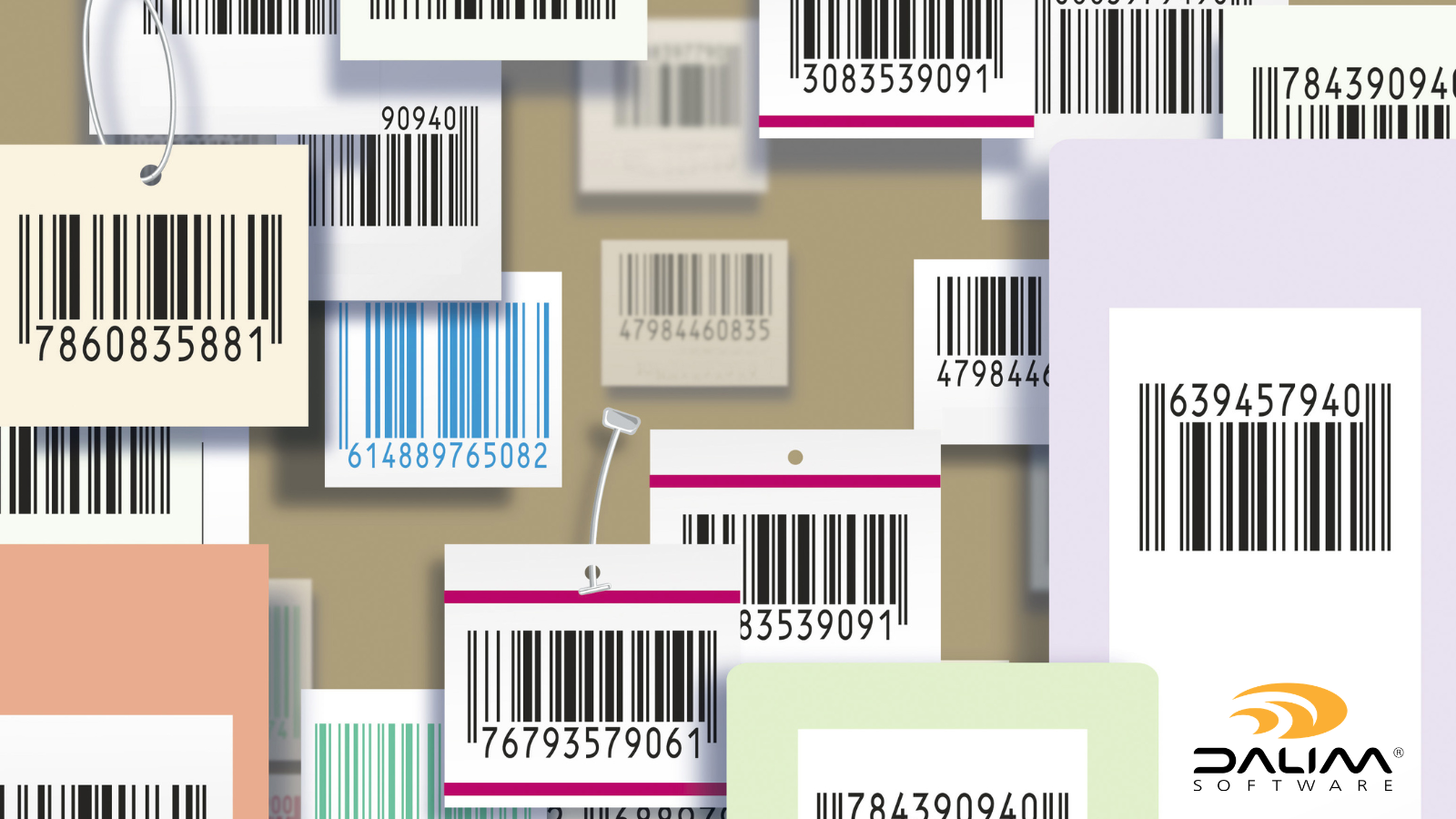
How online proofing catches dieline, barcode and regulatory text errors before print. A practical guide for packaging teams.
 Rebecca Freeman : Jul 15, 2026, 7:14:26 AM
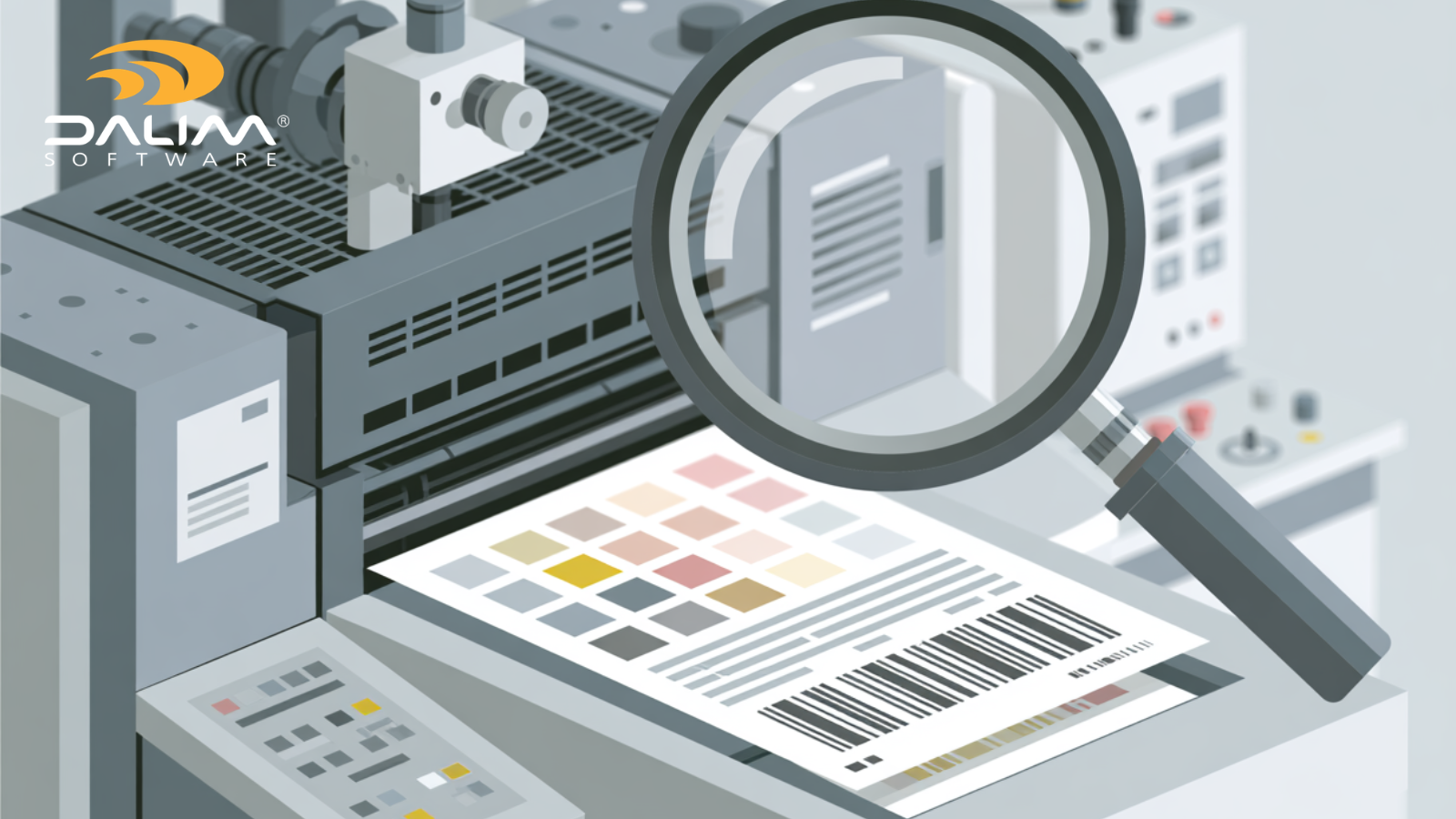
Catch compliance and color errors in artwork proofing before press. A practical framework for packaging, pharma, FMCG, and retail production teams.
 Rebecca Freeman : Jun 3, 2026, 1:06:08 PM
Most online proofing tools handle video or print, not both. Here's what to look for when your campaigns span every format.