
7 min read

Web-to-Print Repeat Orders: Automate Without Rework

Web-to-Print Repeat Orders: Automate Without Rework

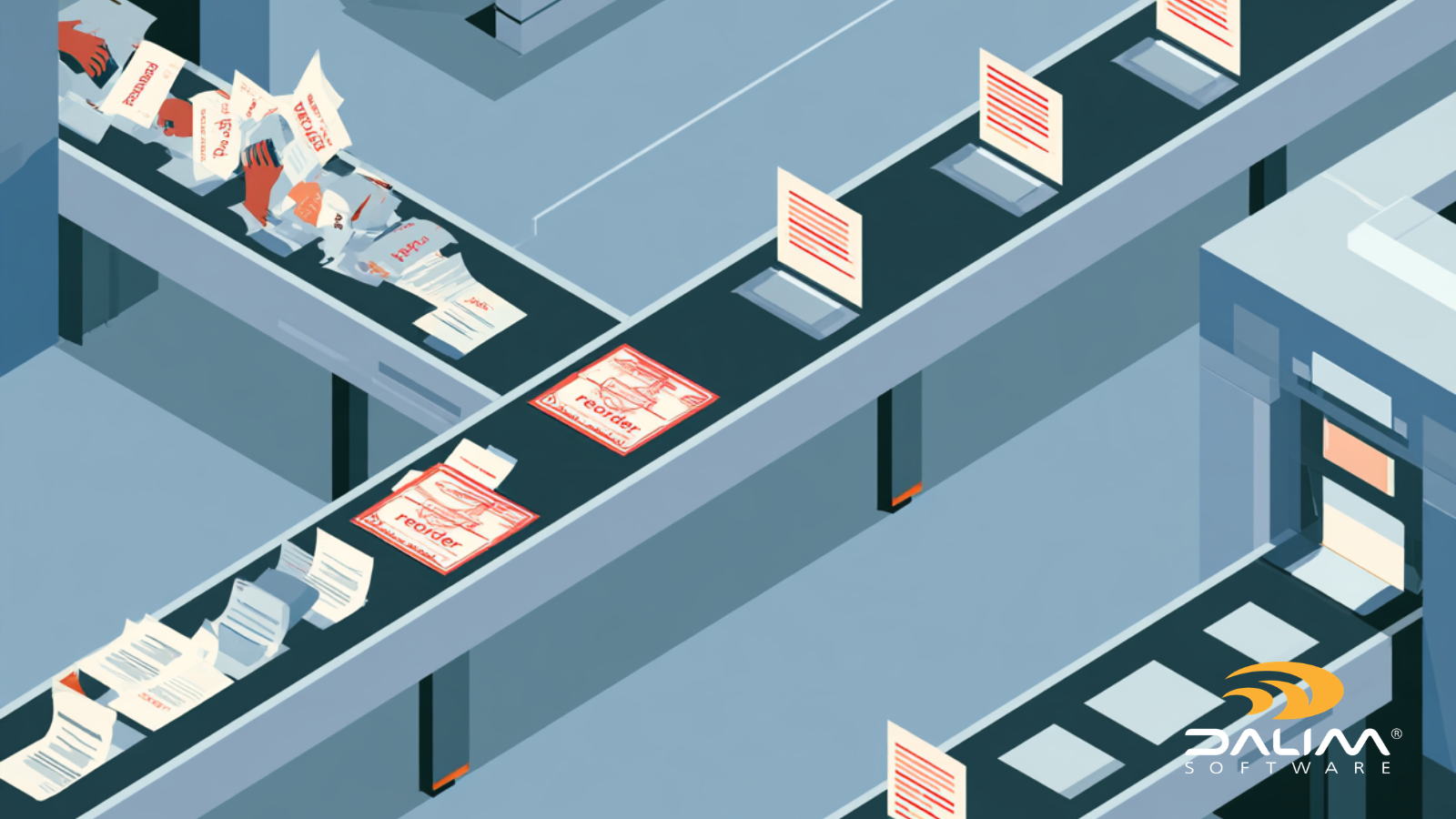
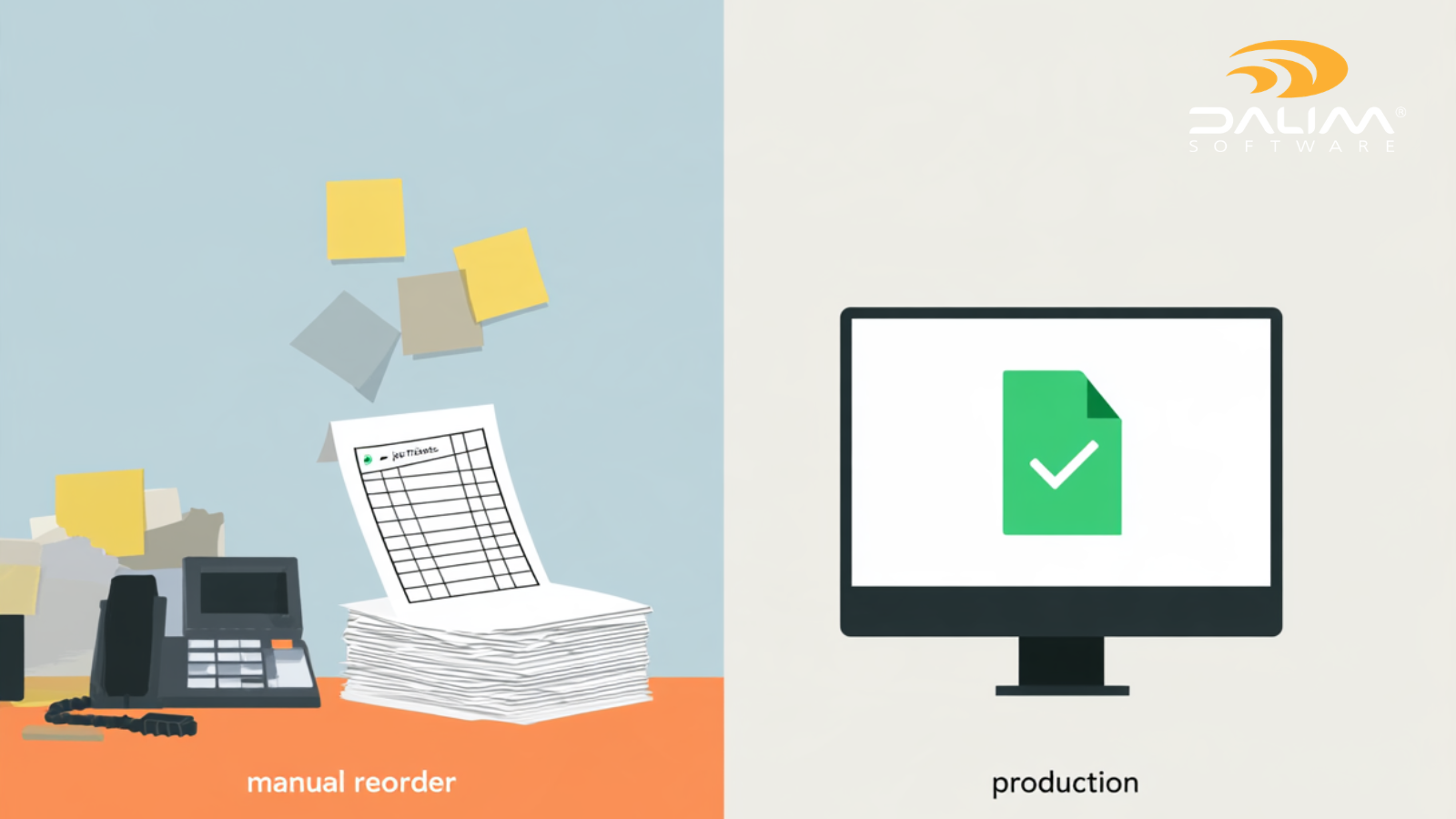
A returning customer submits an order that looks identical to the one they placed three months ago. Same file, same specs, same store. On paper, this should be the easiest job on the schedule. In practice, it often isn't. The file gets checked from scratch, someone re-approves artwork that never changed, and a production coordinator re-keys the same job details into the MIS. By the time the reorder reaches the press, it has taken almost as much manual handling as a brand-new job.

This is one of the most overlooked inefficiencies in web-to-print operations. Most businesses spend years optimizing the first order: the storefront, the checkout, the payment flow. The reorder path is often left running on the same manual habits it had a decade ago. As order volumes grow, personalization becomes standard, and buyers expect faster turnaround, that gap gets expensive fast.

Today, we look at why repeat orders quietly create so much manual work, what a genuinely automated reorder process looks like, and a practical framework for getting there without rebuilding your entire production stack. For a broader look at what moving from manual to automated production actually involves, our earlier piece on print workflow software is a useful companion to this one.

What Is a Web-to-Print Repeat Order?

A web-to-print repeat order (or reorder) is a print job resubmitted from an existing template, proof, or prior order, using the same or nearly the same specifications as before. Unlike a first-time order, a repeat order should need little to no re-validation, re-approval, or manual re-entry, since the job has already been proven correct once.

That word "should" is doing a lot of work. For most operations, it isn't what happens.

Why "It's Just a Reorder" Rarely Means Less Work

A handful of habits are usually behind the hidden cost of repeat orders:

  • Every file gets validated as if it were new. Preflight and prepress teams rarely have a reliable way to know a file matches a previously approved job, so it goes back through the same checks from scratch.
  • Approval chains fire by default. Sign-off routes to the same reviewers regardless of whether anything in the job actually changed.
  • The reorder isn't linked to the original job. Without a shared system connecting the current order to its history, versions, and approvals, staff have no fast way to confirm "this is identical."
  • Small changes slip through unflagged. A new phone number, an updated price, a swapped logo file. These micro-changes often ride along inside a job that everyone assumes is a straight repeat.
  • Storefront and production systems don't talk to each other. Orders arrive online, but someone still has to translate them into a job ticket, chase files, or manually trigger the next production step.

None of these issues are unique to any one type of print business. They show up in commercial print operations running a web-to-print storefront, in-plant teams handling dealer or franchise reorders, and retail or CPG brands reordering the same packaging or point-of-sale materials month after month.

The Real Cost of Manual Rework

Treating every reorder like a new job has consequences that compound as volume grows:

  • Turnaround time inflates on the jobs that should be fastest. A reorder that should take minutes instead waits in the same queue as a complex new project.
  • Errors reach production that shouldn't exist. A tired reviewer skimming a "routine" reorder is exactly the scenario where a real change gets missed.
  • Paper, plate, and ink waste from avoidable reprints. Every error caught after the file reaches press is a reprint, not just a delay.
  • Skilled staff spend time on repetitive verification instead of exceptions. The people best equipped to catch genuine problems are stuck re-checking work that was already correct.
  • Growth hits a ceiling. More repeat volume simply means more manual hours, not more capacity, until something in the process changes.

This pressure is showing up across the industry, not just in individual shops. Ongoing research from PRINTING United Alliance has consistently pointed to automation and e-commerce investment as priorities for print businesses looking to handle rising order volumes without adding headcount at the same rate.

Manual vs Automated Reorder Handling


Task Manual Reorder Handling Automated Reorder Handling
File validation Re-checked from scratch every time Matched against prior job data; only exceptions get flagged
Approval routing Fixed chain regardless of changes Conditional: unchanged jobs fast-track, changes trigger review
Job specs Re-keyed manually into the MIS Carried forward automatically from the original order
Asset sourcing Files re-requested or recreated Pulled directly from a centralized, versioned asset library
Peak-period scaling Limited by available staff hours Handled by parallel, rules-based processing
Waste and rework Discovered after printing, if at all Caught before the file reaches press


2

A Framework for Automating Repeat Orders

Getting to the right-hand column of that table doesn't require ripping out your existing storefront or production systems. It requires a structured approach to the handful of decisions that actually cause the rework.

  1. Classify your repeat-order volume. Pull a sample of recent orders and separate them into true repeats (nothing changed), near-repeats (one or two variables changed, like size or personalization data), and jobs that only look repetitive but aren't. This tells you where automation will have the most impact first.
  2. Lock what shouldn't change, and isolate what can. Build templates with clearly defined fixed zones (layout, bleed, brand elements) and variable zones (names, dates, store numbers, pricing). This is the foundation that lets a system tell the difference between a genuine repeat and a job that needs a closer look.
  3. Automate validation instead of re-running it from scratch. Real-time file checks and previews at the point of upload mean a matching, unchanged file can move forward immediately, while anything that deviates gets routed for a human decision.
  4. Build conditional approval logic, not a blanket approval chain. Reserve full review cycles for jobs with genuine changes or new customers, and let verified, unchanged reorders skip straight to production.
  5. Connect the storefront to production without manual handoffs. API and webhook integrations between your ordering platform, DAM, and MIS remove the re-keying step that introduces both delay and error.
  6. Centralize assets and version history. A single, governed asset library means nobody rebuilds, re-scans, or requests a file that already exists and was already approved.
  7. Track reorder-specific metrics and refine the rules. Reject rates, touch counts, and time-to-production for repeat orders specifically (not blended with new orders) show whether the automation is actually working, and where the next bottleneck sits.

Technology and Process Considerations

Automating the decision points, not just the intake form. A common mistake is automating the ordering experience while leaving everything behind it manual. DALIM FUSION's workflow automation is built around this gap: workflows can trigger on file upload, metadata conditions, or business rules, so a reorder that matches its history can move through preflight, approval, and routing without a person touching it at every stage.

Validation at the volume repeat orders actually require. High-volume print operations face a version of this problem at scale. One digital and offset printer processing millions of pages a month was catching file problems after printing, which is the most expensive place to catch them. After moving to automated, real-time preflight, the number of problematic files dropped from tens of thousands a month to a handful, with processing running roughly four times faster. That is the kind of margin manual re-validation on every reorder quietly erodes.

Imposition that adapts to the job instead of relying on a static template. For print operations running frequent short-run reorders, imposition is often where rework hides. Rule-driven imposition that builds layouts from live job data, rather than pulling from a fixed template library, adapts automatically to quantity, substrate, or lane changes between one order and the next. One personalized print business moved from manual to automated imposition and cut associated labor by 90 percent. Our dedicated piece on imposition software covers how rule-driven layout works in more depth.

Collaboration across dealer, franchise, and multi-location networks. Repeat orders rarely stay in one building. A distributor or franchise network reordering the same signage or point-of-sale material needs consistent proofing wherever the request originates. DALIM's workflow automation has been used as the engine behind a dealer-facing web platform generating fast, reliable eProofs, replacing what was previously a manual, error-prone process for each location.

Centralizing assets so nothing gets rebuilt. A digital asset management system that ties versions, metadata, and approval history together is what makes steps 2 and 6 of the framework above possible in practice. Without it, "the same file as last time" is a claim someone has to verify manually rather than a fact the system already knows.

Repeat orders on the brand side, not just at the printer. The same rework shows up inside retail and consumer brands reordering local marketing materials, packaging updates, or point-of-sale kits across many locations. A master DAM with locked templates and embedded pricing or legal gates, an approach increasingly common among retail brands, prevents version chaos before a reorder is even submitted.

Governance on regulated or compliance-heavy reorders. For packaging and label reorders in particular, a small, unflagged change can have outsized consequences. GS1 US publishes detailed placement and printing guidelines for barcodes precisely because a shifted quiet zone or a resized symbol at reprint can break scanning downstream. Automated workflows that preserve version control, audit trails, and locked layout zones support a business's own compliance and traceability obligations on repeat packaging runs, rather than leaving that verification to memory.

Key Takeaways

  • A repeat order should require far less manual work than a new one, but most workflows treat every job identically by default.
  • The hidden cost of manual rework shows up as inflated turnaround, avoidable errors, wasted materials, and a hard ceiling on how much repeat volume a team can absorb.
  • Locking what shouldn't change and isolating what can is the foundation that makes reorder automation possible.
  • Automated, real-time validation lets unchanged files move straight to production while genuine changes get routed for review.
  • A centralized, version-aware DAM removes the guesswork around whether "this is the same as last time" is actually true.
  • The same rework pattern affects commercial printers, dealer and franchise networks, and brands reordering their own marketing and packaging materials.
  • Regulated and packaging-heavy reorders benefit from governance features like audit trails and locked layout zones that protect against small, costly changes.

If repeat orders are quietly consuming more staff time than they should, it's worth mapping where the manual handoffs actually sit before assuming a full platform replacement is the answer. Browsing DALIM's case studies is a good next step to see how this plays out across different production environments, or the team at DALIM is happy to talk through where those gaps tend to show up.

Frequently Asked Questions

What's the real difference between a new web-to-print order and a repeat order? A new order has no production history behind it, so full validation and approval make sense. A repeat order references a prior, already-approved job. The workflow difference should be that the system checks for a match first and only asks a human to get involved when something doesn't line up.

Should every repeat order skip approval entirely? No. The goal is conditional approval, not blanket approval. Verified, unchanged reorders can move straight through, but anything with a detected change, a new customer, or a flagged exception should still route to a person.

How do locked templates actually reduce rework on reorders? By separating what must never change (layout, brand elements, bleed) from what's allowed to vary (names, dates, pricing, store numbers), a locked template gives a system a clear basis for confirming a reorder is genuinely unchanged, instead of relying on someone remembering the last version.

What usually causes errors on orders that were assumed to be identical repeats? Small, unflagged changes: an updated price, a swapped image, a corrected phone number, or a new regulatory disclaimer. These slip through because the reorder is treated as routine rather than checked against the actual prior file.

Can automation still catch a repeat order with one small change? Yes, that is the point of automating validation rather than skipping it. Real-time file checks compare the incoming file against job data and prior versions, so even a minor difference gets flagged for review rather than waved through.

Does reorder automation apply to regulated or compliance-heavy products, like packaging and labels? It applies especially there. Version control, audit trails, and locked layout zones give regulated and packaging reorders a defensible record of what changed and what didn't, supporting a business's own compliance and traceability requirements on every reprint.

Is this only relevant to print shops running web-to-print storefronts? No. Retail chains, franchise networks, and consumer brands reordering their own packaging, point-of-sale, or local marketing materials face the identical problem: work getting redone on jobs that shouldn't need it. The framework applies wherever the same asset gets reordered more than once.

5 Prepress Bottlenecks That Automation Can Eliminate

1 min read

5 Prepress Bottlenecks That Automation Can Eliminate

If you run a prepress operation, you already know where the day goes sideways. It's rarely the big, dramatic failures. It's the same five or six...

Read More